Setup Installing Qbit (Optional)
CubiScan 110-T 15
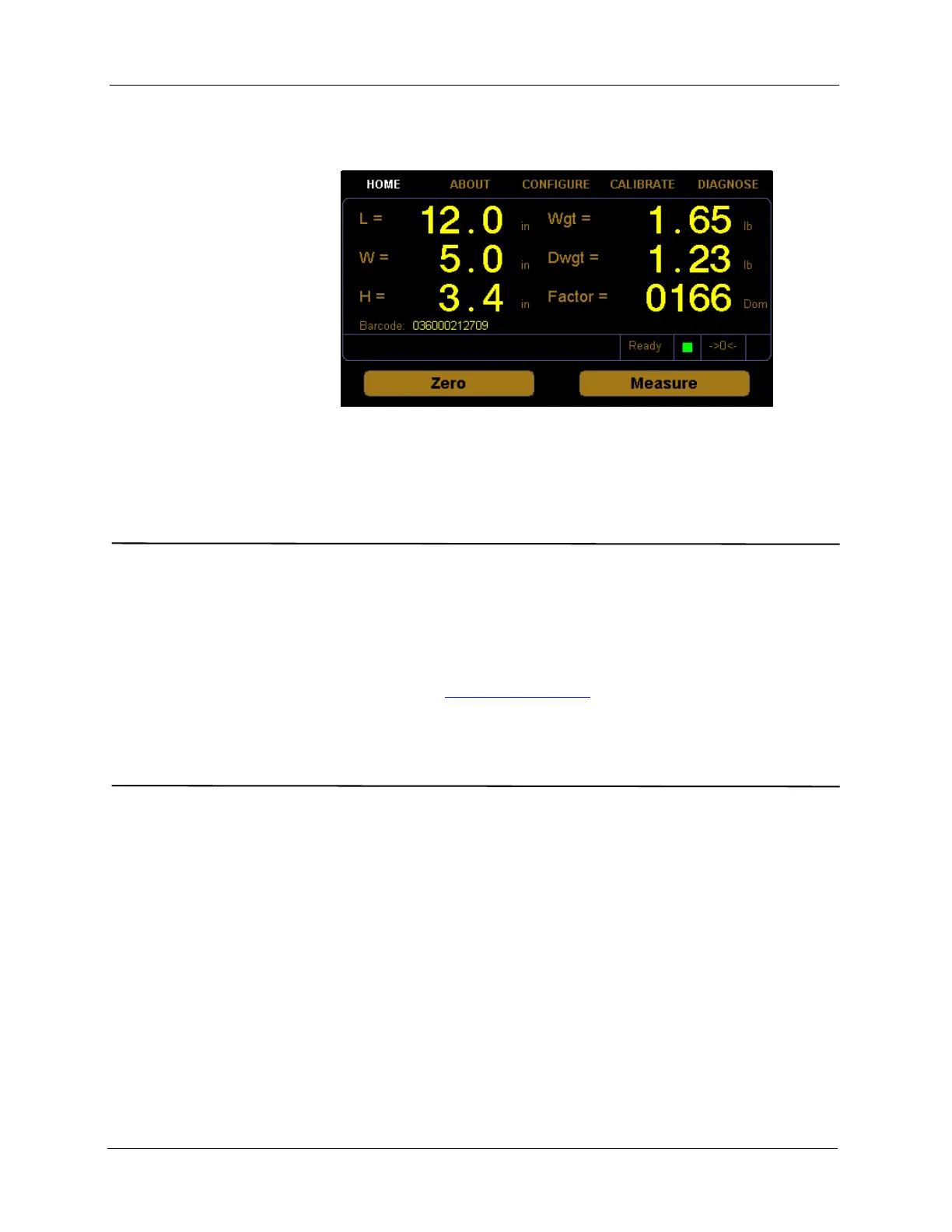
A new barcode field will appear on the home screen and the barcode data
will be included in the data packet.
Installing Qbit (Optional)
A CD-ROM is available containing the Qbit software program, which can be
used to operate the CubiScan 110-T.
The Qbit User Guide, located on the CD-ROM, provides instructions for
installing and using Qbit. You can also download the user guide from the
Quantronix website at www.cubiscan.com
.
Setup Checklist
Before using the CubiScan 110-T for the first time, verify the following:
• Have the CubiScan 110-T and the computer (if applicable) been placed
in the proper operating environment? (page 8)
• Has the CubiScan been fully assembled? (page 9)
• Have the sensor cables been connected to the sensors? (page 6)
• Has the back panel been secured? (page 6)
• Have the shipping bolts been adjusted? (page 7)
• Has the base of the CubiScan been leveled? (page 8)
Figure 11
Home Screen Barcode Enabled



 To Next Page