Troubleshooting About
CubiScan 110-T 44
SN This field displays the Serial Number (SN) of the CubiScan.
MDMI This field displays the Multiple Dimensional Measuring Instrument
(MDMI) status. This status can either be sealed or unsealed.
NAWI This field displays the Non-Automatic Weighing Instrument (NAWI)
status. This status can either be sealed or unsealed.
Firmware The fields listed under the firmware heading list the firmware being used
for that specific part. Firmware information is displayed for the main, scale,
kernel, left sensor, top sensor, and right sensor.
Scale-Audit
This section discusses the options available on the scale-audit menu.
Complete the following steps to access the scale-audit menu.
1. Tap
ABOUT at the home screen.
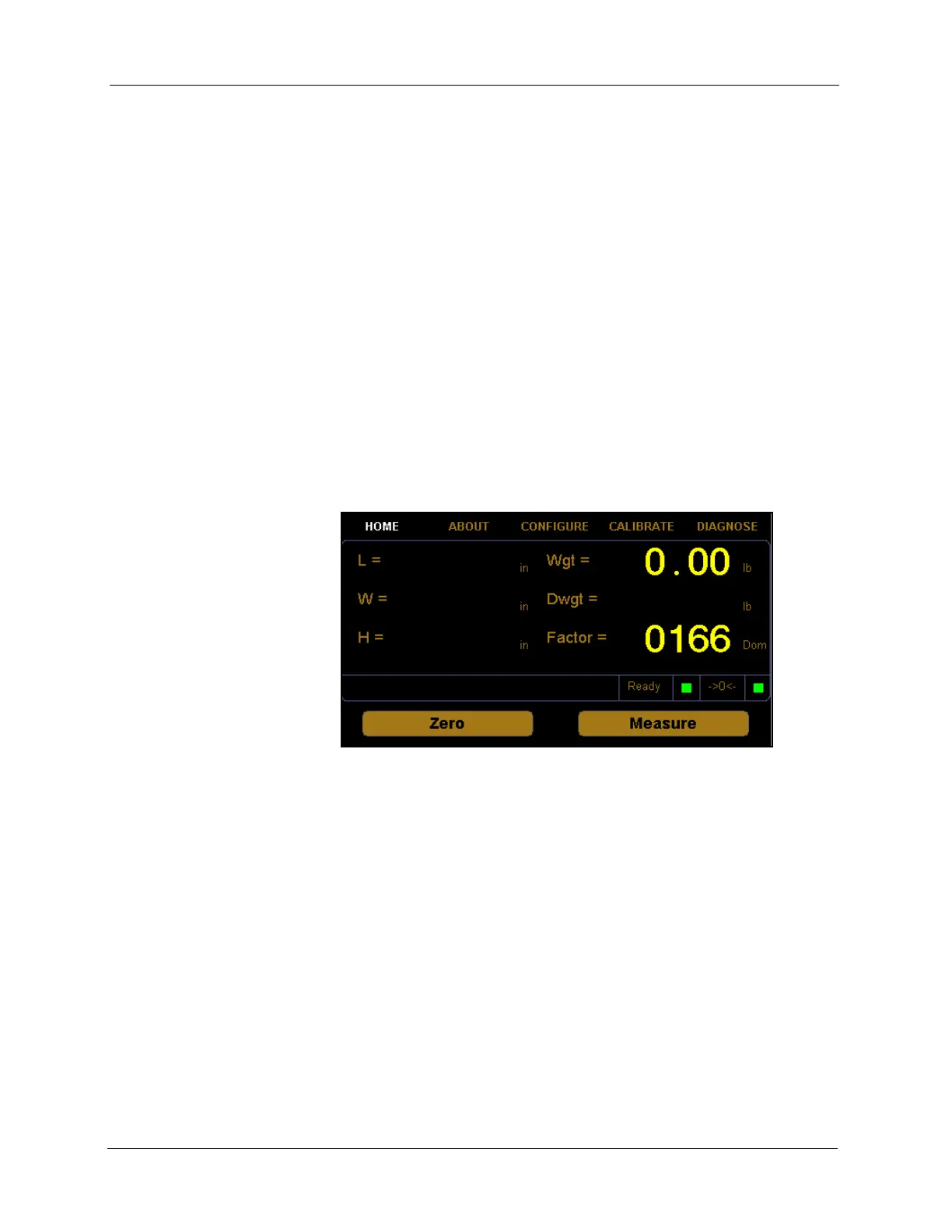
Figure 40
Home Screen



 To Next Page