COMPUTER INTERFACE
5-21
5.6.2 View Logged Data in Text Mode
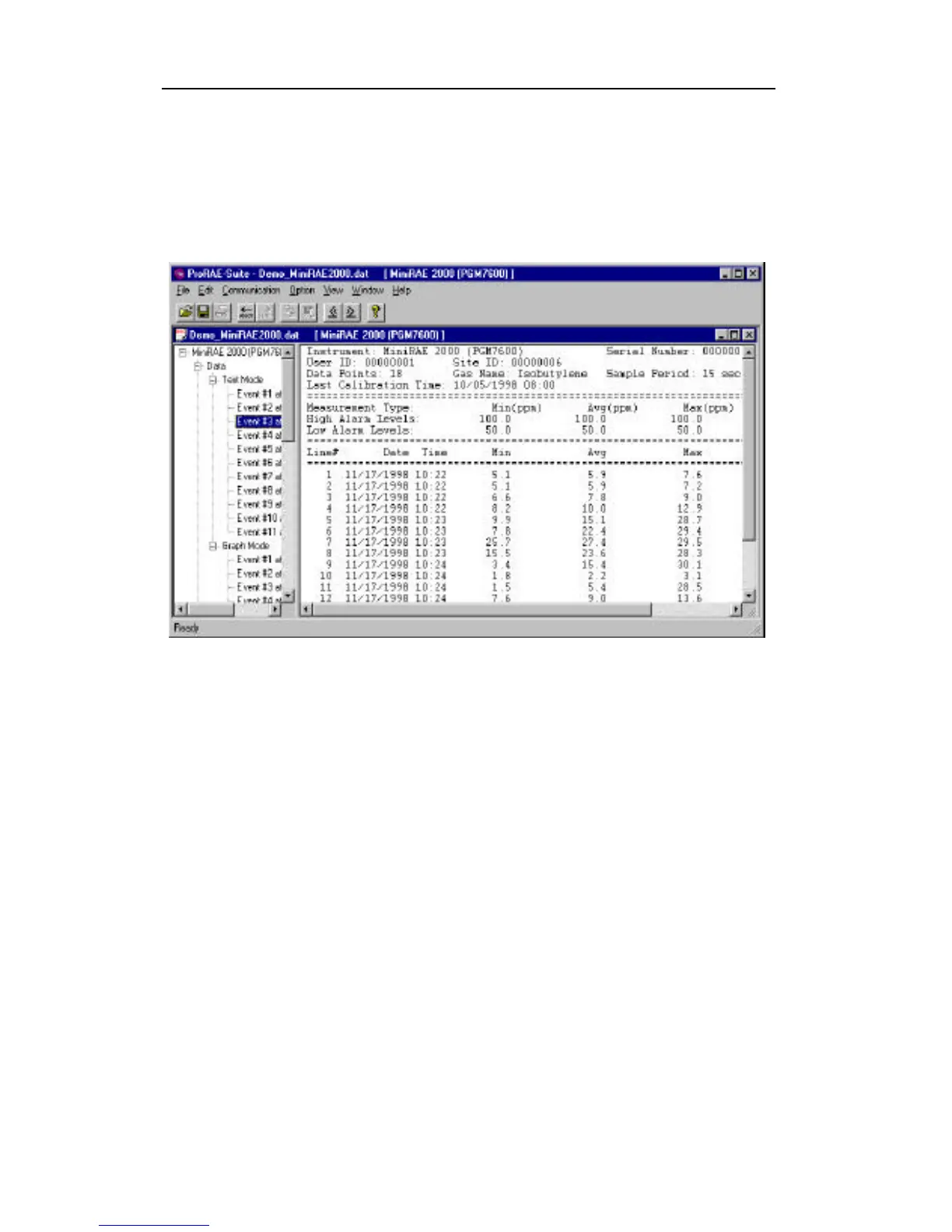
Once the user opens a data file or receives the logged data
from the instrument, a data window appears, as shown in
Figure 5-8.
Figure 5-8 Displayed Logged Data
The data window is a two-pane client window. The left
pane is a tree view that lists all the display formats of
each event, and the right pane displays the information
according to the display format and the event the user
selected on the left pane. To select any display format of
any event, simply click the format item on the left pane.
To view the next event or the previous event, click the
Next Event (double right arrow) or the Previous Event
(double left arrow) toolbar buttons. The user can also drag
the splitter bar between the left pane and the right panel to
the left or to the right to enlargen a pane as desired.



 To Next Page