COMPUTER INTERFACE
5-2
5.1 Installing ProRAE-Suite Software
The ProRAE-Suite software package is available on 3.5”
setup diskettes or can be downloaded from the website
www.raesystems.com. To install the ProRAE-Suite
software from a diskette, insert the first setup diskette into
the “A” or “B” floppy disk drive. Click the Start button
on the taskbar to display the start menu, then click the
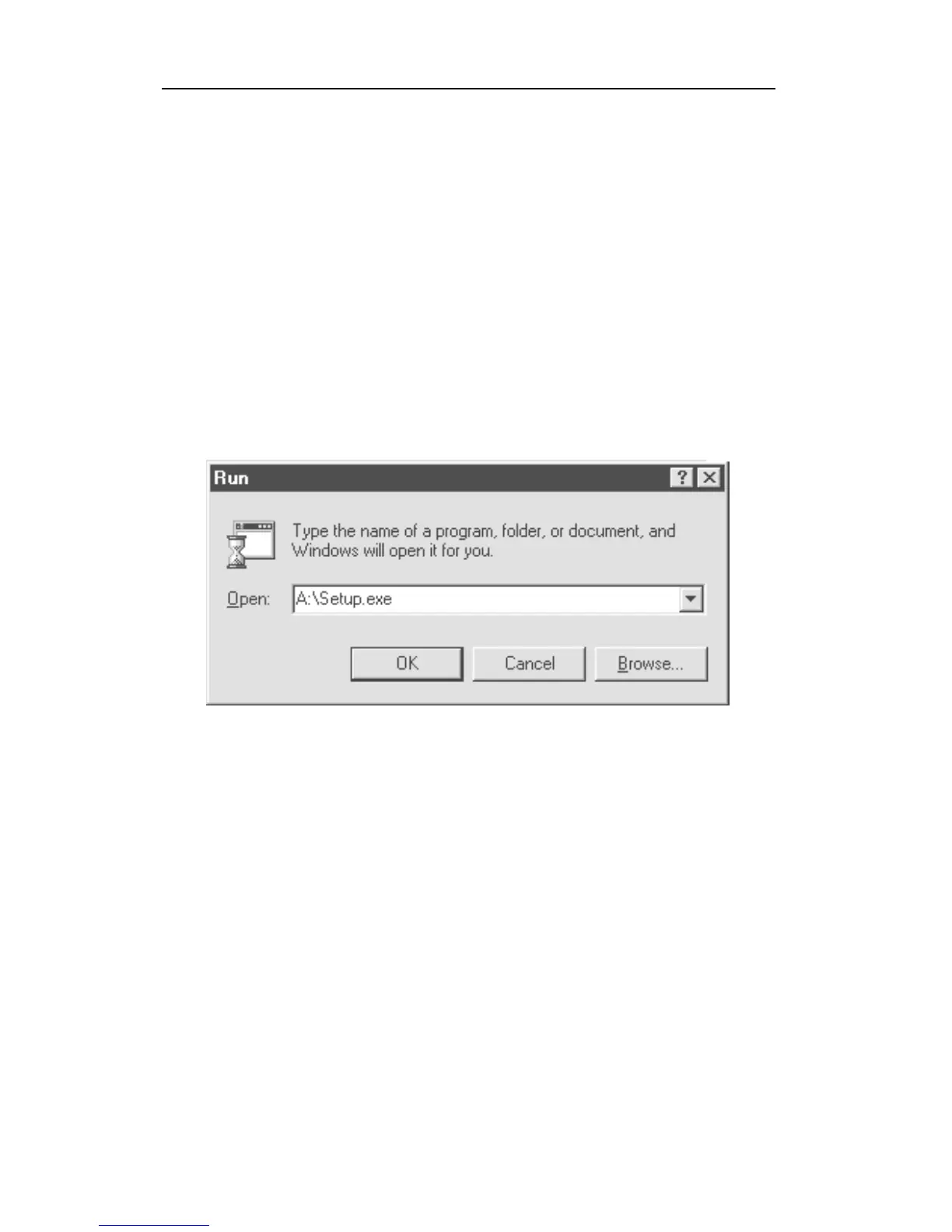
Run from the start menu to display the Run dialog box.
If the setup diskette is in disk drive A, type A:\Setup.exe
in the Open field, as shown in Figure 5-1.
Figure 5-1 Run Dialog Box
Press the Enter key on the keyboard or click the OK
button on the Run datalog box to start the setup process.
If the user chooses the default settings in every step of the
process, the ProRAE-Suite software will be installed
under the default directory: C:\Program Files\RAE
Systems Inc\ProRAE-Suite. After the software is
installed successfully, a new menu item ProRAE-Suite is
added to the Programs menu. To start the ProRAE-Suite
software, click the Start button on the taskbar to display
the Start menu, click the Programs menu item to display



 To Next Page