COMPUTER INTERFACE
5-9
5.5.1 Editing the Configuration Data
There are two different sources of the configuration files.
One is loaded from the unit, the other is from a
configuration file previously saved on the PC.
To load and review the configuration of the monitor:
From the main menu of the ProRAE-Suite software,
select the Receive Configuration… menu item from the
Communication dropdown menu, then click the OK if
the unit is connected to the communication port and
ready.
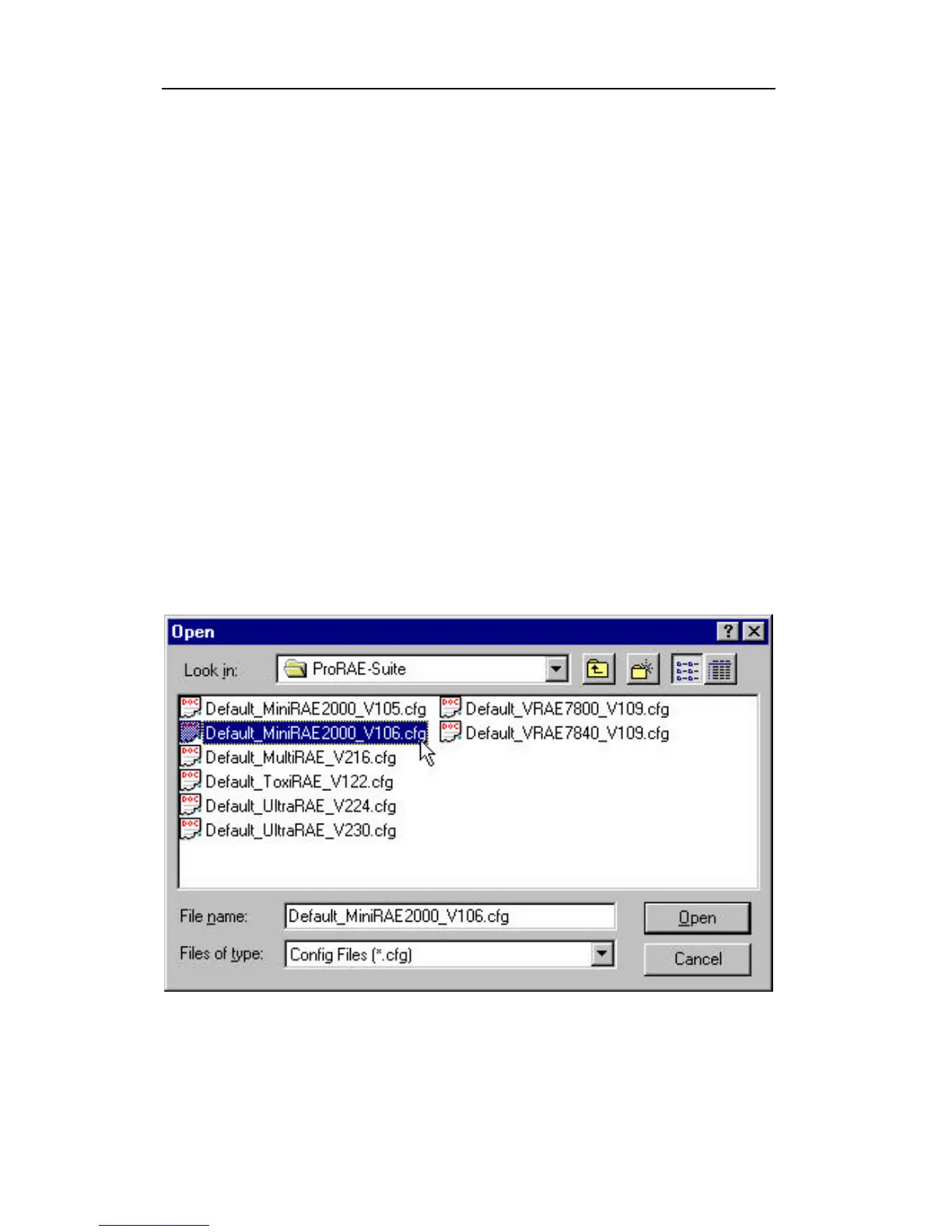
To load a saved configuration file: From the main
menu, select Open from the File… dropdown menu, a
dialog box appears. Select the “Files of type:” to Config
Files[ *.cfg], as shown in Figure 5-5.
Figure 5-5 Open Dialog Box



 To Next Page