COMPUTER INTERFACE
5-24
5.6.4 View Summary Information
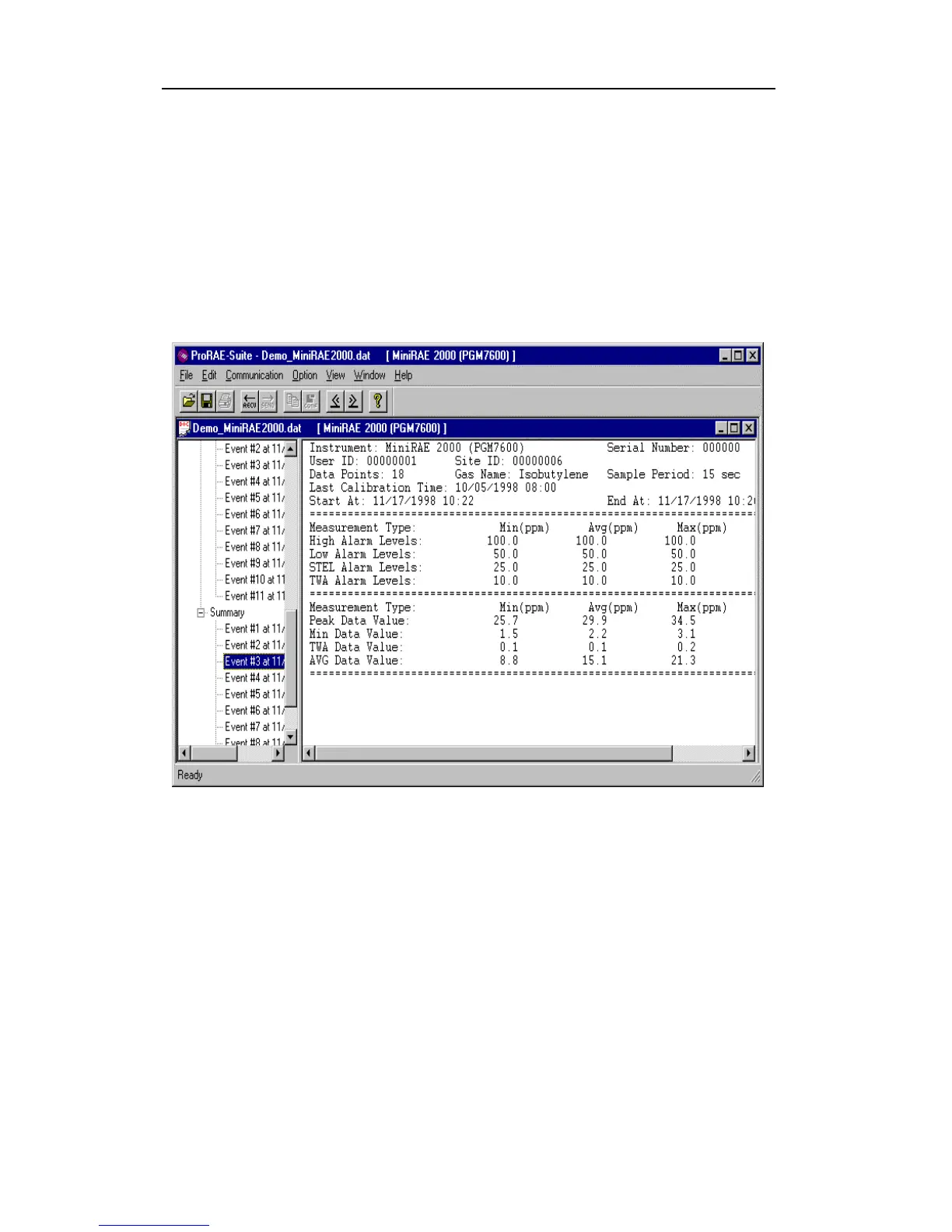
To view the summary information of any event, such as
peak value and minimum value, click the event number
item under the tree item Summary in the left pane The
right pane displays the summary information of that
event, as shown in Figure 5-10.
Figure 5-10 Summary Information of the Logged
Data



 To Next Page