COMPUTER INTERFACE
5-5
5.3 Start ProRAE-Suite Software
To start the ProRAE-Suite software, click the Start
button on the taskbar to display the Start menu, then
click the Programs -> ProRAE-Suite -> ProRAE-Suite
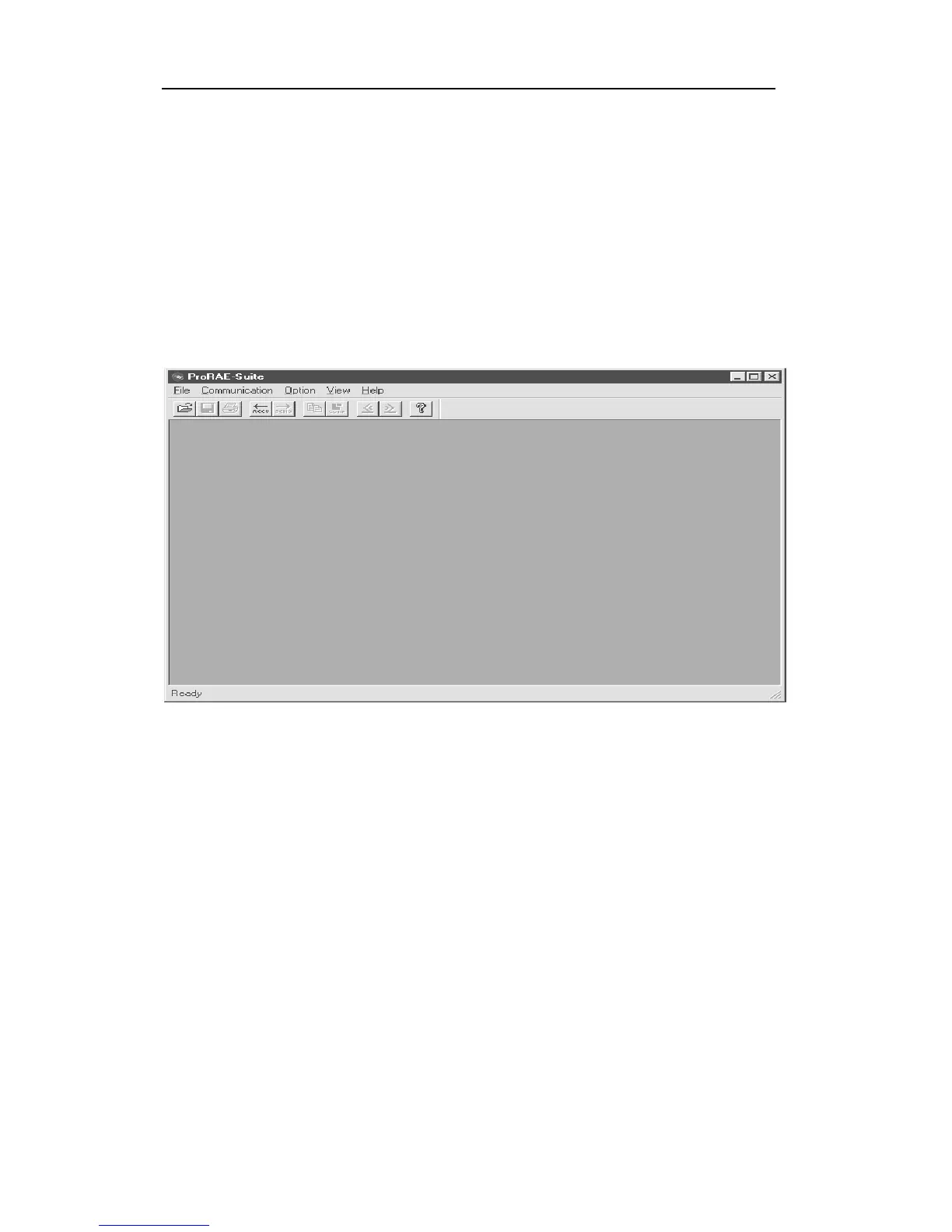
submenu item to start the ProRAE-Suite software. Figure
5-3 shows the main window of the ProRAE-Suite
software.
Figure 5-3 ProRAE-Suite Main Window
The functions of the ProRAE-Suite software can be
divided into three categories:
1) Configuration data category. This category includes
editing the configuration data file, sending the
configuration data to the MiniRAE 2000 monitor and
receiving the configuration data from the MiniRAE
2000 monitor, etc.
2) Logged data category. This category includes
receiving logged data from the MiniRAE 2000
monitor, displaying logged data in different format,



 To Next Page