COMPUTER INTERFACE
5-32
5.7 Installing Datalog Capability
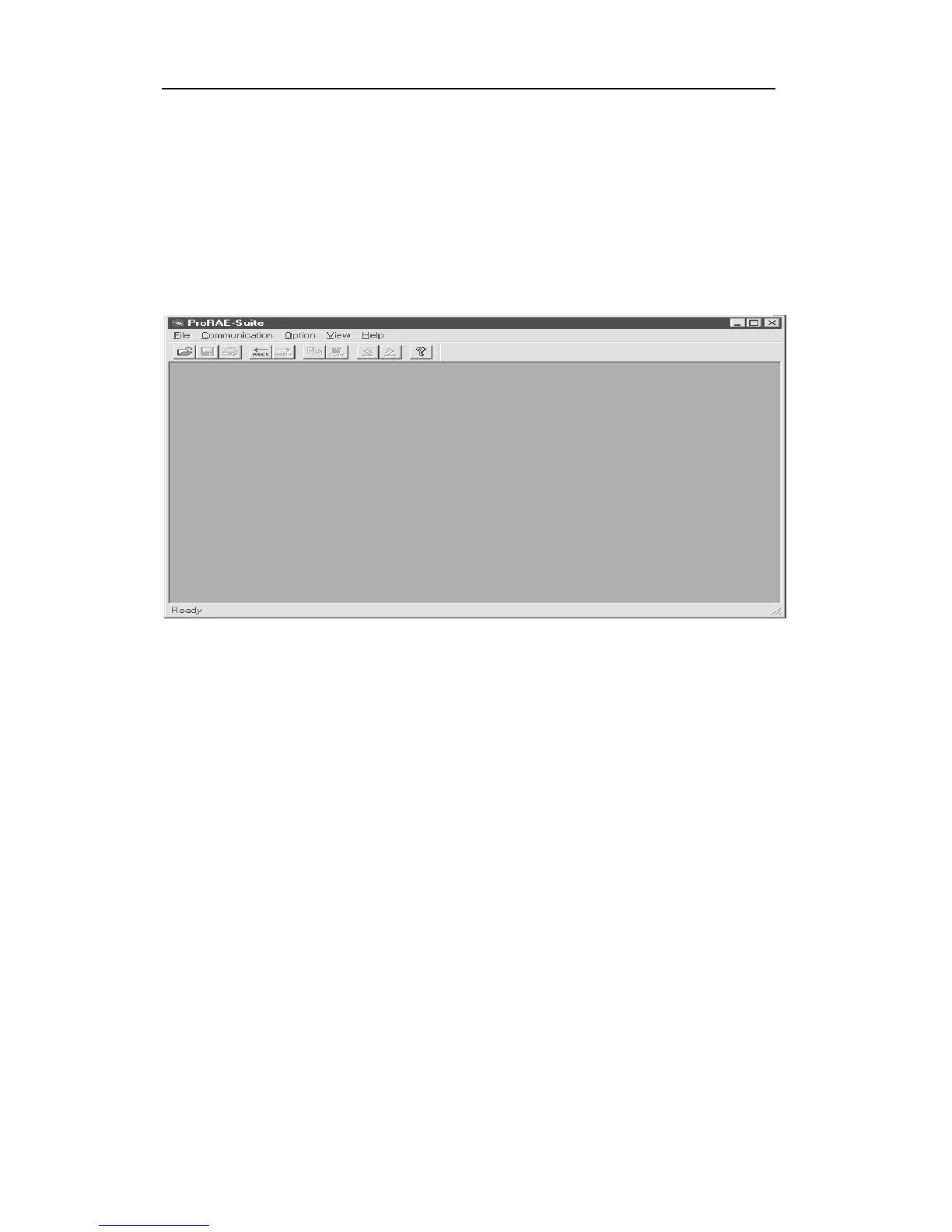
To upgrade to datalogging capability, open the ProRAE-
Suite software. Do not open any configuration file or
data file, so the ProRAE-Suite software has no client
window open, as shown in Figure 5-14.
Figure 5-14 Main window of ProRAE-Suite
Click the Option -> Enable Datalog menu item, and a
message box will appear to remind the user to connect the
instrument to the PC through the serial port. After making
the proper connection, click the OK button to start. After
the ProRAE-Suite software made successful contact to
the instrument, a dialog box is displayed, as shown on
Figure 5-15.



 To Next Page