COMPUTER INTERFACE
5-33
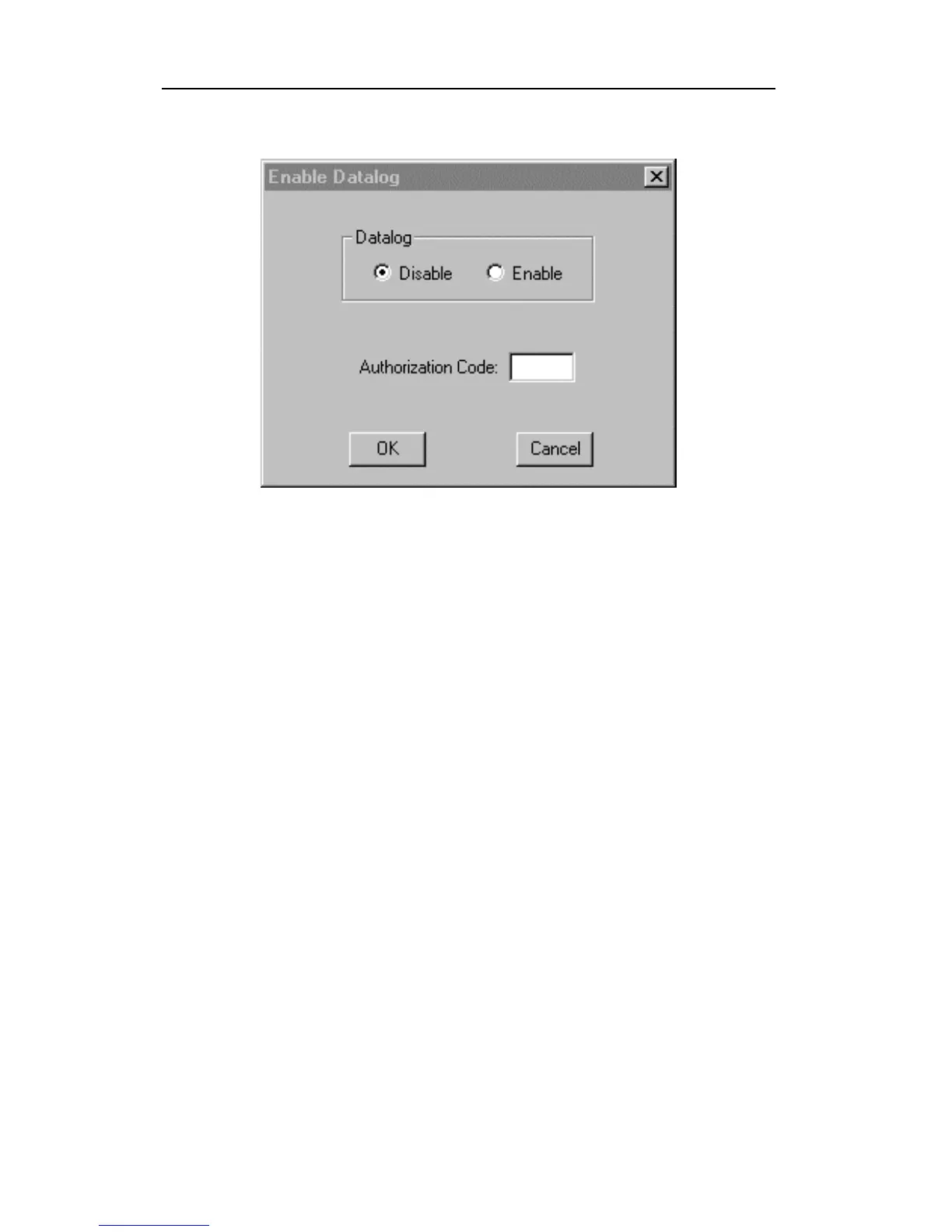
Figure 5-15 Enable Datalog Dialog Box
Figure 5-15 shows that the instrument’s datalog feature is
currently disabled. To enable the datalog capability, click
the Enable button, type the three digit authorization code
in the Authorization Code field, and then click the OK
button to close the dialog box. When the datalog option is
changed, a message box will appear on the screen to let
the user know that the datalog option is successfully
installed. The Authorization Code is provided from
RAE Systems when the datalog upgrade option is
purchased.



 To Next Page