OPERATION
2-8
2.4.1 Survey Mode
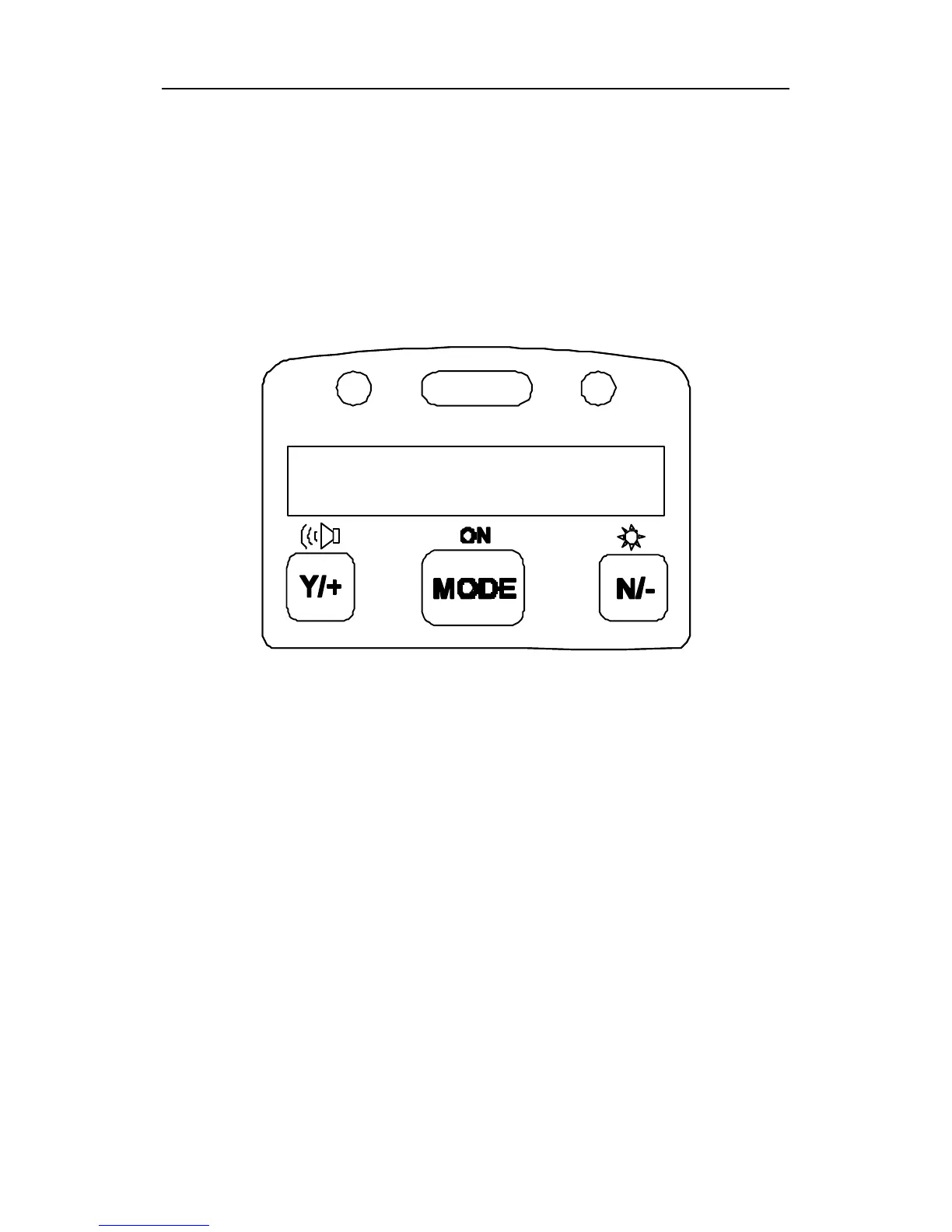
After the monitor is turned on, it runs through the start up
menu. Then a message “Ready..” is displayed (see figure
below). At this point, the user has two options; 1) step
through the operation menu, or 2) take a measurement.
Press the [MODE] key to cycle through the idle operation
menu. The PID sensor and pump are turned off during this
idle operation.
Main operation menu displays include:
• “Ready…”
• Avg reading
• Peak reading
• Run time
• Current battery voltage and shutdown voltage
• Date, time and temperature
• Log on/off?
• PC communication?
• Survey, Site ID and Gas Name
Ready…



 To Next Page