OPERATION
2-9
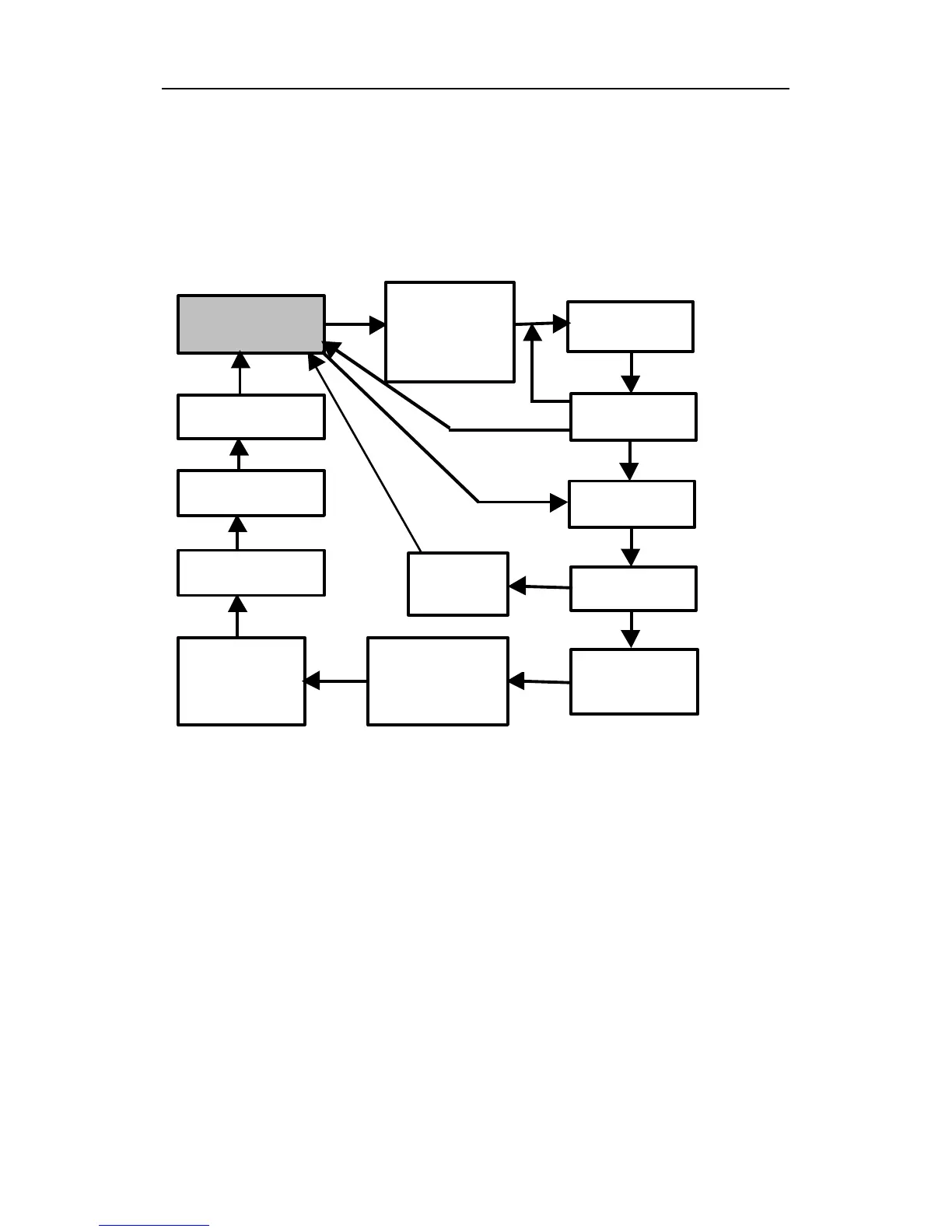
The displays are arranged in a “round robin” order:
To choose a specific display, press the [MODE] key one or
more times until the desired display appears.
SURVEY MODE MAIN MENU
Notes: The Site ID, Gas, Stop? ppm Reading and Stop?
screens are only shown after a measurement has been
started, not during idle operation. The Log On/Off? screen
is not shown when datalogging is disabled. The Ready
screen is skipped if the menu is cycled through while a
measurement is running.
More Details on the Main Operation Menu:
• READY: The monitor is ready to take a measurement.
Press the [MODE] key to advance to the next menu. Or
Press [Y/+] key to start a measurement (read “Taking a
Measurement” on page 2-11 for details).
Ready…
Stop?
Peak 0.0
Run time
00:00



 To Next Page