OPERATION
2-3
2.2 Keys and Display
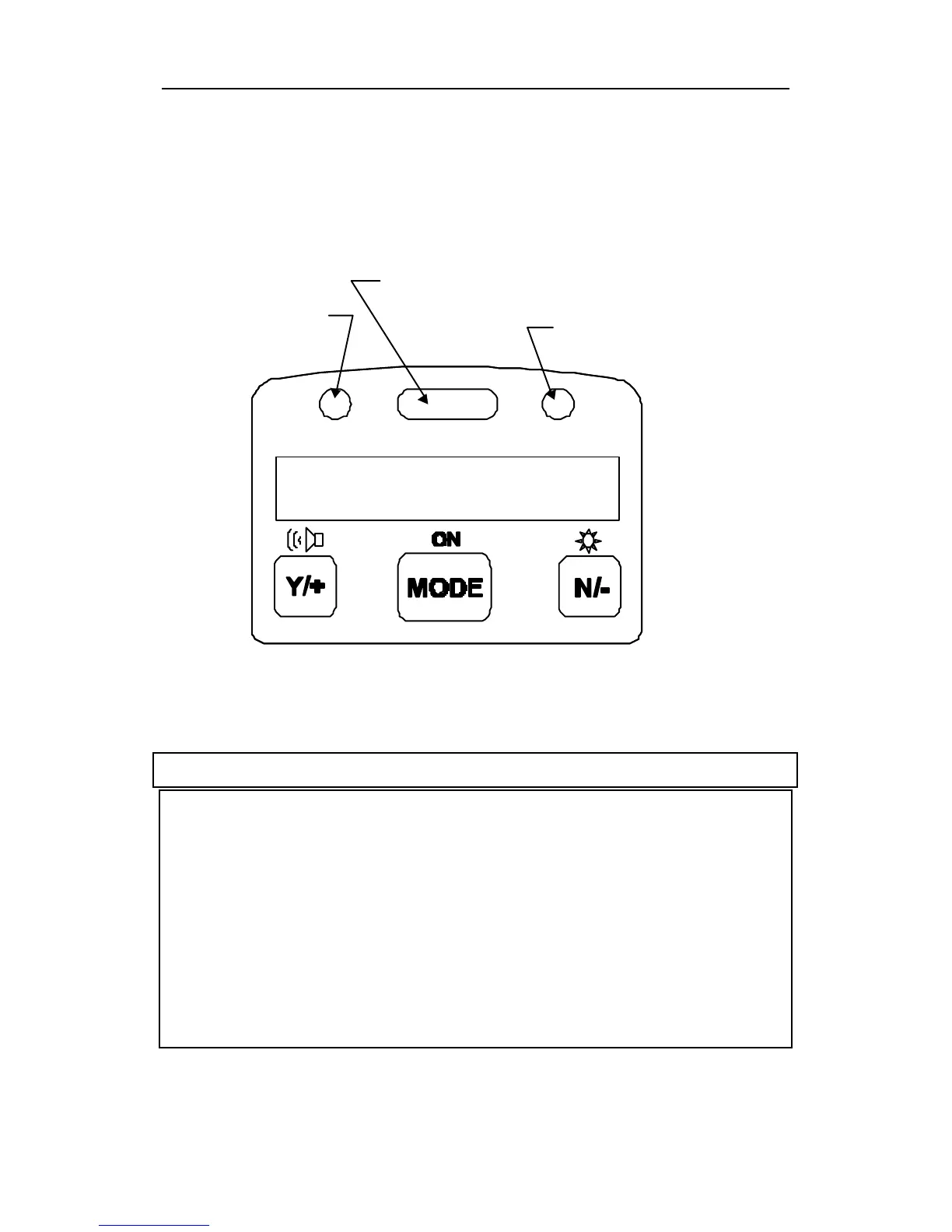
Figure 2.2 shows the LCD display and the keypad on the
front panel of the monitor. The function of the 3 keys
during normal operation are summarized below:
Figure 2-2 LCD Display and Keypad
Key Function in Normal Operation
[MODE] -Turn on/off the power* and step through
menu items
[N/-] -Toggle on/off the back light, negative
acknowledge/decrement value
[Y/+] -Start measurement, positive
acknowledge/increment value



 To Next Page