COMPUTER INTERFACE
5-7
5.4 Setup Communication Port
It is necessary to setup the communication port on the
ProRAE-Suite software so that the MiniRAE 2000
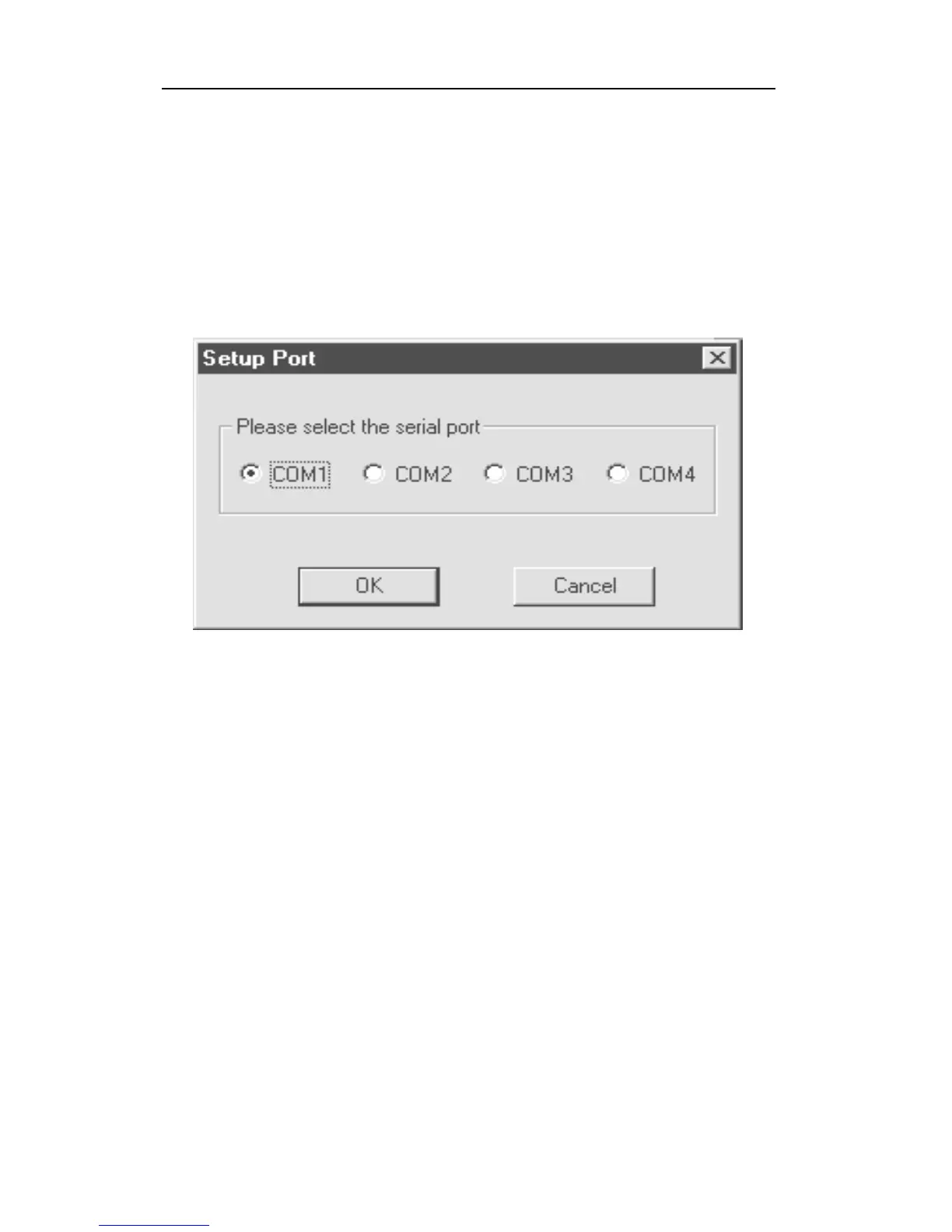
monitor can communicate with the PC correctly. Figure
5-4 shows the Setup Port dialog box. Choose the
appropriate port according to the PC’s serial port setup.
Figure 5-4 Setup Port Dialog
Note: In most PC's, there are two serial ports. Make sure
that the serial port selected in the Setup Port dialog box
matches the actual serial port connected to the MiniRAE
2000 monitor. The default serial port for ProRAE-Suite
is COM1. If the incorrect serial port is selected, an error
message of “error occur during serial port initialization”
will appear when a user tries to communicate between the
PC and the MiniRAE 2000 monitor.



 To Next Page