COMPUTER INTERFACE
5-10
There should be one or more configuration files in the file
list. Each configuration file has a file extension of
“.CFG”. There is one generic MiniRAE 2000
configuration file supplied with ProRAE-Suite software:
Default_MiniRAE2000_V###.CFG, where ### is the
version number of the default configuration file. For
example, Default_MiniRAE2000_V200.cfg means this
file is for MiniRAE 2000 monitor and its version is
V2.00. Choose a configuration file by highlighting the file
name and press the Enter key or click the Open button
on the dialog box.
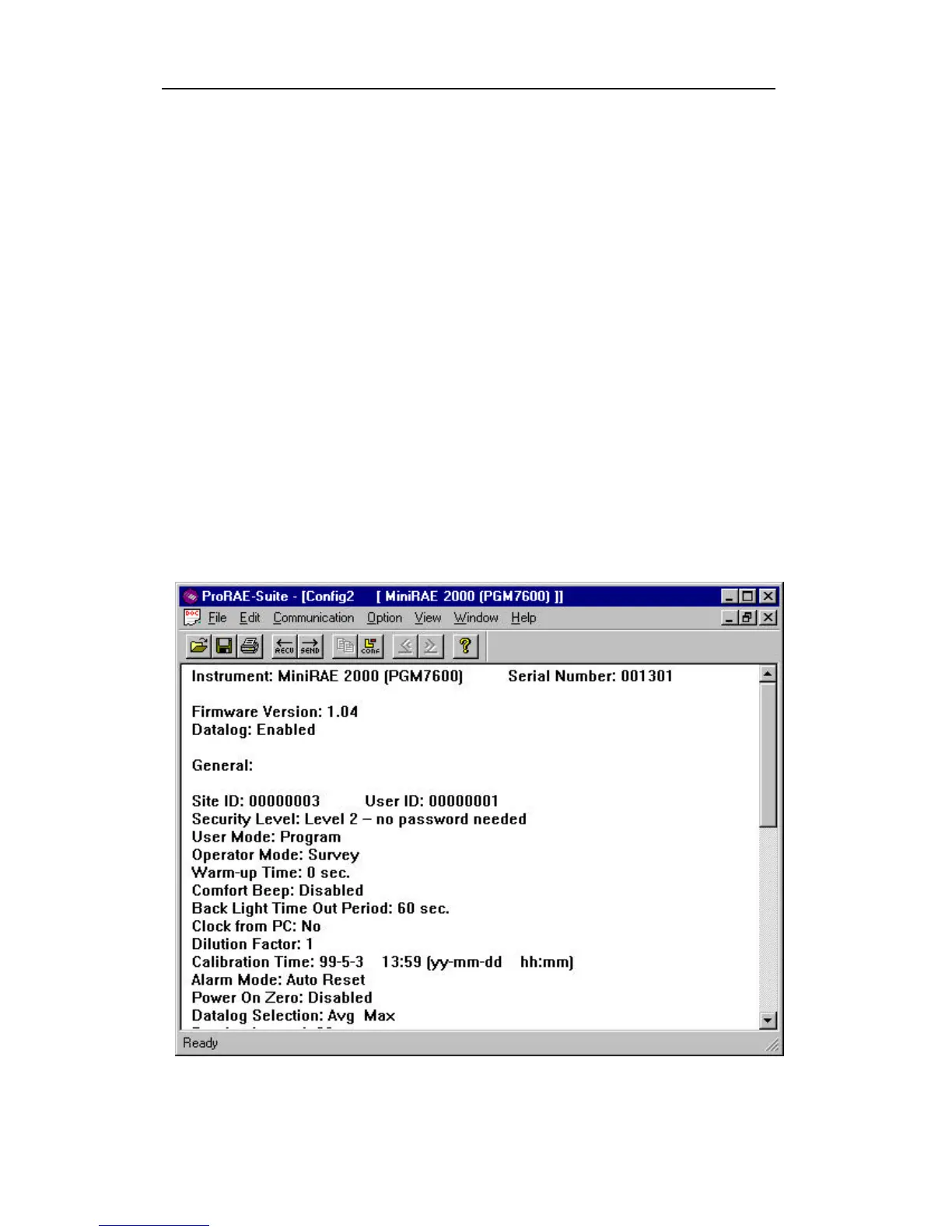
Once the configuration file is open, the configuration data
are displayed in the newly opened client window, as
shown in Figure 5-6.
Figure 5-6 Displayed Configuration Data



 To Next Page