COMPUTER INTERFACE
5-11
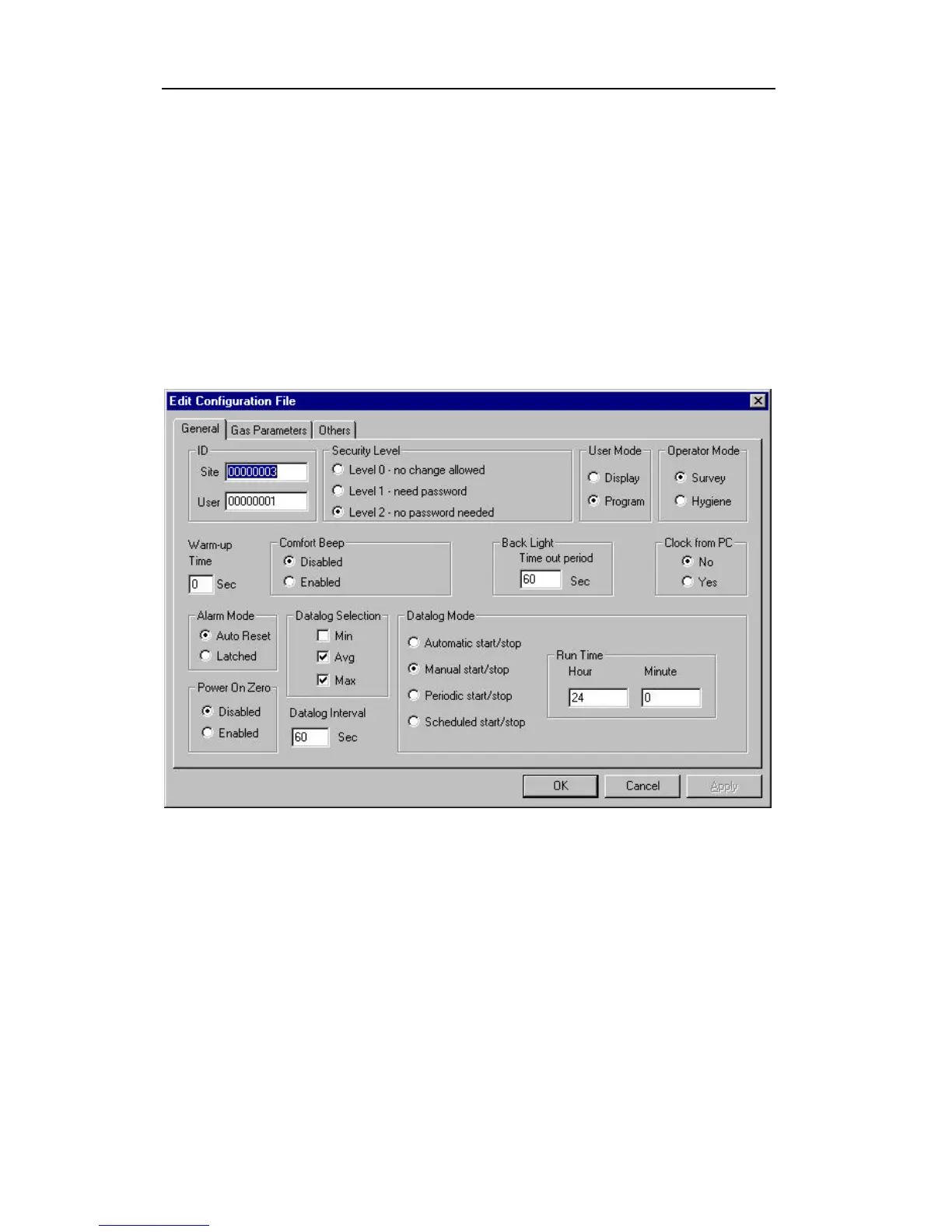
To edit the opened configuration data file, click the Edit -
> Configuration menu item or the Configuration toolbar
button to open the Edit Configuration File dialog box,
as shown in Figure 5-7. After editing the settings, click
the OK button to close the Edit Configuration File
dialog box. The new values of the configuration settings
will be reflected in the client window.
Figure 5-7 Edit Configuration File Dialog Box
The General tab page, which is shown in Figure 5-7,
allows the user to change the general configuration
settings. The following is the description of each field in
the General tab page of the Edit Configuration File
dialog:



 To Next Page