COMPUTER INTERFACE
5-3
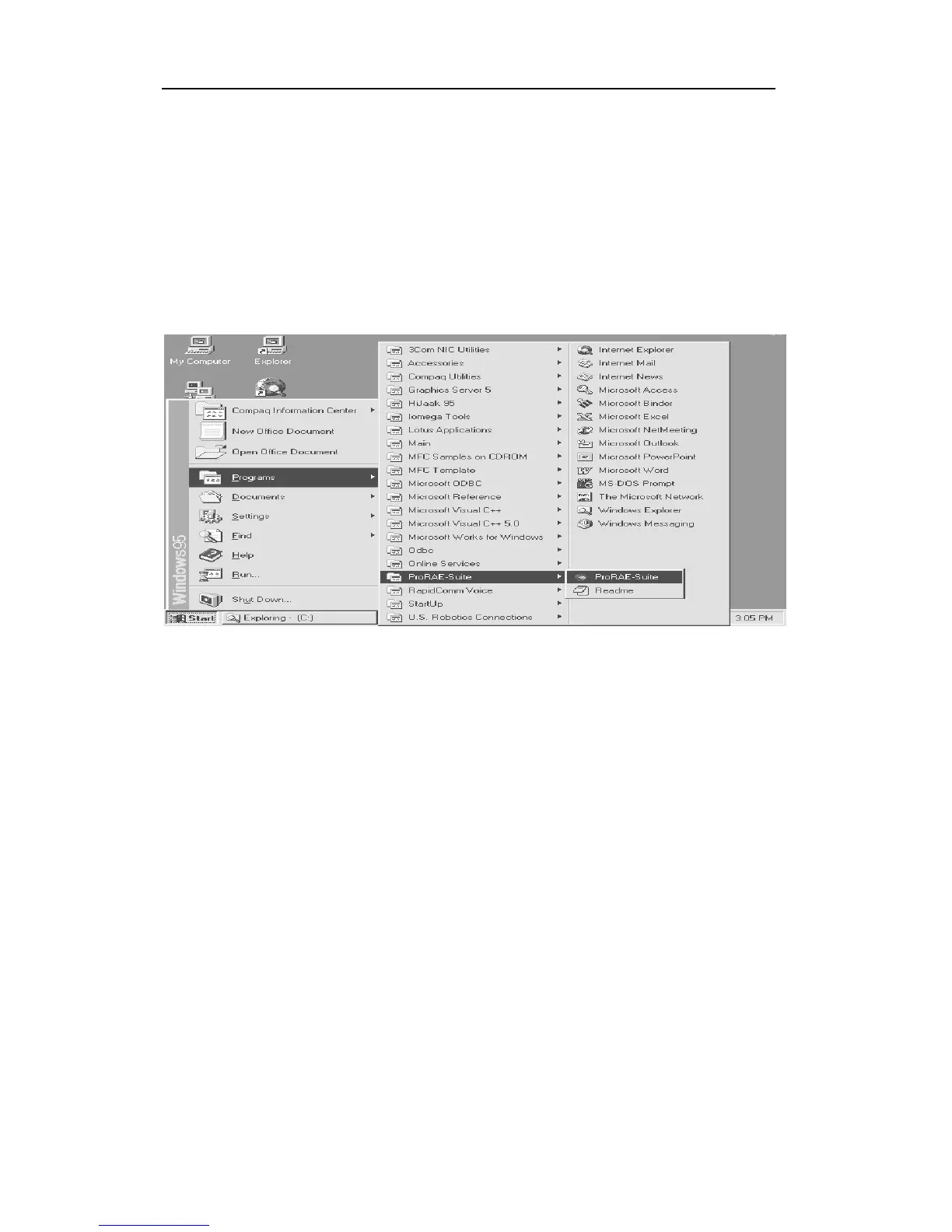
the Programs submenu, then click the ProRAE-Suite
menu item to display the ProRAE-Suite submenu. There
are two submenu items under the ProRAE-Suite
submenu: ProRAE-Suite and Readme, as shown in
Figure 5-2. Click the ProRAE-Suite submenu item to
start the ProRAE-Suite software.
Figure 5-2 Start Menu



 To Next Page