EasyManua.ls Logo

Rae MiniRAE 2000 - Page 27

Rae MiniRAE 2000
147 pages
Print Icon
To Next Page IconTo Next Page
To Previous Page IconTo Previous Page
Loading...
OPERATION
2-14
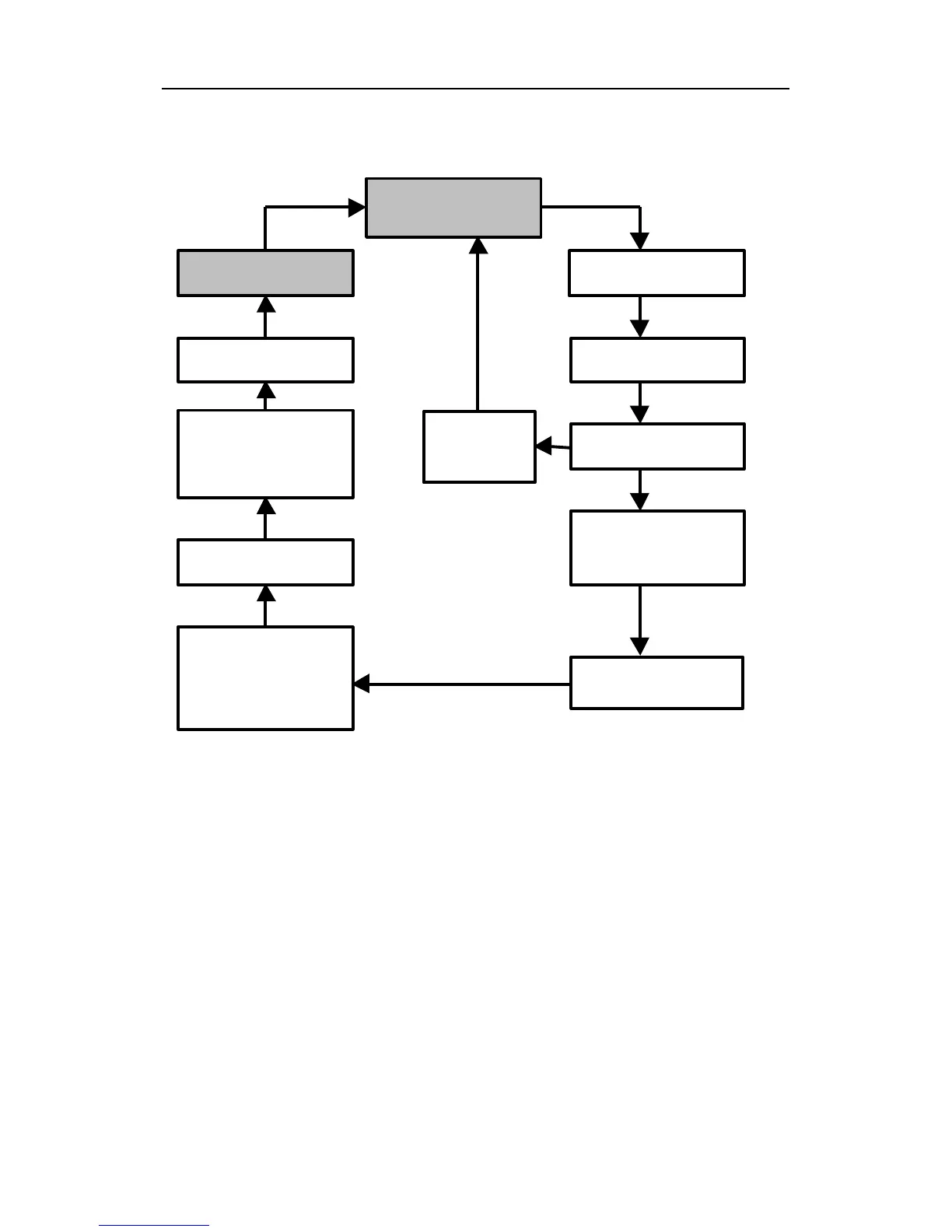
HYGIENE MODE MAIN MENU
To choose a specific display, press the [MODE] key one or
more times until the desired display appears, or the [Y/+]
key where indicated with a Y.
Note: To get back to instantaneous reading from any of
the above display, press [MODE] key repeatedly until the
“XX.X ppm” display appears.
XX.X ppm

STEL 0.0
Run time
00:00
Bat = 4.8V
Peak 0.0
Hygiene
PC Comm?
Gas =
XXXXXXXX
Log On/Off?
11/18/98
11:20
T=70F
Reset
Peak?
Y
Y
MODE
MODE
MODE
MODE
MODE
MODE
MODE
MODE
MODE
MODE

Table of Contents

Related product manuals