RAUMED NeuroSmart Instruction Manual
Manufacturer: RAUMEDIC AG, Hermann-Staudinger-Strasse 2, 95233 Helmbrechts, Germany
zwo-541EN Rev 3 / 2022-05-03
Page 31 of 61
If the alarm is activated, the acoustic alarm is deactivated indefinitely. If the physiological signal is again
within the alarm limits, the status “ALARM ACTIVATED” is reset. If the physiological signal again ex-
ceeds the alarm limits, the acoustic alarm is activated.
Any new alarms are displayed, despite the Alarm button having been pressed beforehand, which
means that each new alarm also triggers an audible signal that can only be switched off by pressing the
alarm button again.
The visual alarm display (see Table 14) is not affected by the Alarm button . As long as the alarm
cause exists, the visual alarm is displayed according to the highest existing priority.
In addition, the Alarm button also has an AUDIO OFF function for the active alarm conditions.
Pressing the button for a long time, i.e. for longer than three seconds, activates global PAUSE AUDIO
or global AUDIO OFF. A short press of the Alarm button deactivates the countdown timer. Which
AUDIO OFF function (PAUSE AUDIO or AUDIO OFF) is selected is determined by the operator settings,
see section 3.6.1
A reminder signal can be activated via the operator settings. The reminder signal is generated in the
form of a 0.5 second beep every 2 minutes in the event of ALARM ACTIVATED, AUDIO PAUSED or
AUDIO OFF. The reminder signal is switched on by default.
AUDIO PAUSED:
The system cannot provide any acoustic alarms. Therefore, the user should use this function
with extreme caution.
Global AUDIO PAUSED can also be triggered by pressing the soft key (see Figure 3) in the menu
section. This suppresses all acoustic alarms for a certain period of time or until this key is pressed again.
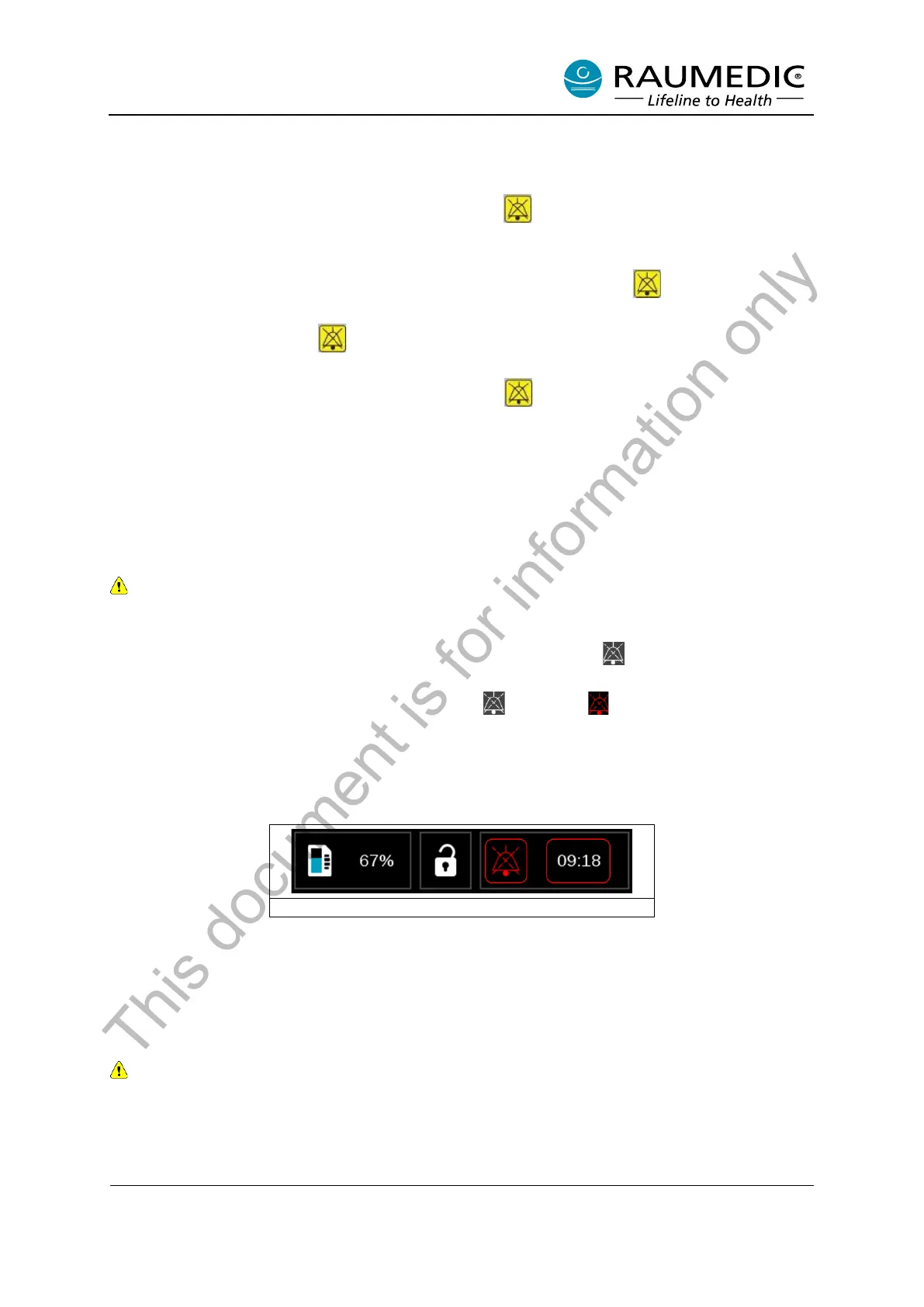
The alarm suppression status is indicated by a dashed (or flashing ) bell icon in the status section
and the countdown timer (see Figure 18, Alarm status.
As long as the countdown timer is active, any new alarms that occur are displayed visually, but acoustic
alarms continue to be suppressed.
Figure 18: AUDIO PAUSED in Info area
The countdown timer, which is located behind the bell symbol in the status area, displays the time re-
maining for AUDIO PAUSED.
The time interval for AUDIO PAUSED is set to 10 minutes by default. You can adjust the time interval
range from 2 minutes to 10 minutes under “Settings” in the password-protected area.
Attention: Readings recorded while AUDIO PAUSED is active are not used to calculate PRx, ORx,
or CPPopt.
This document is for information only



 To Next Page