COPYRIGHT © 2015 RED.COM, INC
RED DSMC OPERATION GUIDE: EPIC/SCARLET
955-0020_V6.0, REV-J | 122
CHECK INSTALLED OLPF (IF YOU HAVE A FIXED OLPF)
If your DSMC has a fixed OLPF (if you do not have the DSMC Interchangeable OLPF system), then your camera
automatically detects which OLPF is installed.
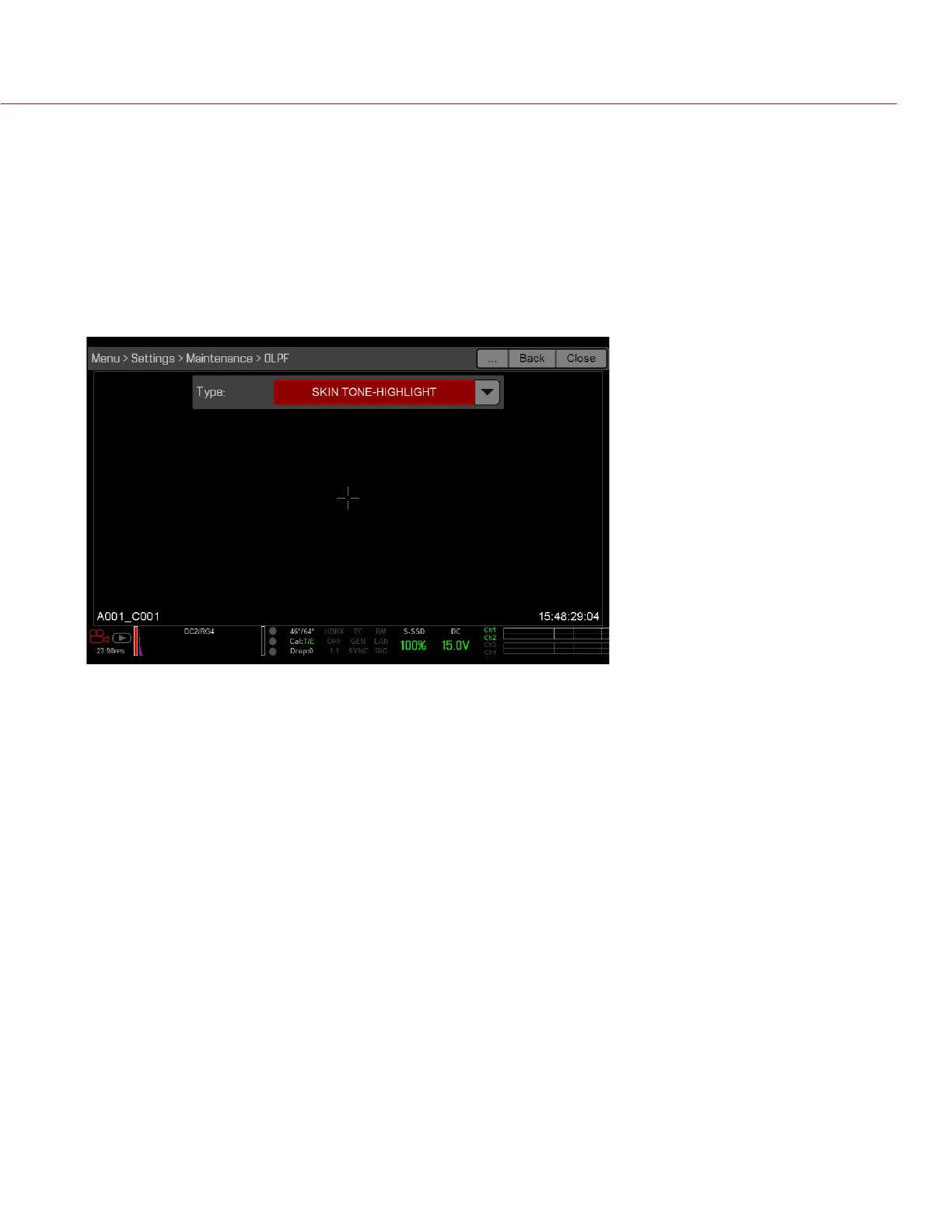
To see which OLPF is installed when you have a fixed OLPF, follow the instructions below:
1. Go to Menu > Settings > Maintenance > OLPF.
The OLPF type displays:
‒ SKIN TONE-HIGHLIGHT: Also known as “OLPF, Version 2”. Currently shipping in new cameras unless oth-
erwise requested.
‒ LOW LIGHT OPTIMIZED: Also known as “OLPF, Version 1”.



 To Next Page