COPYRIGHT © 2015 RED.COM, INC
RED DSMC OPERATION GUIDE: EPIC/SCARLET
955-0020_V6.0, REV-J | 44
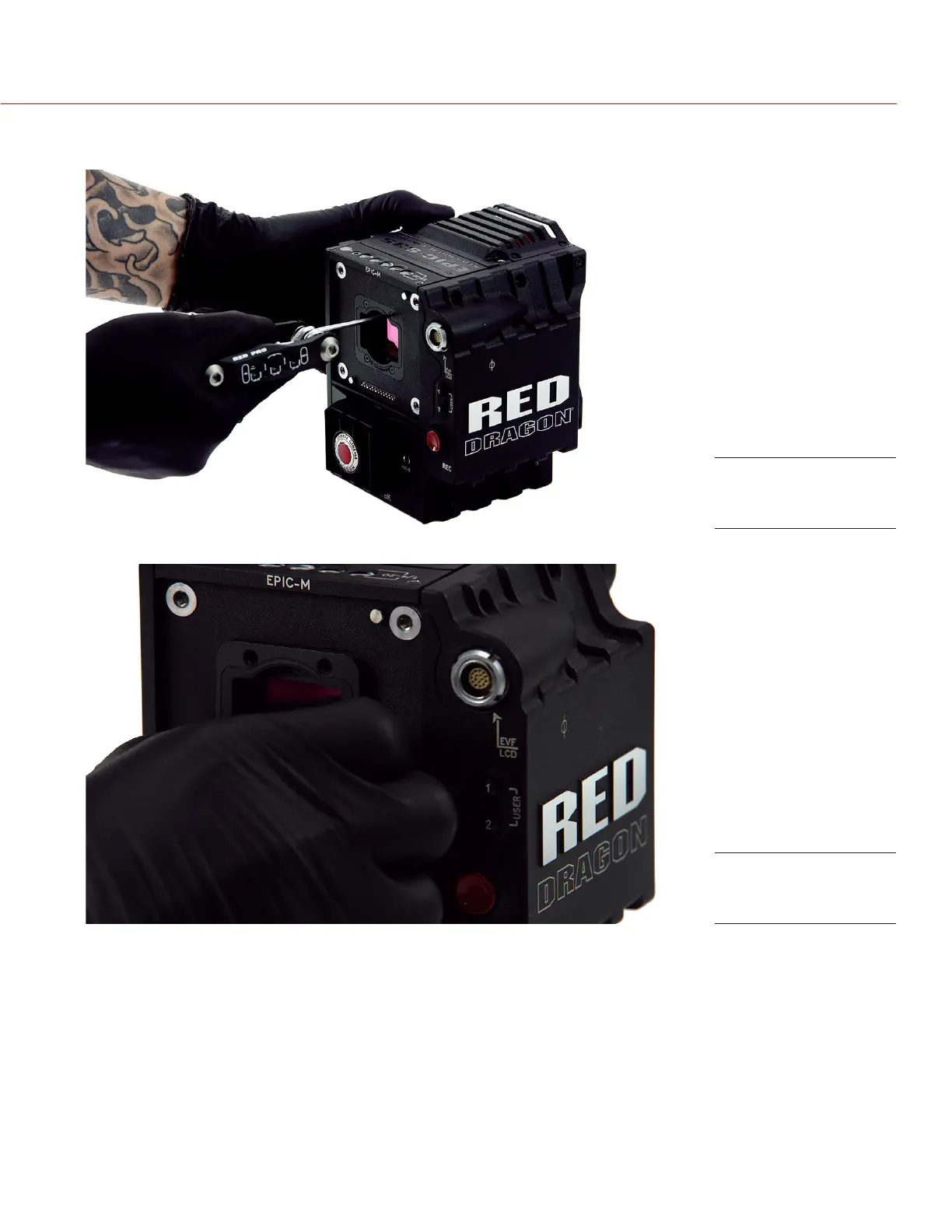
6. Remove the four (4) M2x0.4 x 4 mm OLPF module screws (P/N 600-0224) in a cross pattern (“X” pattern)
using a T6 TORX driver.
7. Remove the OLPF module and place it in its protective case.
Remove OLPF
module screws
Remove the OLPF
module



 To Next Page