Redback Technologies
Installation Manual - Redback Smart Hybrid System - v 2.0
57
Maintenance
WARNING: ELECTROCUTION HAZARD. Lethal voltages may be present. Isolate all sources of power and test
before removing covers.
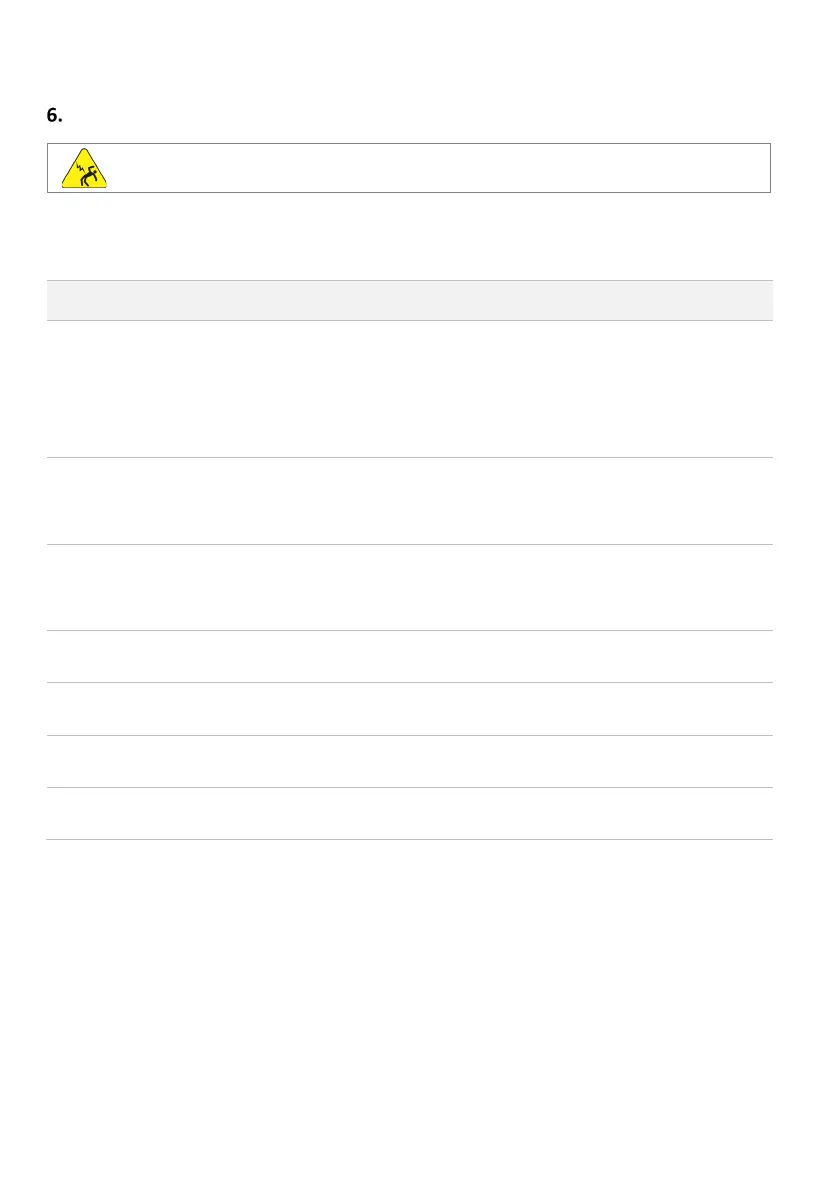
The Redback SH5000 is a low maintenance product. Annual maintenance is required.
Note: Filters, fans and heatsink fins may require more frequent cleaning in dusty conditions.
PERSON
OWNER
enclosure
vents and
filters
Airflow is reduced when dust
accumulates on the vents or the
filter is clogged.
The lower intake vents are more
likely to be affected.
Use a small pry tool to release the
vent covers - gently pry next to the
notches at top or bottom of cover.
Blow or brush the vents clean.
Wash the filter pads in soapy water
and squeeze dry.
Refit all parts ensuring the vents face
enclosure fan
blades
Fan efficiency is reduced when
dust accumulates on the fan
blades.
Remove the Upper Vent Cover and
filter pad.
Gently blow, brush, or wipe off fan
blades. Do not overspeed the fan.
Cabinet may become soiled
Wipe down outside of cabinet with a
just-damp cloth. Immediately wipe
dry with a microfibre cloth.
Do not use cleaning agents as they
heatsink fins
Cooling efficiency is reduced
when dust, dirt or debris
accumulate on the heatsink.
Clean the heatsink fins using a small
brush or compressed air.
connections
Battery efficiency may reduce if
connections or terminals become
Unplug and inspect battery cable
connections. Remove corrosion or
debris. Spray with contact cleaner.
Concealed seals ensure cabinet
water resistance
Remove covers and inspect seals for
hardening, tears, or other damage.
Look for signs of water in cabinets.
and caps
Seals and caps prevent water and
insects entering the inverter or
Remove BoS front cover and tighten
all cable glands and waterproof caps.


 To Next Page