◈ Program description
Once the program is installed, the icon below will be created on the desktop. The description of the icon is as
follows.
◈ Select engraver
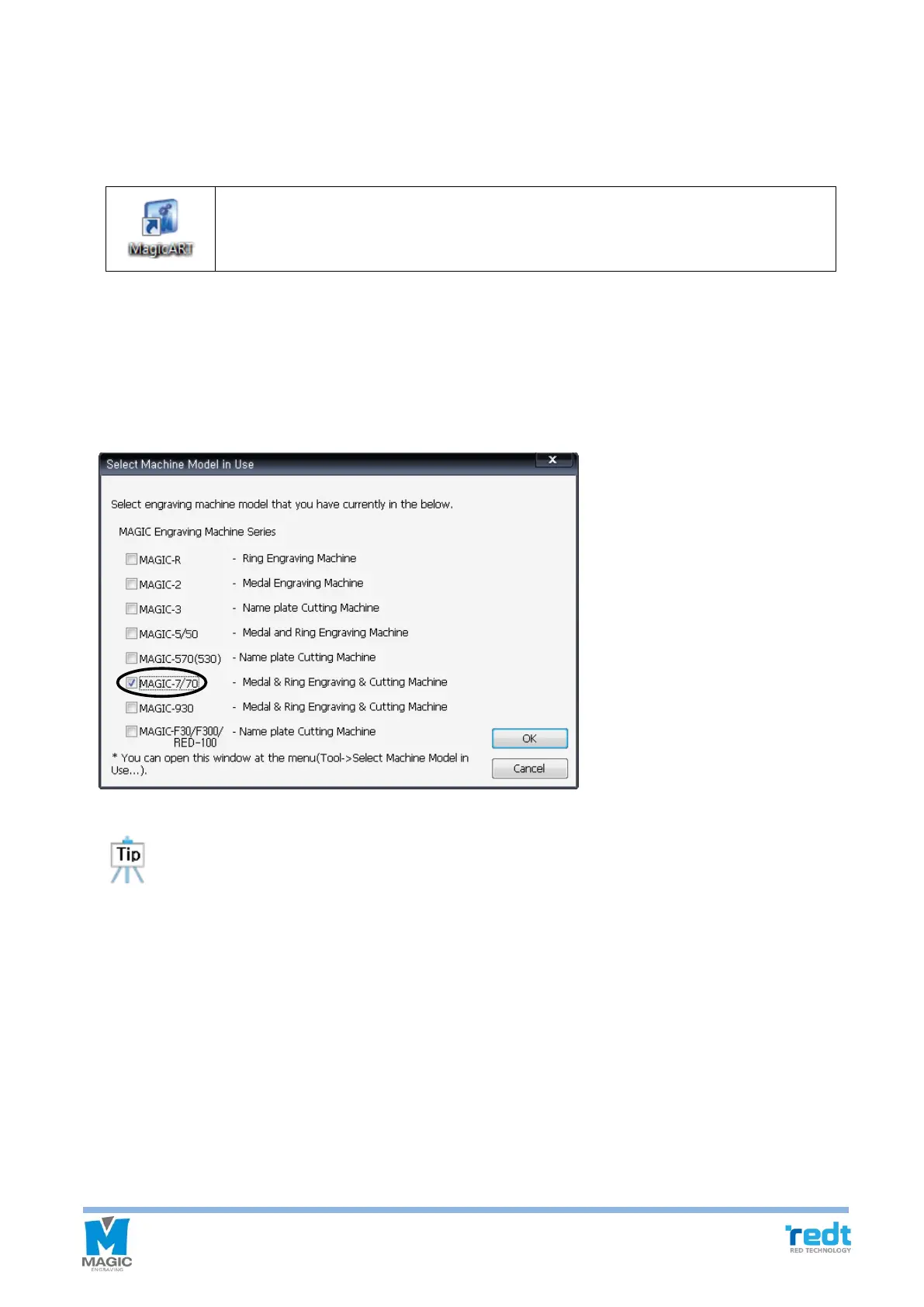
After installing the program, run the magic art program. Then, the engraver selection window appears as below.
(When running the program for the first time after installation)
Select the “MAGIC-70”, and click “OK” button. (Multiple selection available)
The engraver selection window can be opened any time through "Tools→ Select engraver in use..."
from the menu. If necessary, multiple selections with other engravers will be allowed.
This is software for design and engraving with features like engraving contents design,
tool path creating and tool path data transfer.



 To Next Page