Entering Characters placed in a Circle
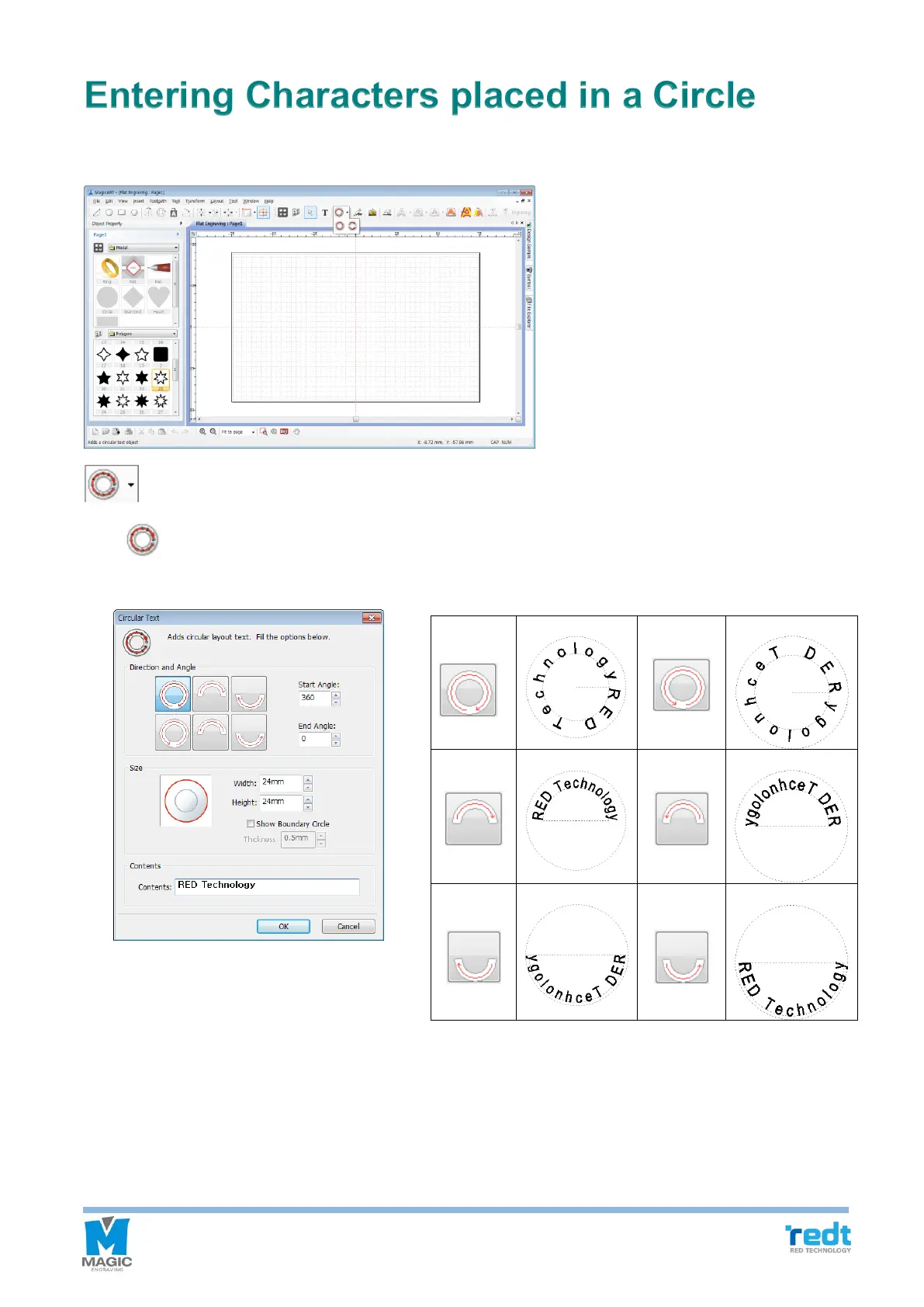
You can engrave by placing characters in a circle on round shape materials. There are two types – circler placed
characters and roundly placed characters in double layer. You can choose either one.
[Circular Text]
Click button to display the characters to be placed in a circle window. Use “Direction and angle” button to
select placement angle, and enter size, height and texts, and click “OK” button.



 To Next Page