Curved Materials Engraving
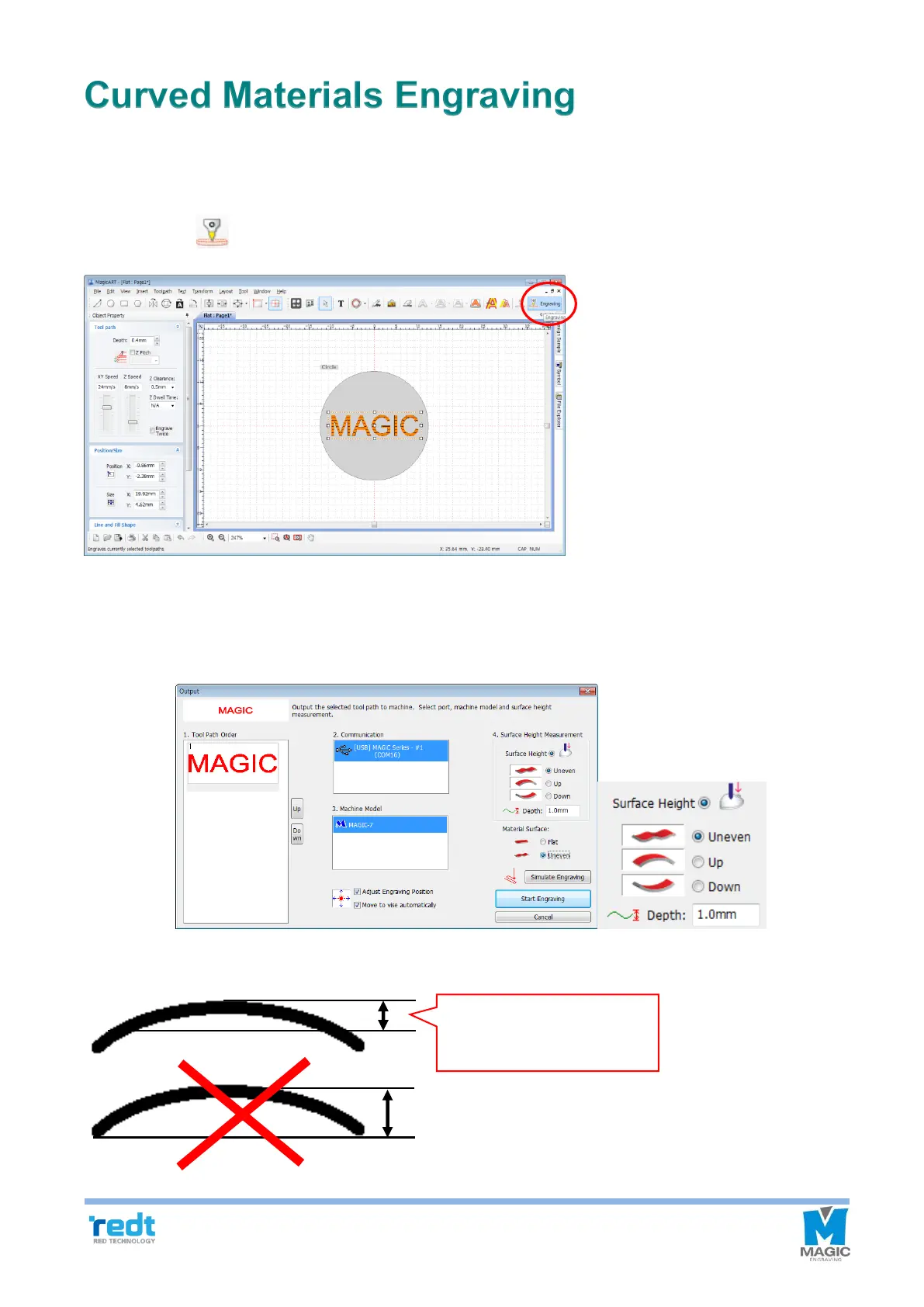
In case of bent materials, it may scratch the surface of materials after engraving lower part.
1. Enter the thickness of curved surface to be engraved to automatically set up the Z moving height. Create a
tool path and Click [Engraving] button.
2. Once “Output” window appears, click a bent part of the material flatness to show various kinds of the bent
material. Select a shape the most similar to that of the material to be used and enter the thickness (thickness
of the area to which the engraving is applied) of the material’s round part before clicking “Start engraving”
button.



 To Next Page