Tool: Endmill Cutter
Clamp: Cutting clamp
Other: Apply cutting oil on the surface of materials to improve engraving
quality and extend the lifespan of Cutter
Character Cutting Process
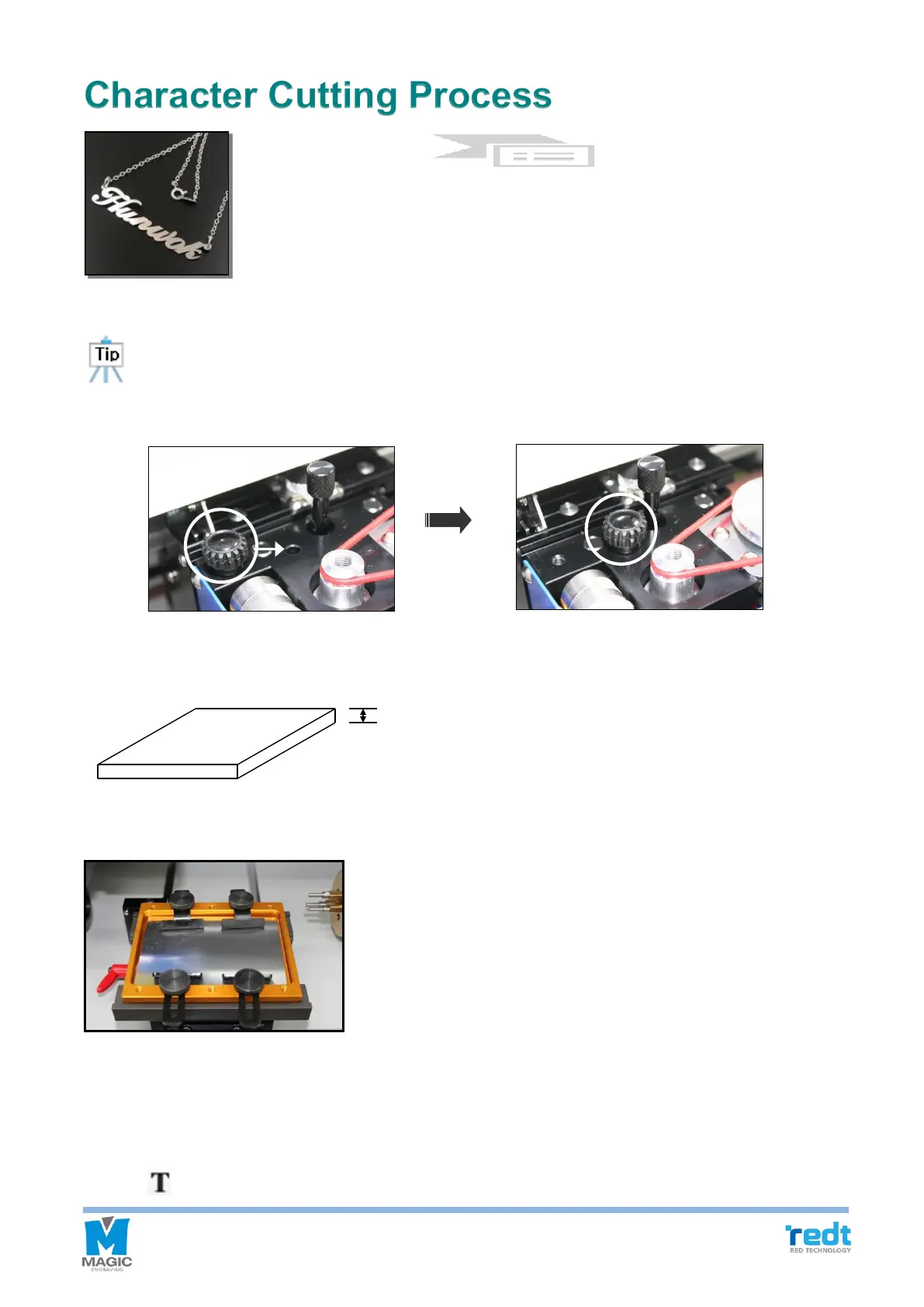
Replace the tool with a cutting tool, and press the tool exchange button to measure the tool depth.
Also, be sure to set the head by tightening the engraver pressure lock. If you do not fix the head,
it may cause uneven engraving depth or damage to the tool.
.
1. Measure the thickness of a material to be cut.
2. Place and fix a material to be cut on the cutting clamp and place and tighten it on the clamp.
3. Press [Text Input] in the toolbar to enter the character input mode, and click the position of the work area you



 To Next Page