[Circular Text(Top/Bottom)]
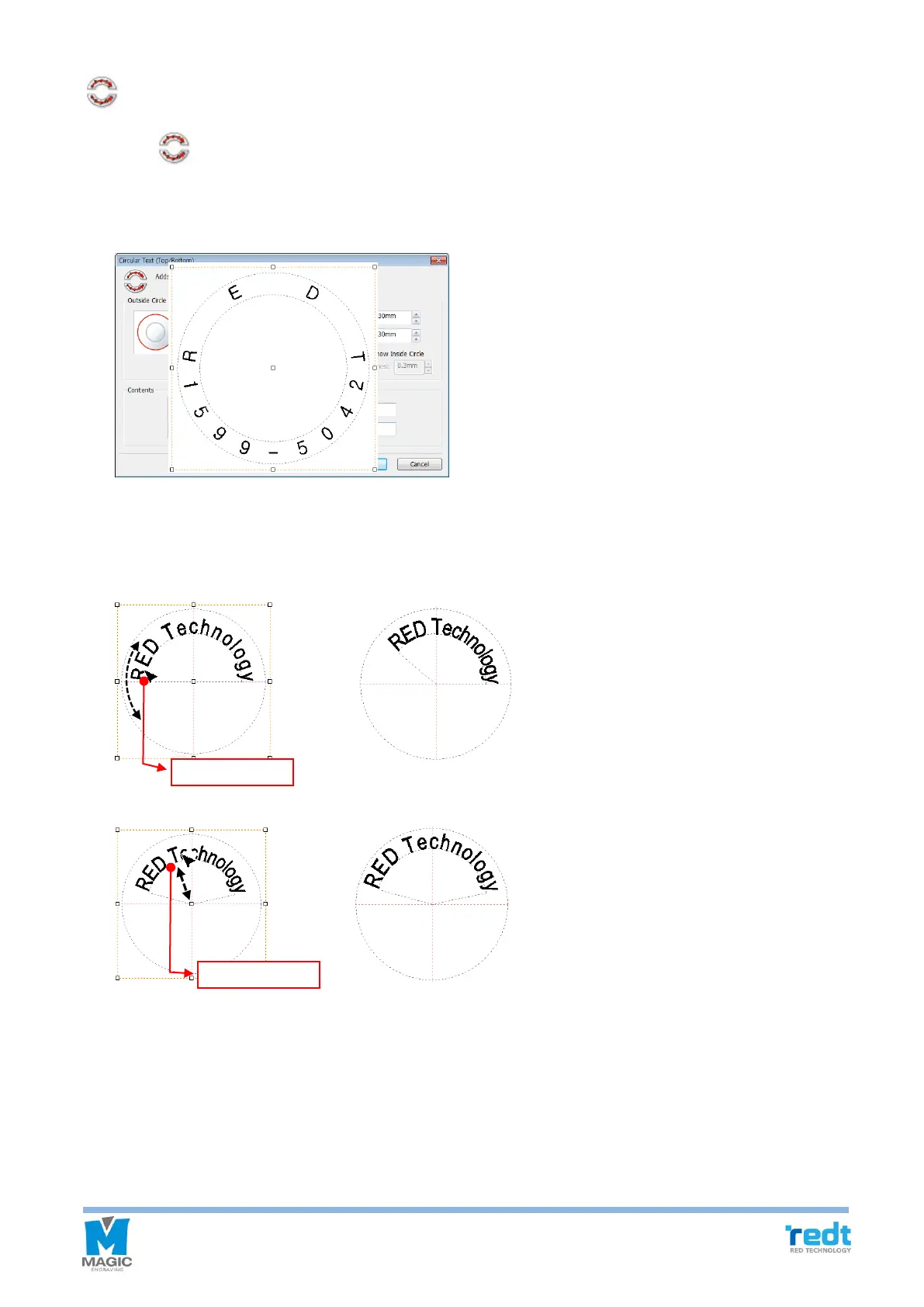
Click button, then characters placed in a circle window appears. Enter the size of outer line and inner
line, and texts, and click “OK” button.
Adjust character angle
Drag the first character [R] or last character [y] in the character string to adjust the angle of character string.
Drag other characters with mouse to adjust the distance to the center of character string.



 To Next Page