[Add template2]
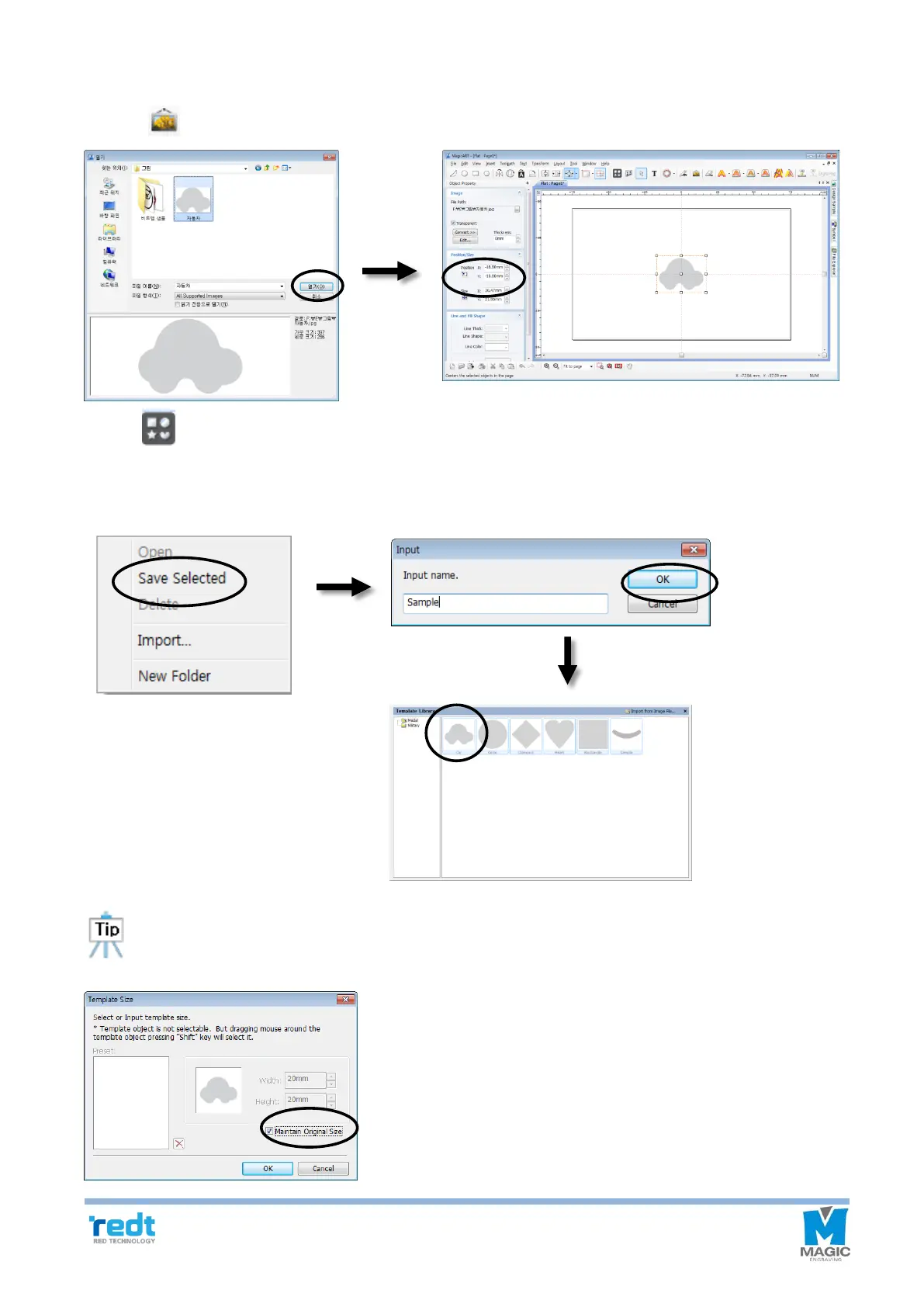
1. Press [Image] button to import a picture file and save the size of image.
2. Click [Template] button to show “Template Library” window.
Click the template list window with mouse right button, and click “Save Selected” button. Enter new template name,
and click “OK” button to add the template to the library.
The template saved in the “Save Selected” menu is saved as designated size to the screen. When
designating template size, check “Maintain Original Size” and click OK button, then the template will be
loaded with the size designated when saving the template.



 To Next Page