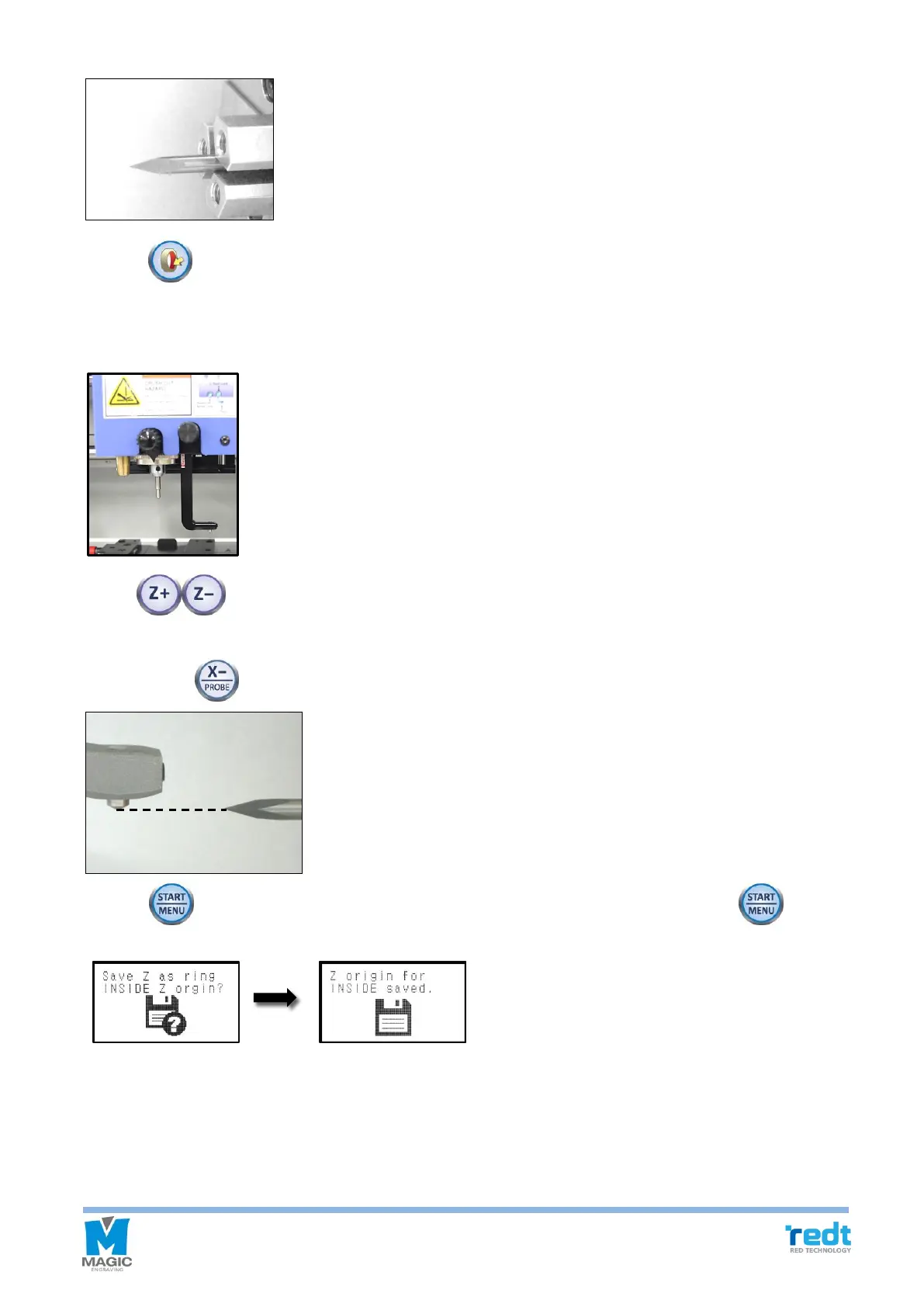
2. Press button on the engraver to move the tool to the center of rotation clamp.
3. Pull the L-Tool down by L-Tool line 1.
4. Use buttons to align the end ㅋㅋof the ring inner diameter engraving tool and tip of the sharp
tool on the same horizontal line. If the distance between the tool and the sharp tool is too far, then bring them
closer by using button.
5. Press button for more than 2 seconds, then the message below will appear. Press button for
more than 2 seconds to save the setting.
6. Pull up the L-Tool.



 To Previous Page