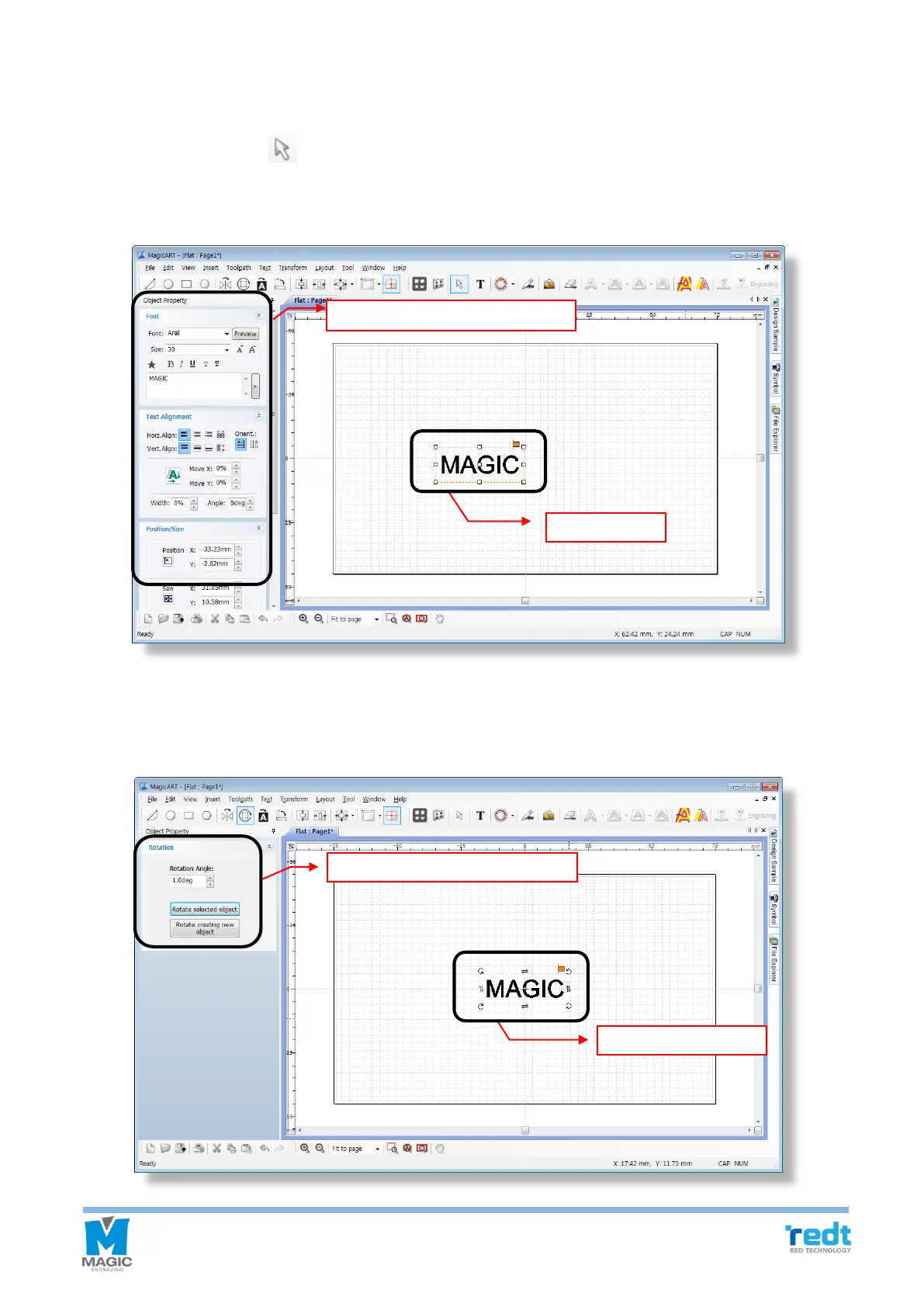
◈ Object selection mode
After entering texts, click [Selection] button with a mouse or click the work area with mouse right button. Then,
the entered character object is selected and it turns into selection mode. Double click mouse left button in the
selection mode to convert it into character entering mode.
◈ Object rotation mode
If the selected object is clicked once more with the mouse, the mode will be converted to the object rotation mode.



 To Next Page