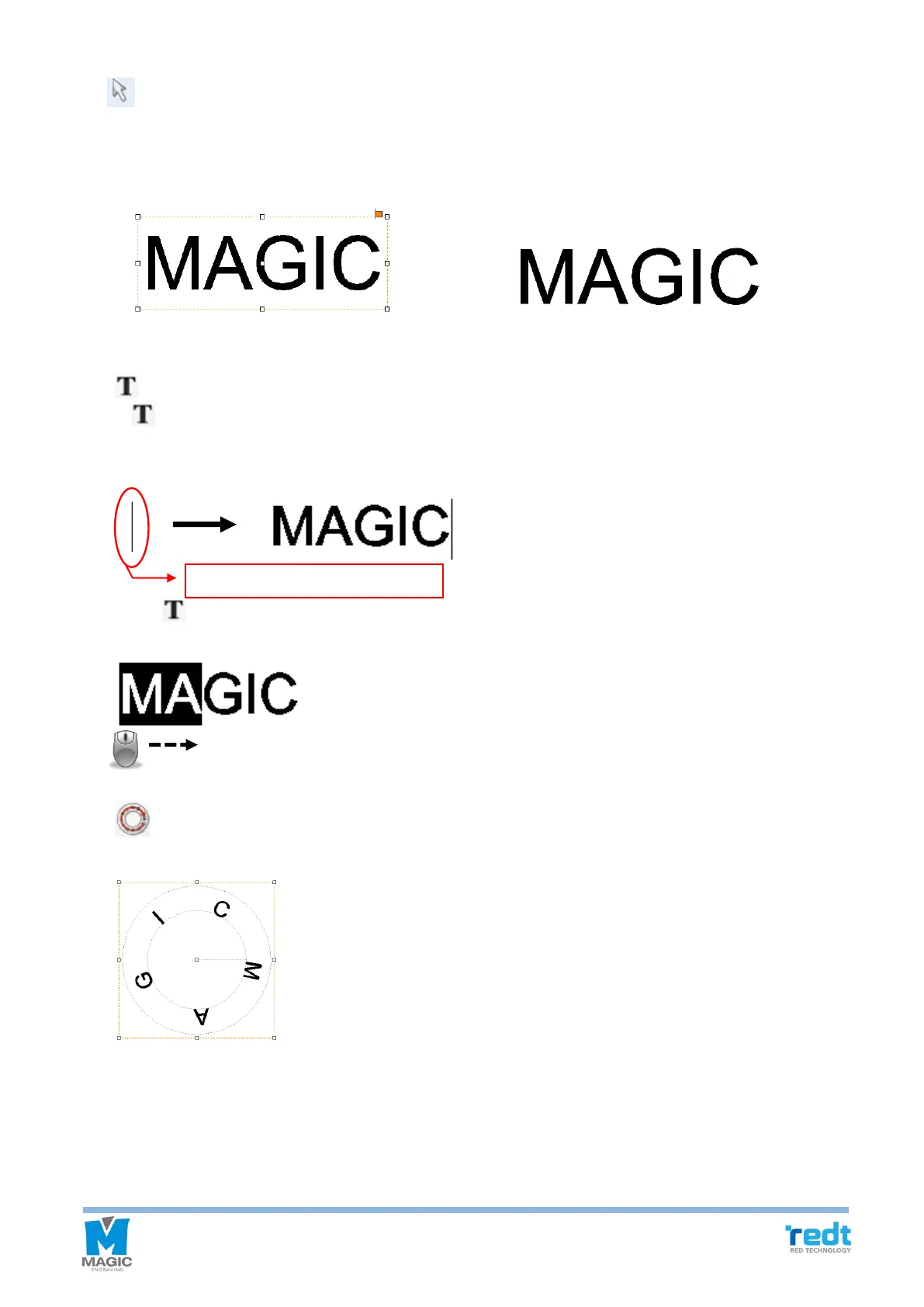
[Selection]
It is available either to select the object created in the work area to adjust its size and location or to change the
object’s property. Only the selected objects are subject to changing their location/size/size and engraving. In
the character input mode, converting to any selection mode easily by pressing the right button of the mouse.
[Select object] [Select no object]
[Text input]
If button is pressed and then the work area is clicked with the mouse, characters can be entered. Double
clicking the left button of the mouse in the selection mode is an easier way to convert into the character input
mode.
Press button and drag a character to be edited with the mouse for partly selection. Then, adjust its font
and size.
[Circular text]
Create character objects along a circle.



 To Next Page