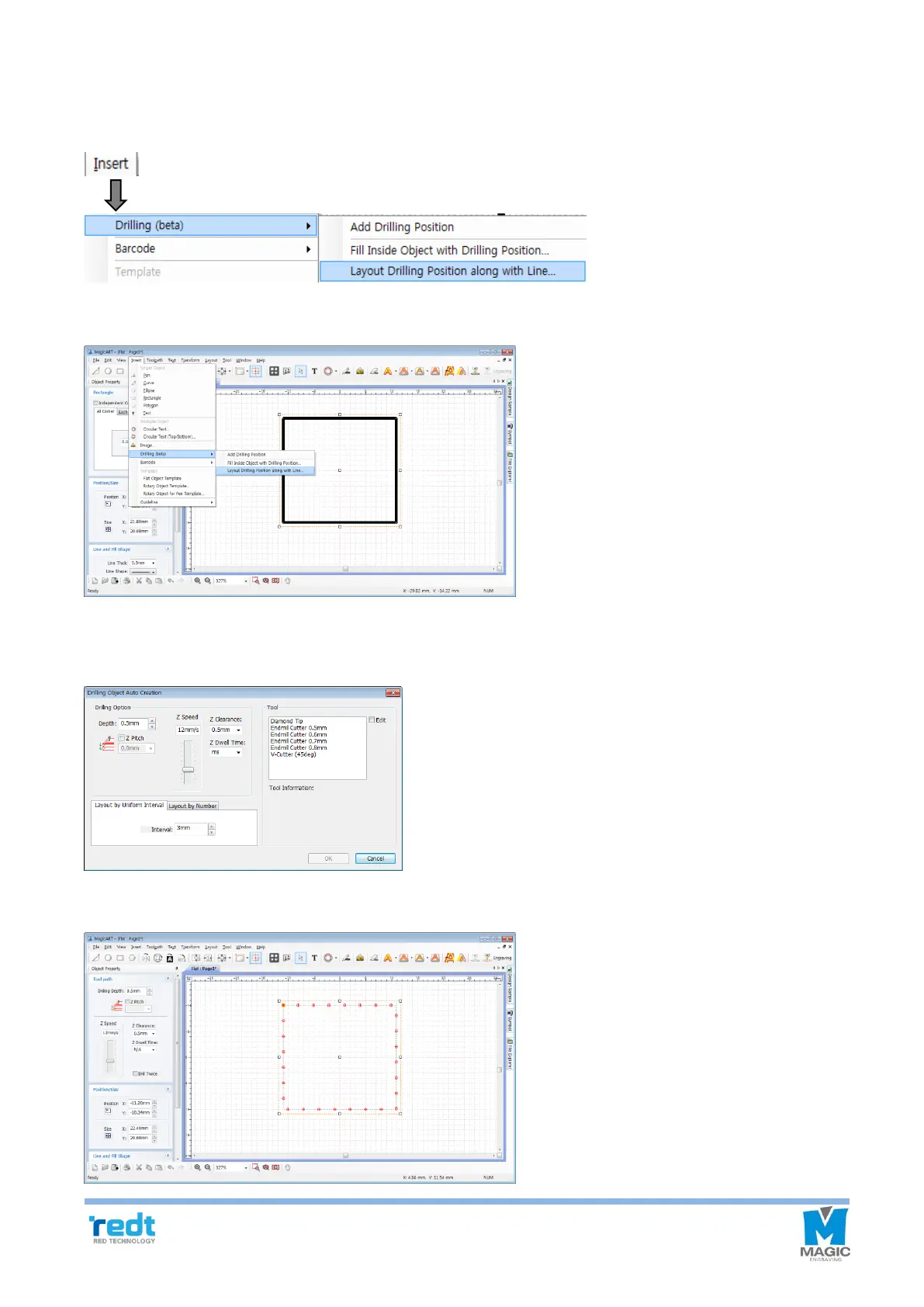
◈ Layout Drilling Position along Line
The drilled object along can be allocated along the outline of the selected the object.
Select a line on which the drilled object is automatically allocated. Click Insert → Drilling (beta) → Layout Drilling
Position along with Line...
Select a tool to be used on the Auto create drilled object window and adjust options such as depth, speed, gap
and etc.
The drilled object is automatically created along the outline of the selected object in a designated gap.



 To Next Page