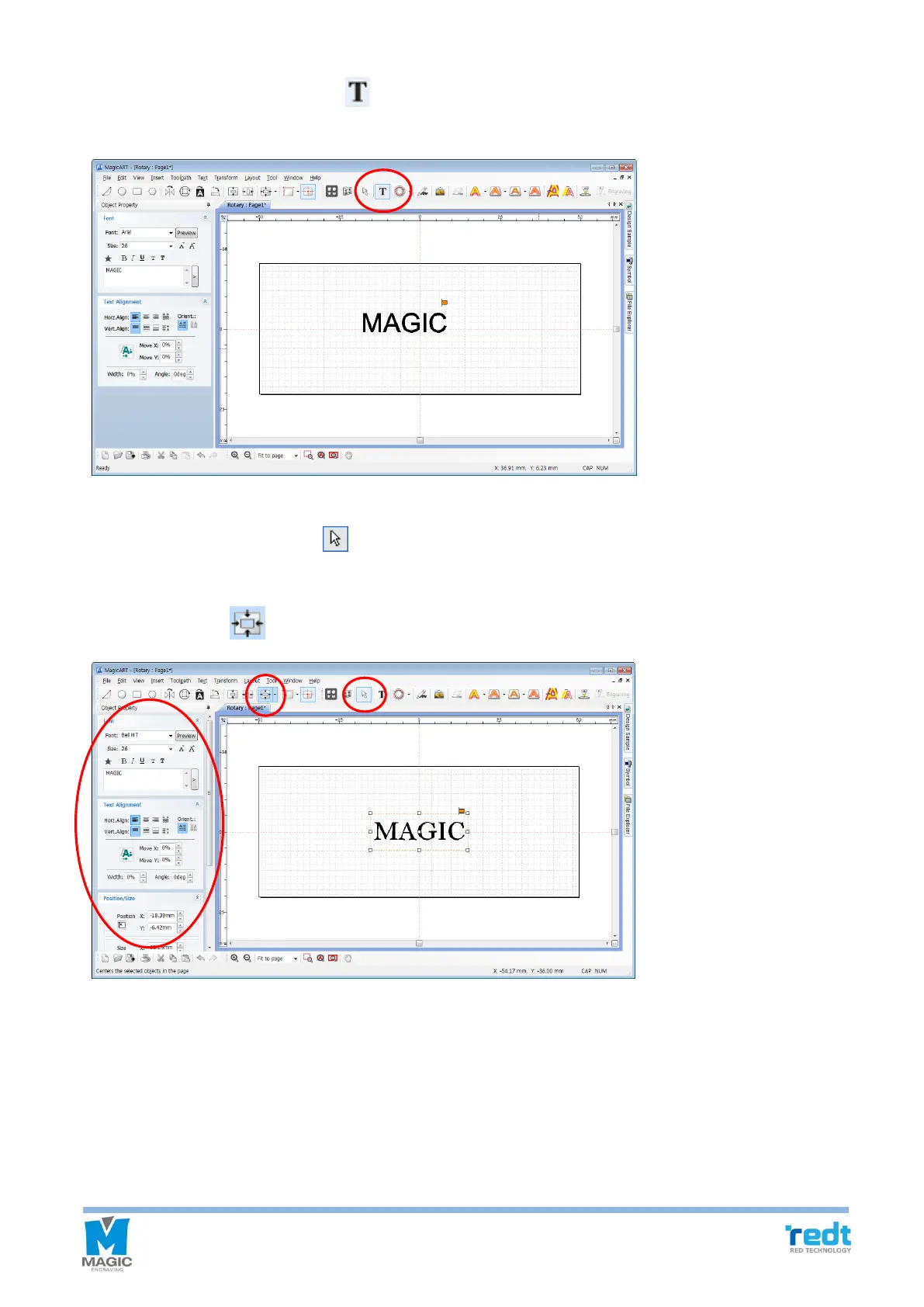
4. Once the template appears, press [Text Input] on the toolbar. Click the work area with the mouse and enter
texts.
5. After texts are entered, press [Selection] on the toolbar to enter object selection mode. After selecting
entered character string, adjust the size and font of the object. If you want to place the object at the center of
the work area, click [Center in Page] button.



 To Next Page