Menu
FM Presets
CarPlay™
3
ANDROID AUTO™, CARPLAY™ (2/4)
CarPlay™
Introduction
“CarPlay™" is a native service availa-
ble on your smartphone which enables
you to use some applications on your
phone from your multimedia system
screen.
Note: if your smartphone does not
have the “CarPlay™" service, consult
the website of its developer.
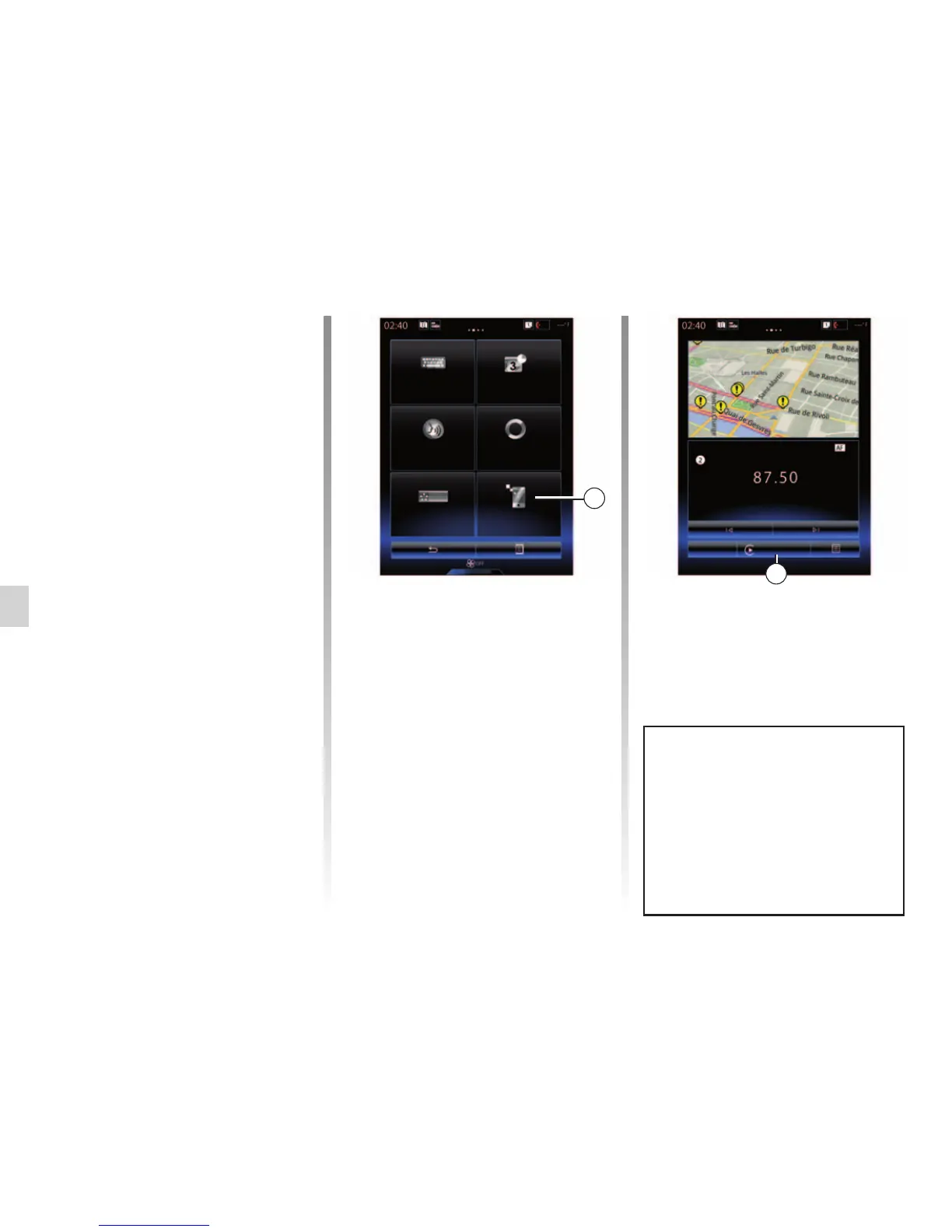
Note: to find out if your vehicle is
compatible with “CarPlay™”, the
“Smartphone replication” 1 function
must be visible from the “System” menu
of your multimedia system.
First use
– Connect your telephone to your mul-
timedia system’s USB port;
– press the 3 button on your vehicle’s
multimedia system screen;
The CarPlay™ service is launched on
the multimedia system.
If the procedure described above fails,
repeat the operation.
Note: the “CarPlay™" service will only
operate if your smartphone is con-
nected to your vehicle's USB port.
The functions of the “Android
Auto™" application and the
"Carplay™" service depend on the
make and model of your telephone.
For further information, please refer
to the manufacturer's website if
there is one.
1
Keyboard Date and time
Voice command System information
Suggestion bar Smartphone
Integration



 To Next Page