R-LINK STORE (1/5)
Downloading and installing
applications from R-Link
Store
The available apps are classified in
three tabs:
– “My products”: gives a summary of
the elements bought along with the
expiry dates for the products con-
cerned;
– “Select”: presents a selection of
apps;
– “Top Apps” classes the applications
by order of popularity;
– “Category”: shows apps by theme
(entertainment, maps etc.)
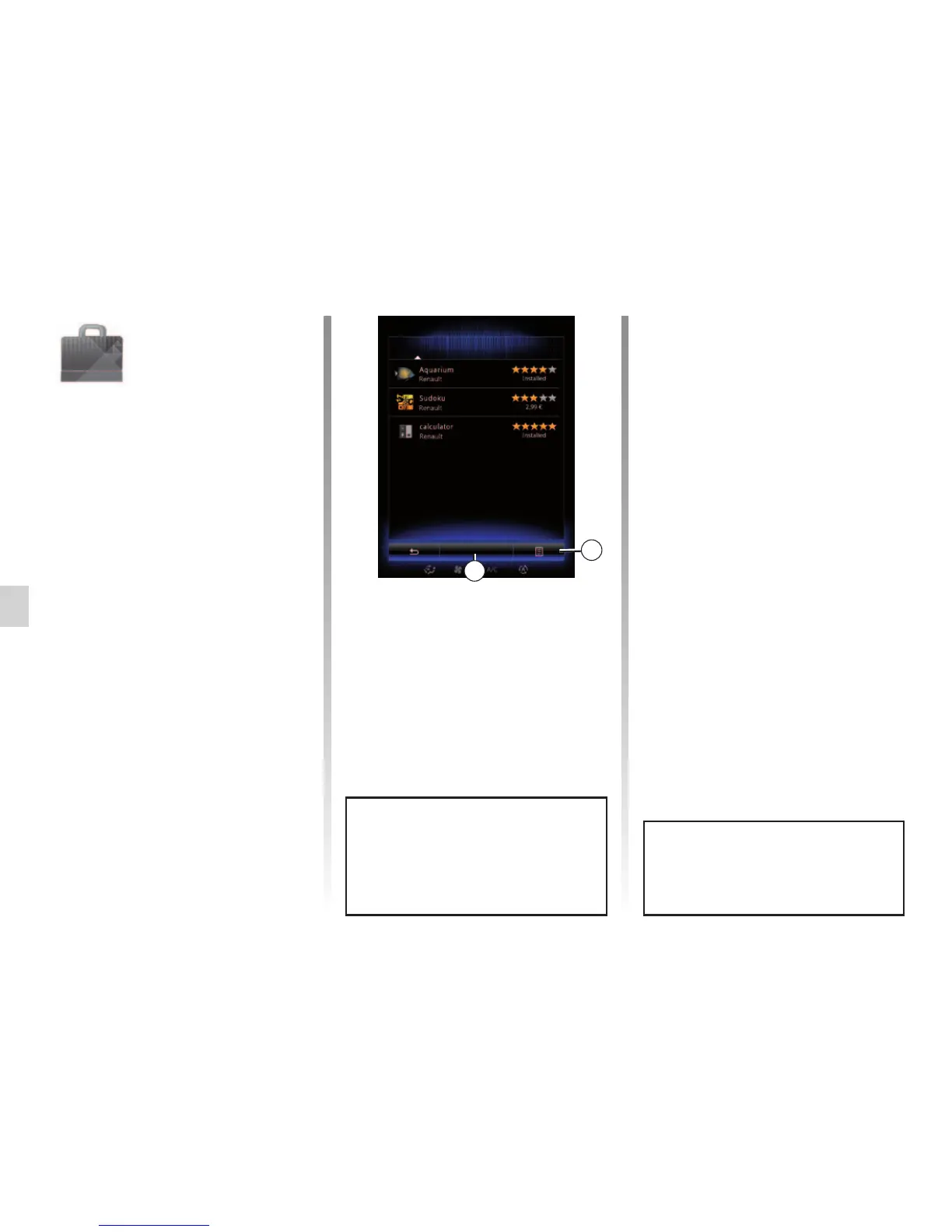
Select an application to get a descrip-
tion.
The 1 pop-up menu grants access to
legal information about R-Link Store.
You can search for applications on
R-Link Store. To do this, press button 2
“Find”, then enter all or part of the name
of the application you are searching for.
R-Link Store
Select
Best
Category
Find
1
“R-Link Store”
Menu
From the home screen, press “Menu”,
“Apps” then R-Link Store to access the
online store. It enables you to acquire
apps, services and content. R-Link
Store can be accessed directly from
your multimedia system or from an
Internet-connected computer once you
have activated the services.
Note: some products can only be pur-
chased from the R-Link Store via a
computer connected to the Internet. In
this case, a message will be displayed
to notify you. For further information,
please refer to “Downloading and in-
stalling applications from a computer”
in this section.
Note: some applications are paid. For
further information on purchasing appli-
cations, please see the general condi-
tions of sale.
Access to the R-Link Store is only
available if the services have been
activated and the vehicle is station-
ary.
2
For more information, depending
on your country, please consult the
www.renault-multimedia.com site.



 To Next Page