ENTERING A DESTINATION (1/7)
“Navigation”
menu
From the home screen, press “Menu”,
then “Navigation” to access the follow-
ing menus:
– “Destination”;
– “Itinerary”;
– “Traffic”;
– “Map”;
– “Settings”.
City selection
Sens
Yonne, France
Montargis
Loiret, France
Paris
France
1
“Destination”
The “Destination” menu offers you
several ways to enter a destination:
“Address”
This item allows you to enter all or
part of the address: country, city,
street and number.
When using it for the first time, the
system will ask you to choose the
destination country.
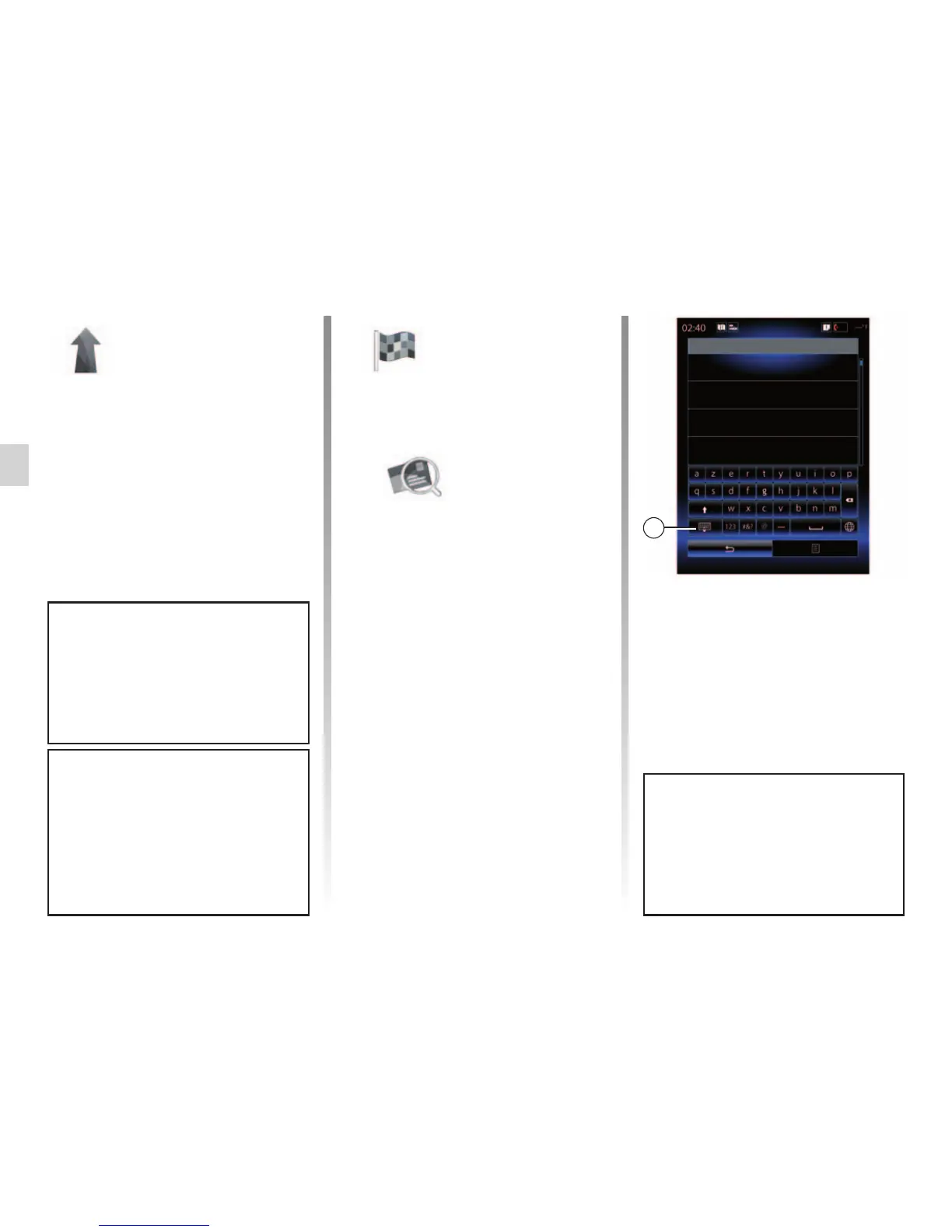
Enter the town/city name or a
postcode using the digital keypad.
The system suggests several
town names.
– Press the town/city name dis-
played on-screen to confirm
your selection.
– Access the full list correspond-
ing to your search.
Note: you can hide the numeric
keypad to display the full results list
by pressing 1.
– Select the town or city.
– Do the same actions for the
“Street” and “House number”
fields.
For more information about the nav-
igation software and maps version,
select the pop-up menu button from
the “Navigation” menu screen, then
“Version”.
During guidance, when you launch
the search for a new destination you
have the choice between setting it
as a waypoint, a new destination or
a final stage.
For more information, see the user
manual available in your multime-
dia system by pressing the pop-up
menu button from the “Navigation”
menu screen, then “User manual”.



 To Next Page