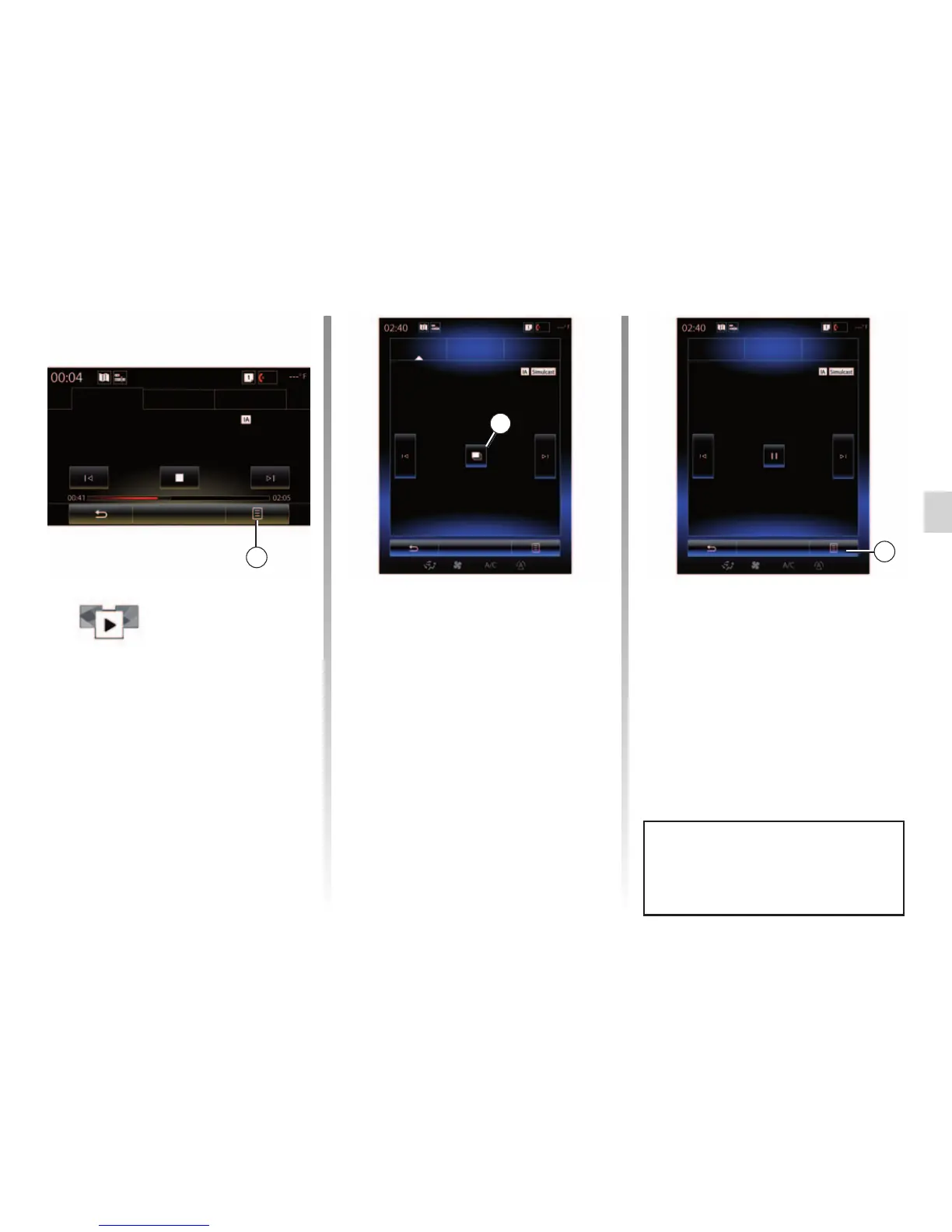
“Slideshow”
This menu is used to see images
provided by the station in slide-
show.
You can also access this menu by
pressing 16.
Note: the slideshow 16 is displayed
when the Time shift function (direct
control) is deactivated.
“Update list”
Select this menu to update the list of
radio stations.
LISTENING TO THE RADIO (6/8)
14
Channels Stations Presets
Band
DR
“Change source”
Use this function to change the audio
source (“Radio”, “USB”, “AUX” etc.)
Storing a station
From “Channels” mode or “Stations”
mode, press 14 then “Save as preset”.
You can also give a long press on one
of the preset buttons until you hear a
beep.
You can store up to twelve stations per
band.
Channels Stations Presets
Band
DR
16
Channels Stations Presets
Band
14
You can change audio source using
the button on the steering column
control.
BBC Radio 1
9D BBC National DAB
DR



 To Next Page