voice message(s) ..................................................(current page)
dialling a number ...................................................(current page)
DIAL A NUMBER (1/2)
Dial number
Call
Dial number
Call
A
A
1
1
For safety reasons, carry
out these operations when
the vehicle is stationary.
“Dial number”
menu
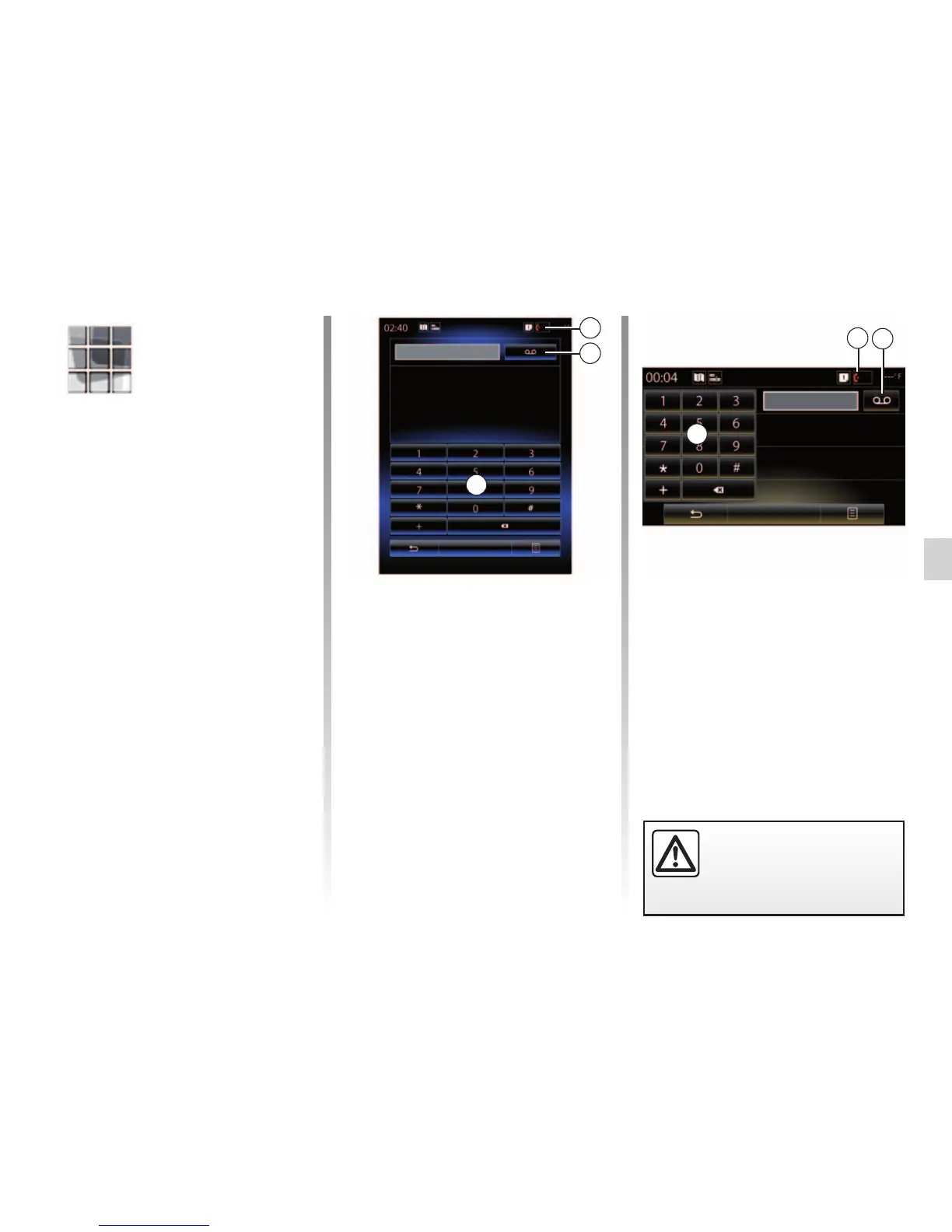
Making a call by dialling a number
From the home screen, press “Menu”,
“Phone” or press the 1 shortcut from
any menu, then “Dial number” to access
the keypad to dial a number.
Enter the desired number using the
keypad A, then press “Call” to make the
call.
Voice mail
To access voicemail, press the 2 key.
If the voicemail box is not configured,
the configuration screen will be dis-
played. Enter your voicemail number
using the A keypad, then confirm.
2
2



 To Next Page