MP3 ......................................................(up to the end of the DU)
MP3 player ...........................................(up to the end of the DU)
CD/MP3 CD
listen................................................(up to the end of the DU)
USB key................................................(up to the end of the DU)
SD card.................................................(up to the end of the DU)
Bluetooth® ............................................(up to the end of the DU)
MEDIA (1/2)
From the main folder, you can access:
– the audio files;
– the folders, music, genres, artists,
albums and playlists;
– the folders and/or audio files.
Note: Only available sources can be
selected. Unavailable sources won’t be
shown on the screen.
“Multimedia”
menu
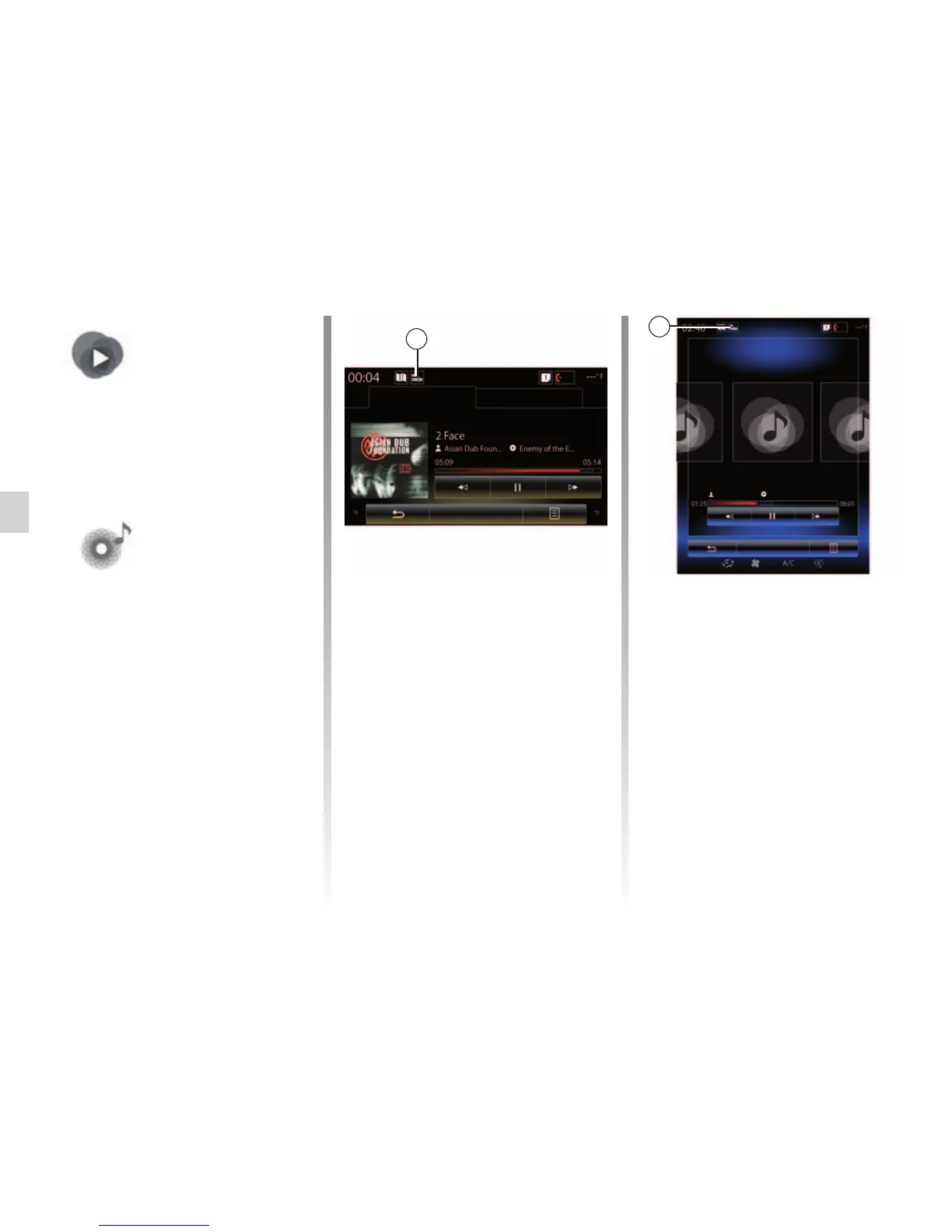
From the main menu, press
“Multimedia”, then “Media” or press
the 1 shortcut from any menu to get
direct access to the media type cur-
rently in use.
“Media”
This menu enables you to listen to
music from an auxiliary source (audio
CD, USB, SD card, etc.). Select an
input source connected to the system
in the following list, to access the
audio files:
– “USB-1" (USB port);
– “USB-2" (USB port);
– « Bluetooth » ;
– “SD” (SD card);
– “CD" (audio CD or MP3);
– “AUX-1" (Jack socket);
– “AUX-2" (Jack socket).
Note: the input sources described
above may vary.
Note: depending on the audio source
selected, certain functions cannot be
accessed.
Navigate to
Player Current list
1
Player Current list
Navigate to
USB
1
HP_v210w



 To Next Page