MEDIA (2/2)
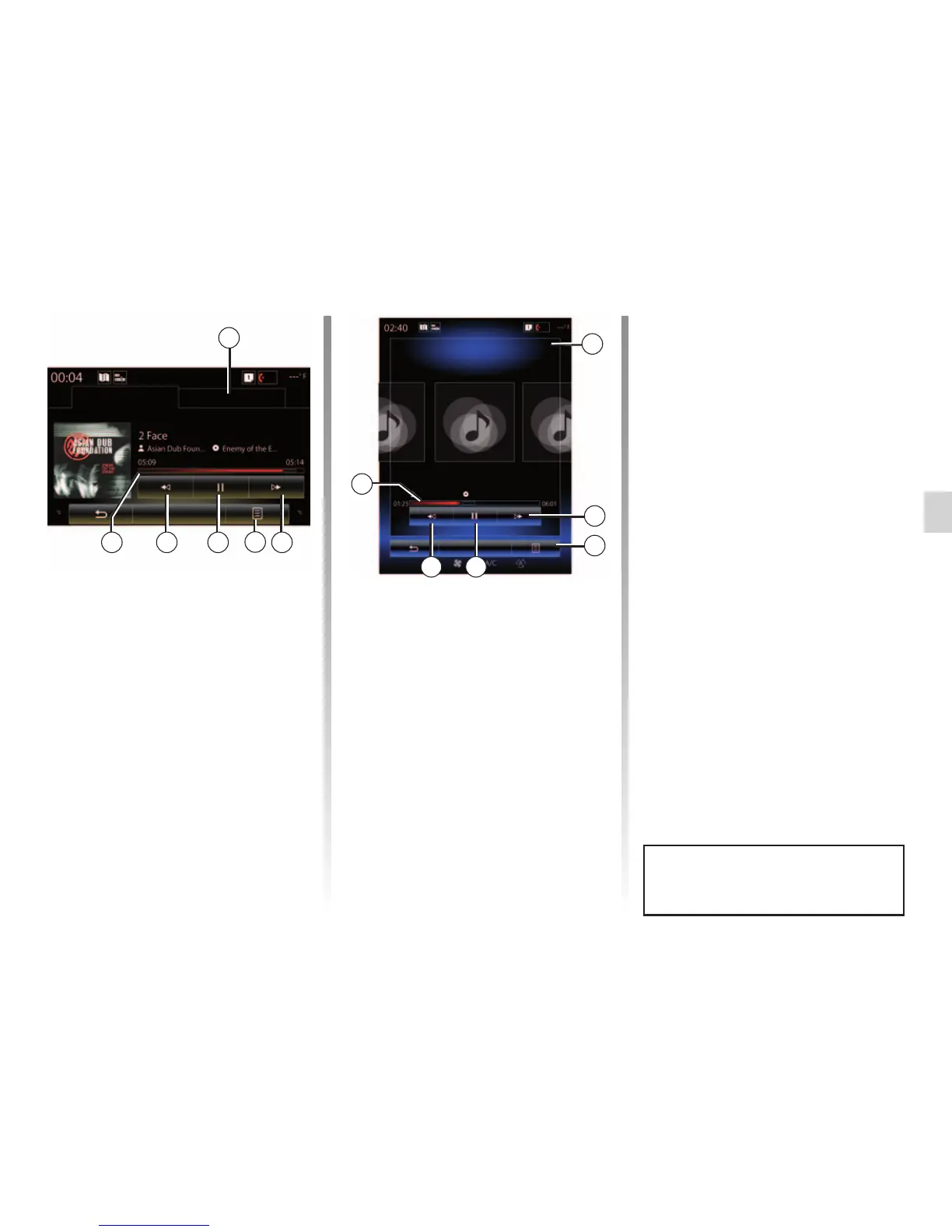
– Access the previous track by press-
ing 6;
– view the scroll bar 7 and use it to
select the media type.
Note: depending on the input source
connected, the display on the multime-
dia screen will vary.
Pop-up menu 4
During playback, the 4 pop-up menu
can be used to:
– change source;
– activate or deactivate repeat play-
back for the current track;
4
– activate or deactivate shuffle for all
lists;
– access sound ambiance;
– access sound settings.
“Navigate to”
Press button Navigate to to access the
playlists by category (Playlist, Artists,
Albums, Podcast, etc.)
Note: The system reads all tracks by
default.
Note: the playlists described above
vary depending on the input source
connected.
You can change media using the
button on the steering column con-
trol.
Player Current list
7
2
Navigate to
USB
Navigate to
Player Current list
2
3567
4
“Player”
You can choose between playing all the
tracks or playing a single track.
When playing a track, you can:
– access the current playback list 2;
– Access the next track by pressing 3
or press and hold to fast forward
through the current track;
– pause by pressing 5;
3
56
HP_v210w



 To Next Page