parking distance control........................(up to the end of the DU)
rear view camera ..................................(up to the end of the DU)
PARKING AIDS (1/4)
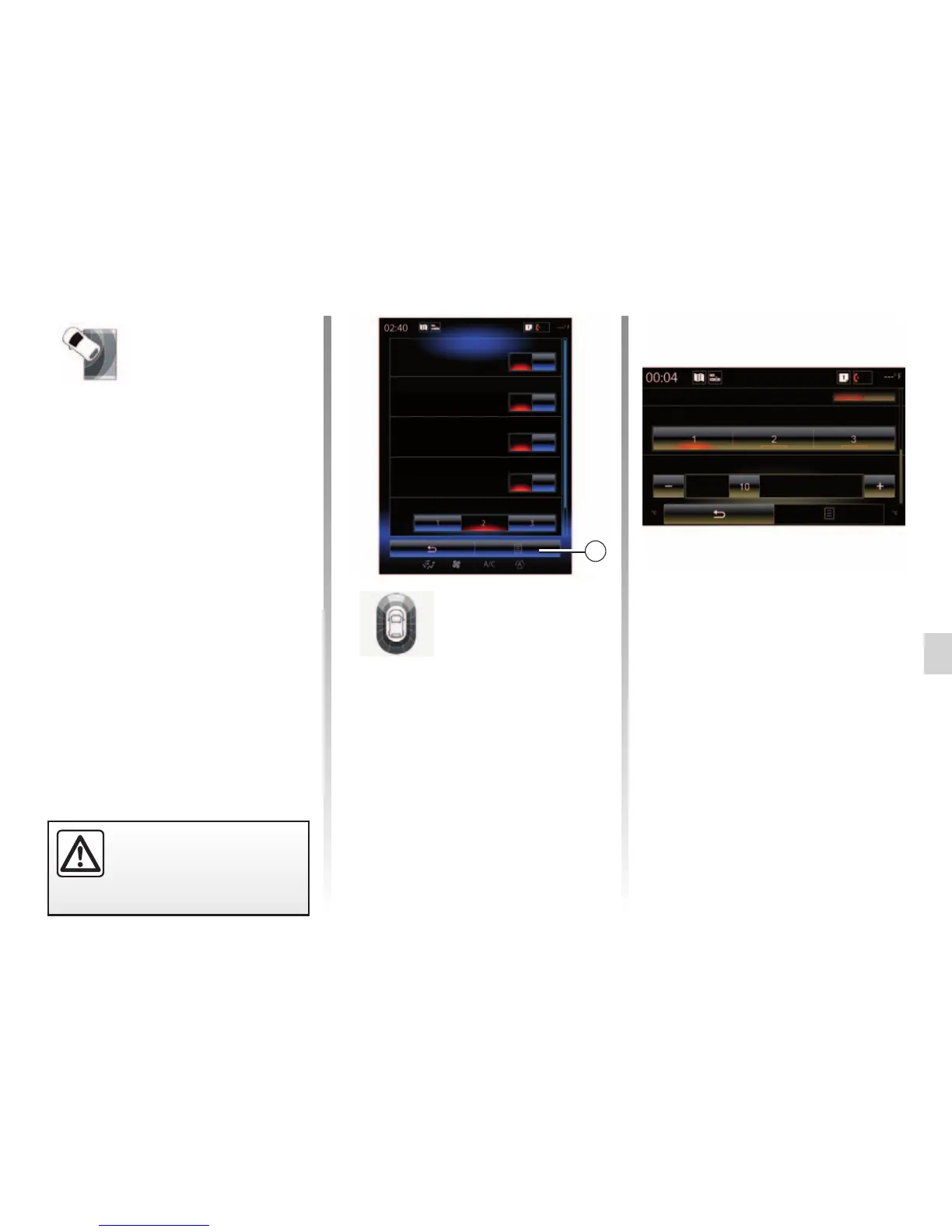
Parking sensors
Rear parking sensors
Sound alert
Sound type
Front parking sensors
Side parking sensors
On
On
On
On
“Parking
assistance”
menu
From the home screen, press “Menu”,
“Vehicle” then “Parking assistance” to
access the following elements:
– "Parking sensors";
– "Rear view camera";
– "Easy park assist".
Note: to reset and return to default
settings for the three elements above,
press 1, then “Reset”.
Note: if the “Sound alert” function is
set to “OFF”, the “Sound type” and
“Volume” functions are disabled.
"Sound type"
Select a type of audio alert from the
three choices offered.
“Volume”
Adjust the obstacle detection volume
by pressing + or -.
1
"Parking sensors";
Press On or OFF to activate or deac-
tivate the front, side and/or rear park-
ing sensors.
"Sound alert"
Select On or OFF to activate or deac-
tivate the audio parking alerts.
Sound type
Parking sensors
Volume
For safety reasons, carry
out these operations when
the vehicle is stationary.



 To Next Page