radio
choosing a station ...........................(up to the end of the DU)
radio
automatic station storage ................(up to the end of the DU)
radio
automatic mode ..............................(up to the end of the DU)
radio
manual mode ..................................(up to the end of the DU)
radio
station pretuning .............................(up to the end of the DU)
LISTENING TO THE RADIO (1/8)
Frequencies
Stations Presets
Band
“Multimedia”
menu
From the main menu, press
“Multimedia”, then “Radio” or the 1
shortcut from any menu.
“Radio”
Selecting a band
Select “FM”, “AM” or “DR” (Digital
radio) by pressing “Band” on the mul-
timedia screen.
It is also possible to choose the band
by using the control under the steer-
ing wheel.
“AM”
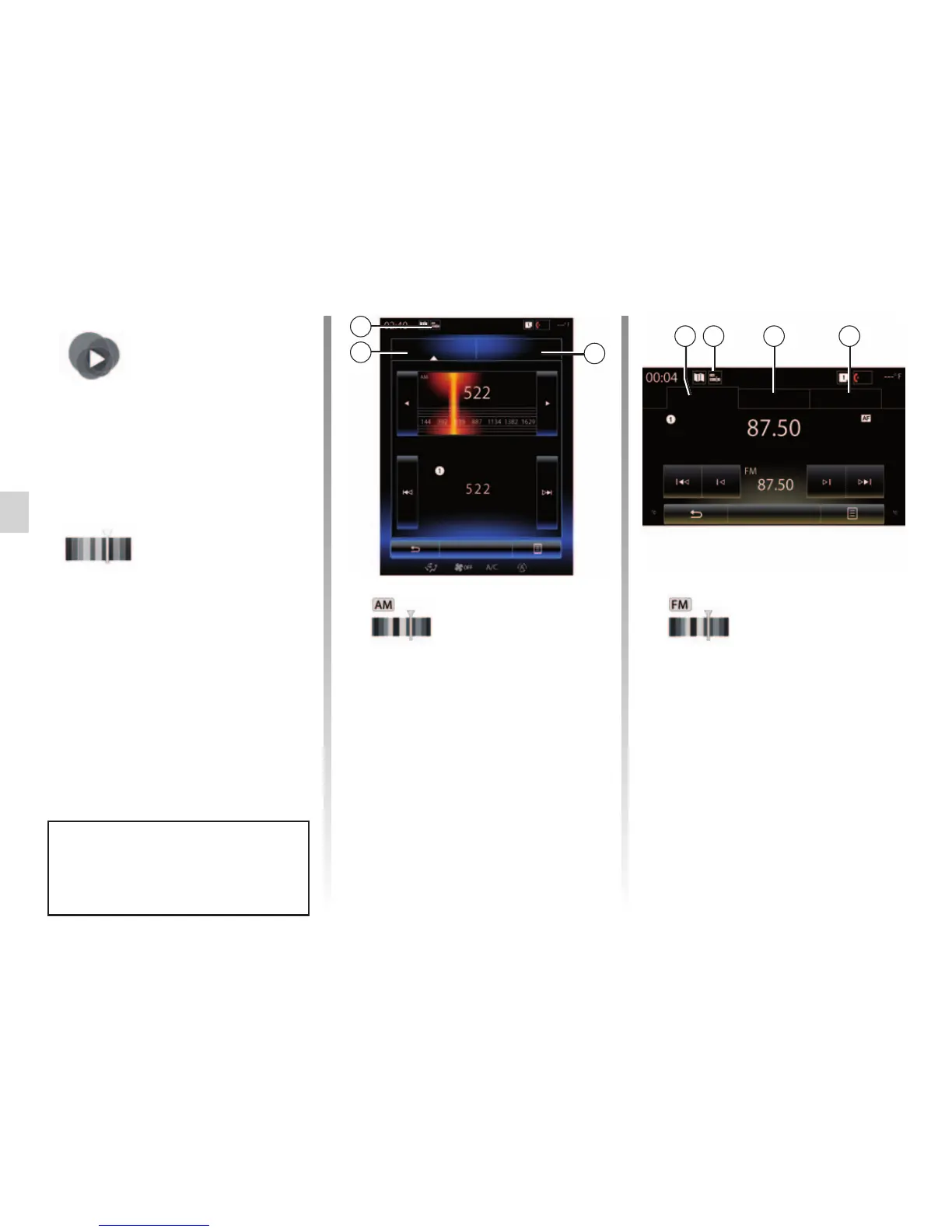
Choosing a AM station
There are different modes for choos-
ing a radio station. After choosing
AM, select the required mode by
pressing tabs 2 or 3.
Two search modes are available:
– “Frequencies” mode (tab 3);
– “Presets” mode (tab 2).
“FM”
Choosing a FM station
There are different modes for choos-
ing a radio station. After choosing FM,
select the required mode by pressing
tabs 2, 3 or 4. Three search modes
are available:
– “Frequencies” mode (tab 3);
– “Stations” mode (tab 4);
– “Presets” mode (tab 2).
Frequencies
Presets
Band
3
2
3 4 2
You can select a saved station using
the button on the steering column
control.
1
1



 To Next Page