environment ..........................................(up to the end of the DU)
ECO driving ..........................................(up to the end of the DU)
energy-saving .......................................(up to the end of the DU)
fuel economy ........................................(up to the end of the DU)
DRIVING ECO2 (1/4)
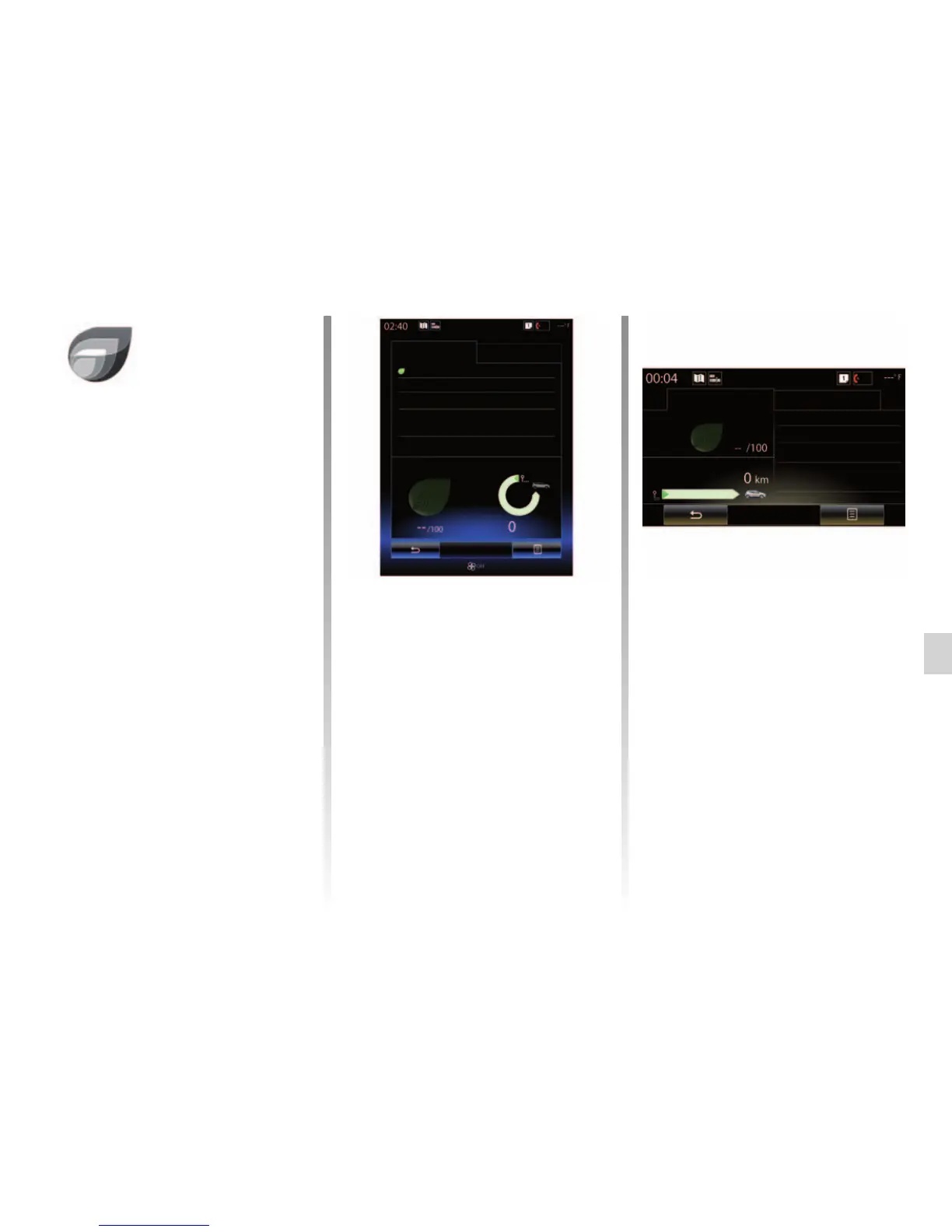
“Standard”
This screen enables you to view the
data for your current journey:
– Score evolution;
– “Global score”;
– “Distance without fuel consumption”.
Score evolution
This bar diagram shows the progress of
your score.
– score above the green line (75%):
eco-driving;
– score below the orange line (45%):
non-eco driving.
Eco-coaching
Driving eco2
Standard
“Global score”
This data allows you to find your over-
all score.
The sheet is updated based on your
score, from 0 to 100.
“Distance without fuel
consumption”
This data allows you to find out the dis-
tance travelled without fuel consump-
tion during your journey.
Advanced
Score evolution
Global score
Distance without fuel con-
sumption
Menu
« Driving eco2 »
From the home screen, press “Menu”,
“Vehicle” then Driving eco2 to access
the following menus:
– “Standard”;
– “Advanced”;
– “Eco-coaching”.
Driving eco2
Standard Advanced
Eco-coaching
Score evolution
You need to travel fur-
ther for your score.
380
80



 To Next Page