dialling a number ..................................(up to the end of the DU)
ending a call .........................................(up to the end of the DU)
receiving a call ......................................(up to the end of the DU)
rejecting a call.......................................(up to the end of the DU)
answering a call ....................................(up to the end of the DU)
call waiting ............................................(up to the end of the DU)
ENG_UD51845_9
Appel téléphonique (R-Link 2 - Renault)
“Phone” menu
Making a call
From the “Phone” menu or from the 1
shortcut, you can make a call by select-
ing:
– a contact from the phonebook;
– a number from the call log;
– the keypad to dial the number.
Note: from the home page, press the
"Favourites" widget to access contacts
you have already marked as favourites.
Please refer to the “Add, manage widg-
ets” section for further information.
PHONE CALL (1/3)
It is possible to adjust the volume
using the steering column control.
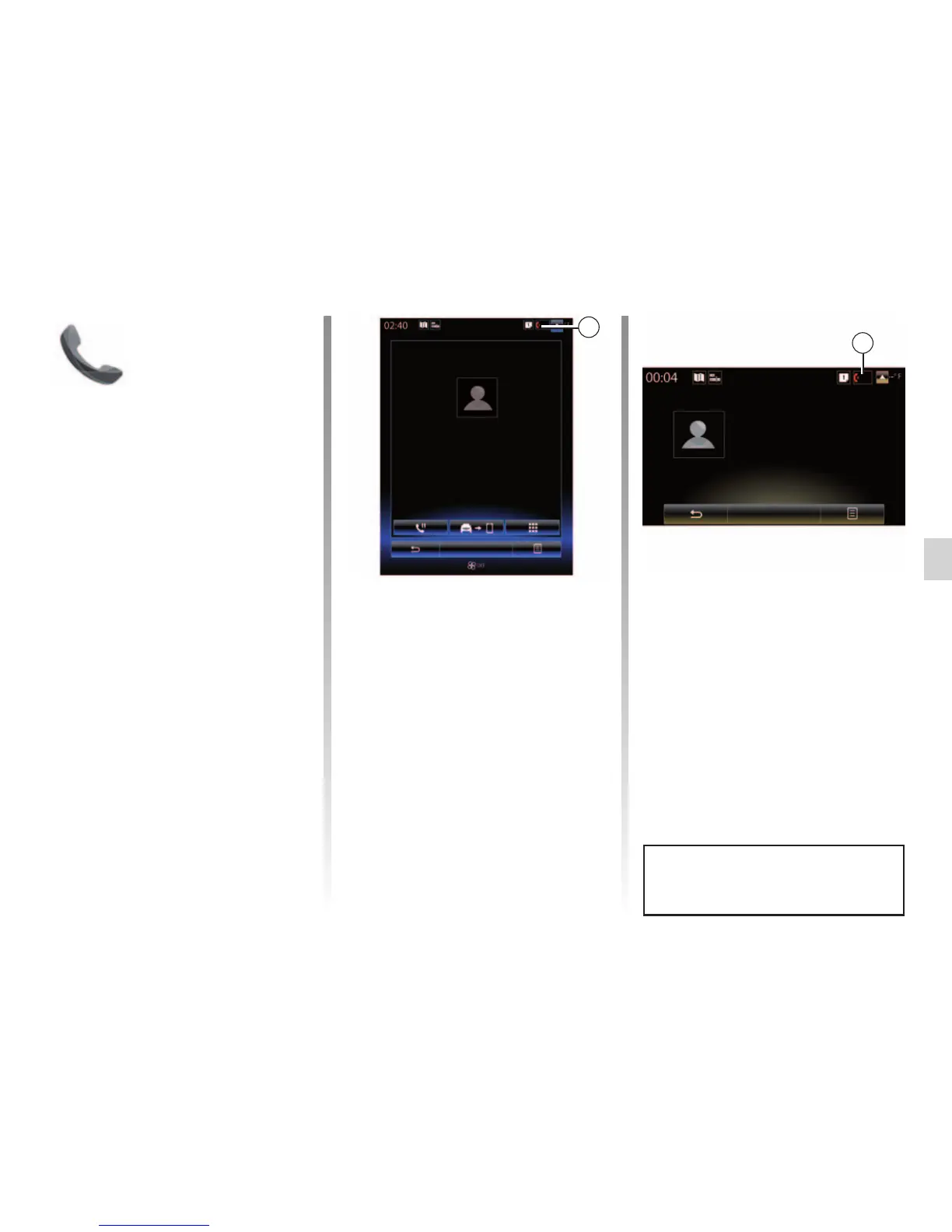
Receiving a call
When receiving a call, the “Calls re-
ceived” screen is displayed, giving the
following information:
– the name of the contact (if the
number is present in your handset
memory or the phonebook list);
– the caller’s number (if the number is
not present in your handset memory);
– "No caller ID" (if the number cannot
be viewed).
Incoming call
Daisy Wiston
Call duration
Incoming call
Hang up
+33156789012
00 : 15
Incoming call
Daisy Wiston
+3314289632
Incoming call
Call duration
Hang up
00 : 50
1
1
"Accept"
To pick up a call, press “Accept”.
Press “Hang up” to end the call.
“Decline” a call
To reject a call, press and hold Decline.
The person calling you will be redi-
rected to your voicemail.



 To Next Page