PHONE CALL (2/3)
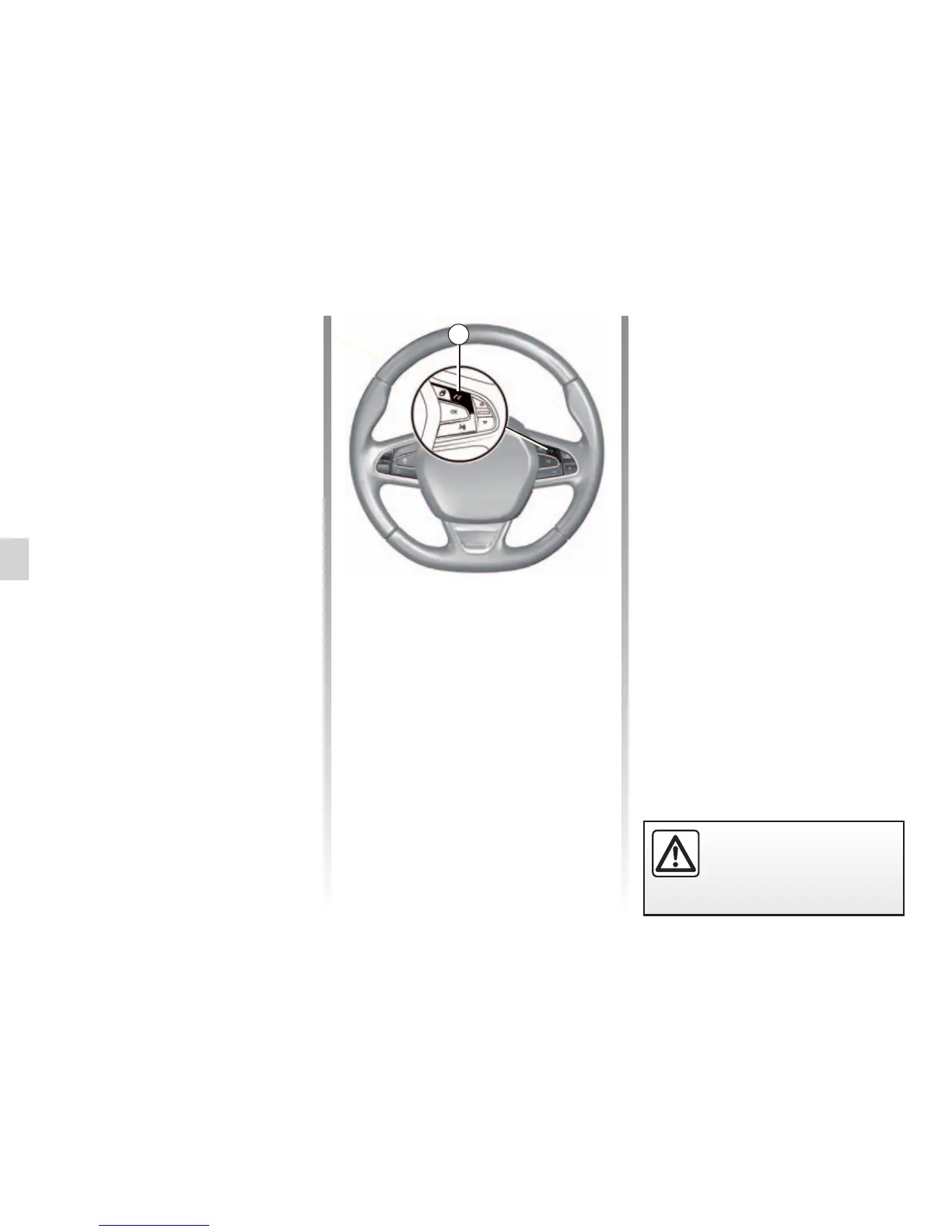
2
You can answer/end a call by press-
ing directly on control 2 on the steer-
ing wheel.
For safety reasons, carry
out these operations when
the vehicle is stationary.
“Put on hold” the call
Press the “Put on hold” button or press
the pop-up menu button, then “Put on
hold” in order to allow the multimedia
system to pick up incoming calls and
automatically put them on standby. A
voice synthesizer informs your callers
that their call is on standby.
Transfer to phone
To transfer the call to your telephone,
press "Transfer to phone" or press the
pop-up menu button then "Transfer to
phone".



 To Next Page