Note: Upon the automatic connec-
tion of your telephone to the multime-
dia system, data downloads (phone-
book, music, contacts, etc.) will only be
enabled if you previously allowed data
sharing when pairing your telephone to
the multimedia system. For further in-
formation, please refer to the section on
“Pairing and unpairing a telephone”.
CONNECTING, DISCONNECTING A TELEPHONE (1/2)
Connecting a telephone
No phone can be connected to the
hands-free phone system if it has not
first been paired. For further informa-
tion, please refer to the section on
“Pairing and unpairing a telephone”.
Your phone must be connected to the
hands-free phone system in order to
use all its functions.
Automatic connection
Once the multimedia system is started,
the hands-free phone system searches
for any paired phones with Bluetooth®
activated nearby. The system auto-
matically downloads the data for the
last telephone connected (phonebook,
music, etc.).
Note: if a call is ongoing while the tele-
phone is being connected, it will auto-
matically be transferred to the vehicle
loudspeakers.
Manual connection
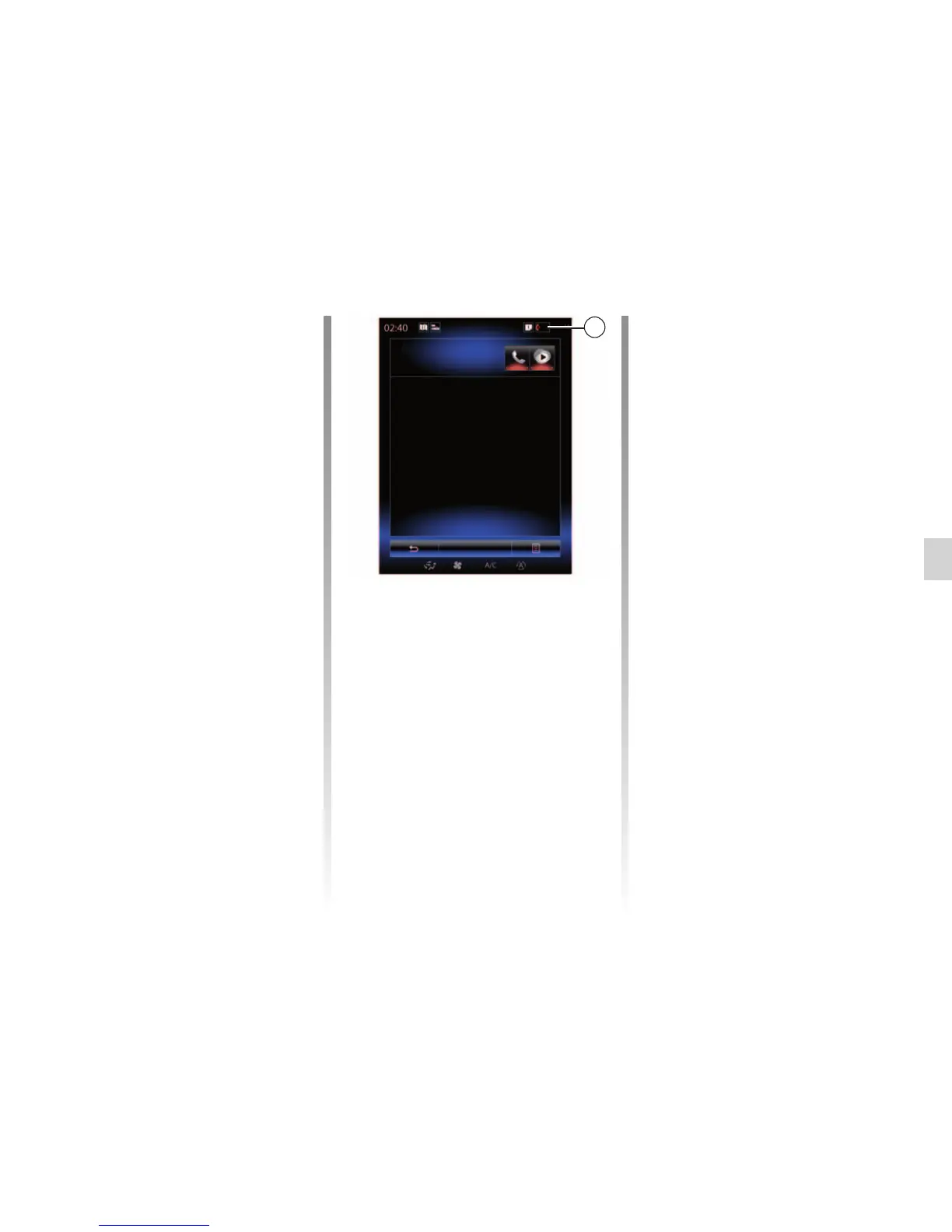
To connect a Bluetooth® telephone
to the multimedia system, press the 1
shortcut from any menu. A list of tele-
phones already paired is displayed.
Select the telephone that you wish
to connect to and make sure it has
Bluetooth® activated and that it is set
to “Visible”.
Changing a connected telephone
To change the connected telephone,
you will first have to pair more than one
telephone.
– Select “Phone” from the main menu,
“Settings” then “Paired devices list”;
– Press on the telephone you wish to
connect.
You will find the list of phones already
paired.
Note: For more information on com-
patible phones, contact an authorised
dealer or visit the manufacturer’s web-
site if available.
Paired devices list
Téléphone de Camille
Add device
1



 To Next Page