USING VOICE RECOGNITION (1/11)
Introduction
Your multimedia system has a voice
recognition system
which allows
voice control of some functions and ap-
plications of the multimedia system and
your phone. This enables you to use
your multimedia system or your phone
while keeping your hands on the steer-
ing wheel.
Activation
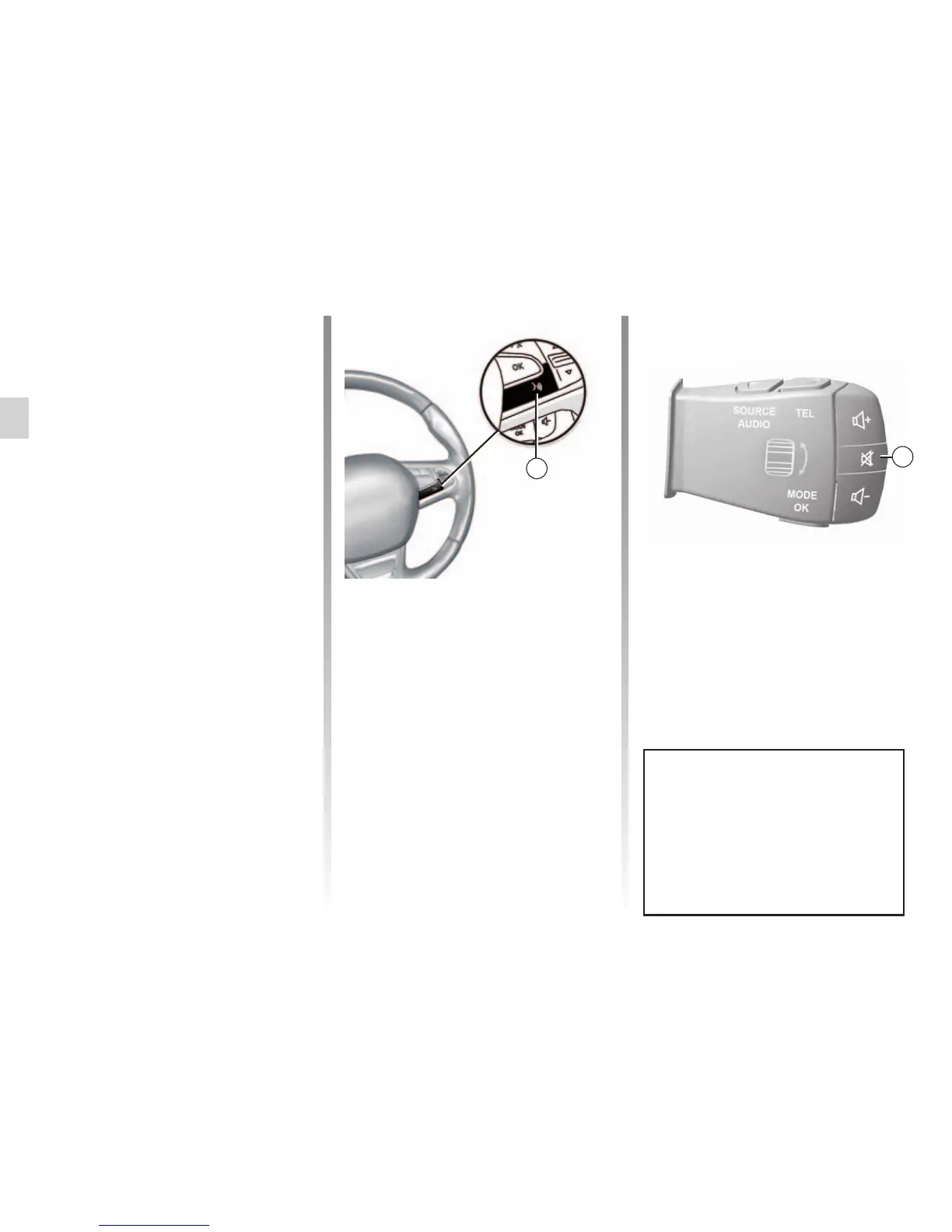
To activate the voice recognition
system, press the voice recognition
button
in your vehicle.
Note: the position of the voice recog-
nition button may vary. Please refer to
the driver’s handbook for further infor-
mation.
Voice controls
You can use voice control to call a con-
tact in your phonebook, enter a desti-
nation, change radio station etc without
touching the screen. Press 1 and follow
the audio and visual instructions pro-
vided by the system and on the screen.
1
You can interrupt the voice syn-
thesizer when using voice recogni-
tion by pressing the 2 button on the
steering column control. A beep in-
dicates that you may speak.
2



 To Next Page