MULTI-SENSE (1/2)
Mode configuration
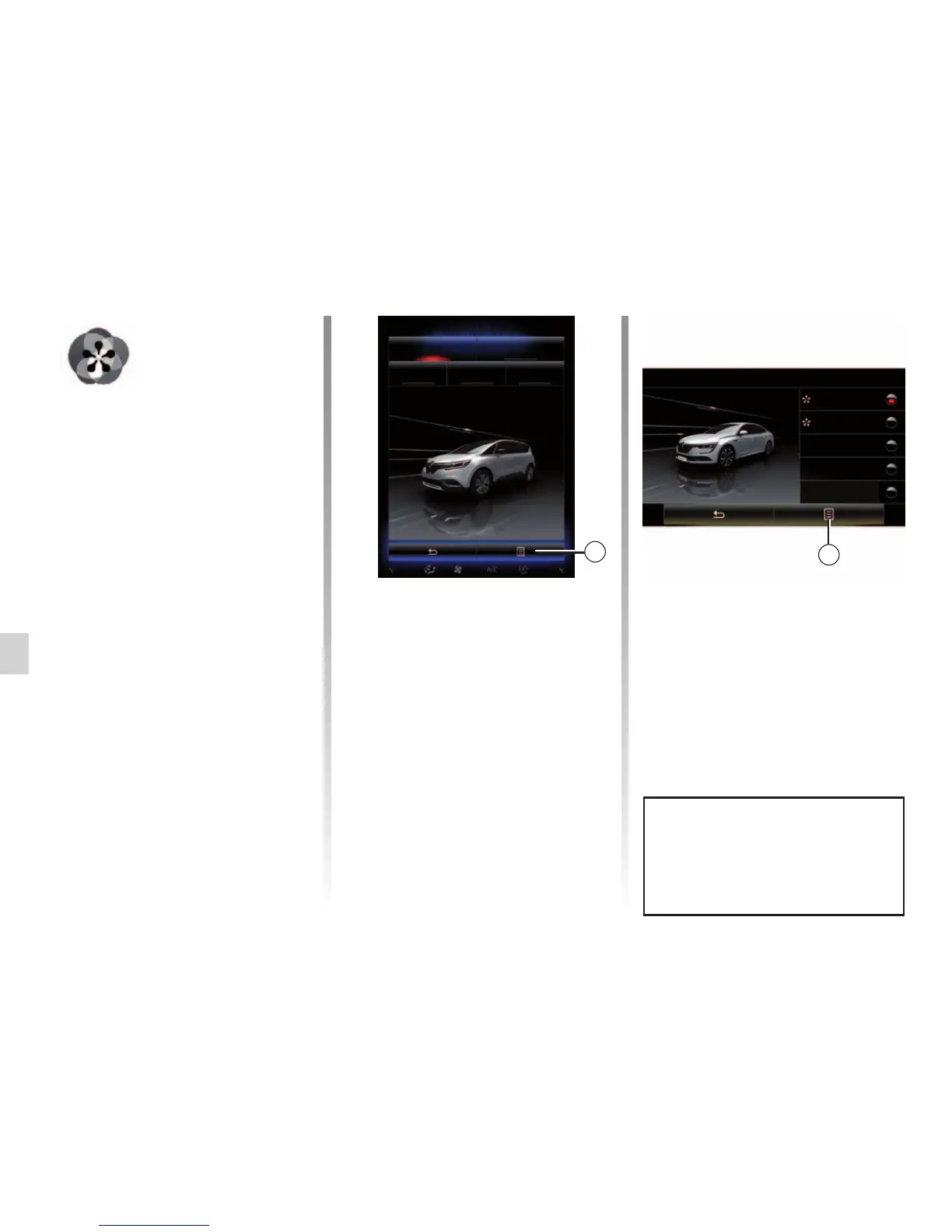
Press 1, then “Current mode configura-
tion”.
You have various parameter values
which enable you to customize vehicle
systems:
– “Steering”;
– “4RD”;
– “Damping”;
– “Powertrain”;
– “Thermal comfort”;
– “Display”;
– «Engine sound design»;
– “Ambient lighting”;
– “Driver massage”.
Note: for several modes, some system
options may be greyed out and you
cannot select these parameter values.
Note: it is only possible to customise
the mode currently in use if you have
first selected “Perso” mode.
Multi-Sense
Sport Eco
Neutral Comfort Perso
1
Menu
« Multi-Sense »
You have a possibility to customize the
behaviour of some vehicle systems.
Accessing the Multi-Sense menu
From the home screen, press “Menu”,
“Vehicle” then Multi-Sense to access
the Multi-Sense menu. You can also
access by pressing Multi-Sense on the
central control.
Selecting mode
From the “Multi-Sense” menu, select
the desired mode among five modes:
– “Comfort”;
– “Sport”;
– “Eco”;
– “Neutral”;
– “Perso”.
To find out more about each of these
modes, please see your vehicle user
manual.
Multi-Sense
Sport
Eco
Neutral
Comfort
Perso
1
A video is available to view a dem-
onstration of Multi-Sense mode.
With the vehicle at a standstill,
press 1, then “About”.



 To Next Page