MULTI-SENSE (2/2)
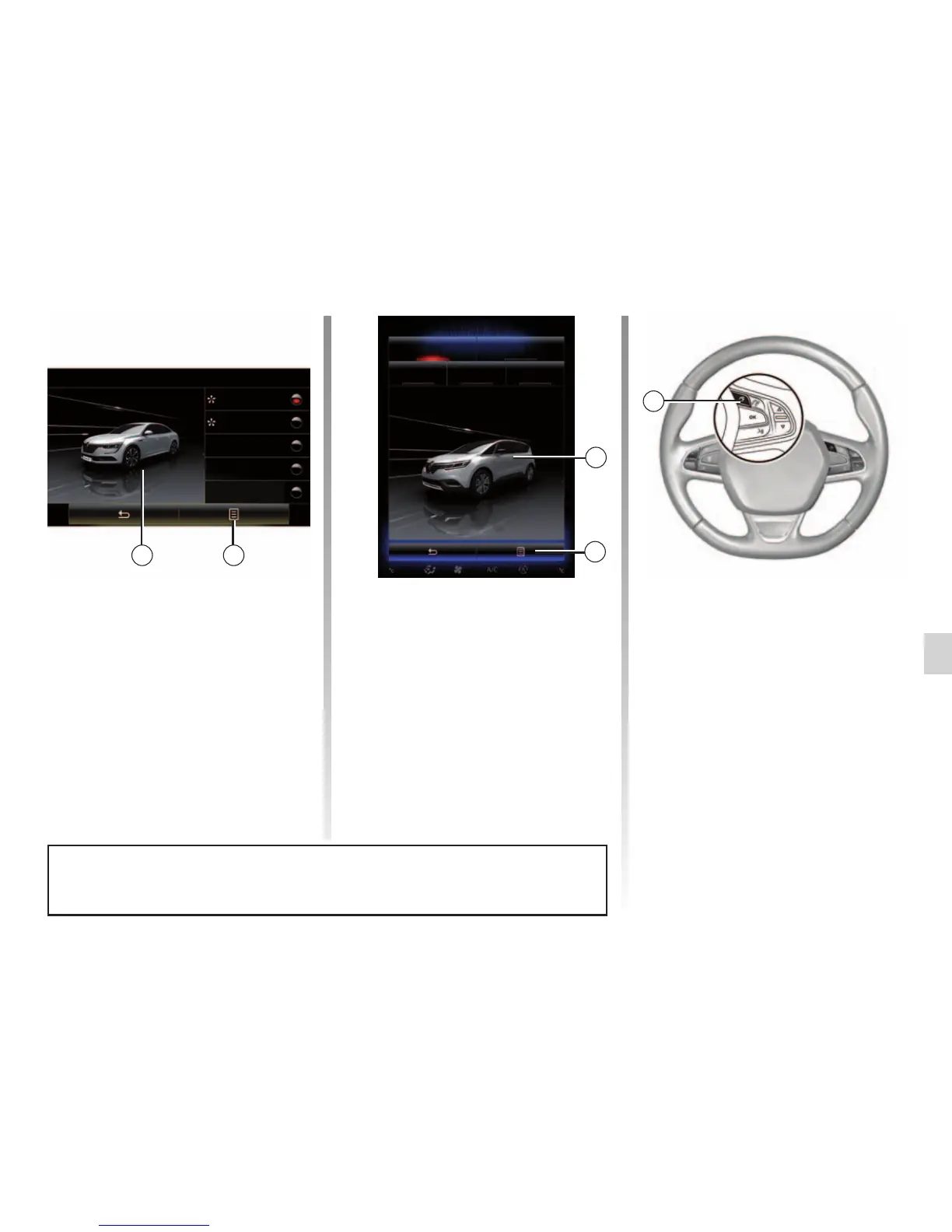
Quick access to favourite modes
Once the “Multi-Sense” menu is dis-
played on the multimedia screen, suc-
cessive presses on the “Multi-Sense”
control allow you to switch between the
two favourite modes that you have se-
lected. To configure your two favourite
modes, press 1 then “Customize pre-
ferred modes”.
Reset parameter values
Press 1, then “Reset current mode” to
the default values. Depending on the
mode selected, the “Dual” function can
be activated and adjusted. For further
information about this function, please
refer to section 3 of your driver’s hand-
book.
Multi-Sense
Sport Eco
Neutral Comfort Perso
1
2
Multi-Sense
Sport
Eco
Neutral
Comfort
Perso
12
When you customise the current mode configuration such as the ambient light-
ing or the massage function for example, the settings are automatically saved to
your user profile.
Theme configuration
Press the 2 screen to adjust the dis-
play theme. Depending on the display
theme selected, press the 3 button to
choose which information is shown on
the instrument panel, such as:
– Route direction;
– Current audio source;
– Compass;
– Power and engine torque;
– Current fuel consumption;
– ...
3



 To Next Page