PHONEBOOK (1/2)
Note: to access the phonebook via the
multimedia system, you will need to au-
thorise data sharing on your telephone.
Please refer to the “Pairing, unpairing a
telephone” section, and your telephone
user manual.
Note: the contacts from your phone
must be saved on the SIM card before
they can be viewed on the multimedia
system.
Updating the phonebook
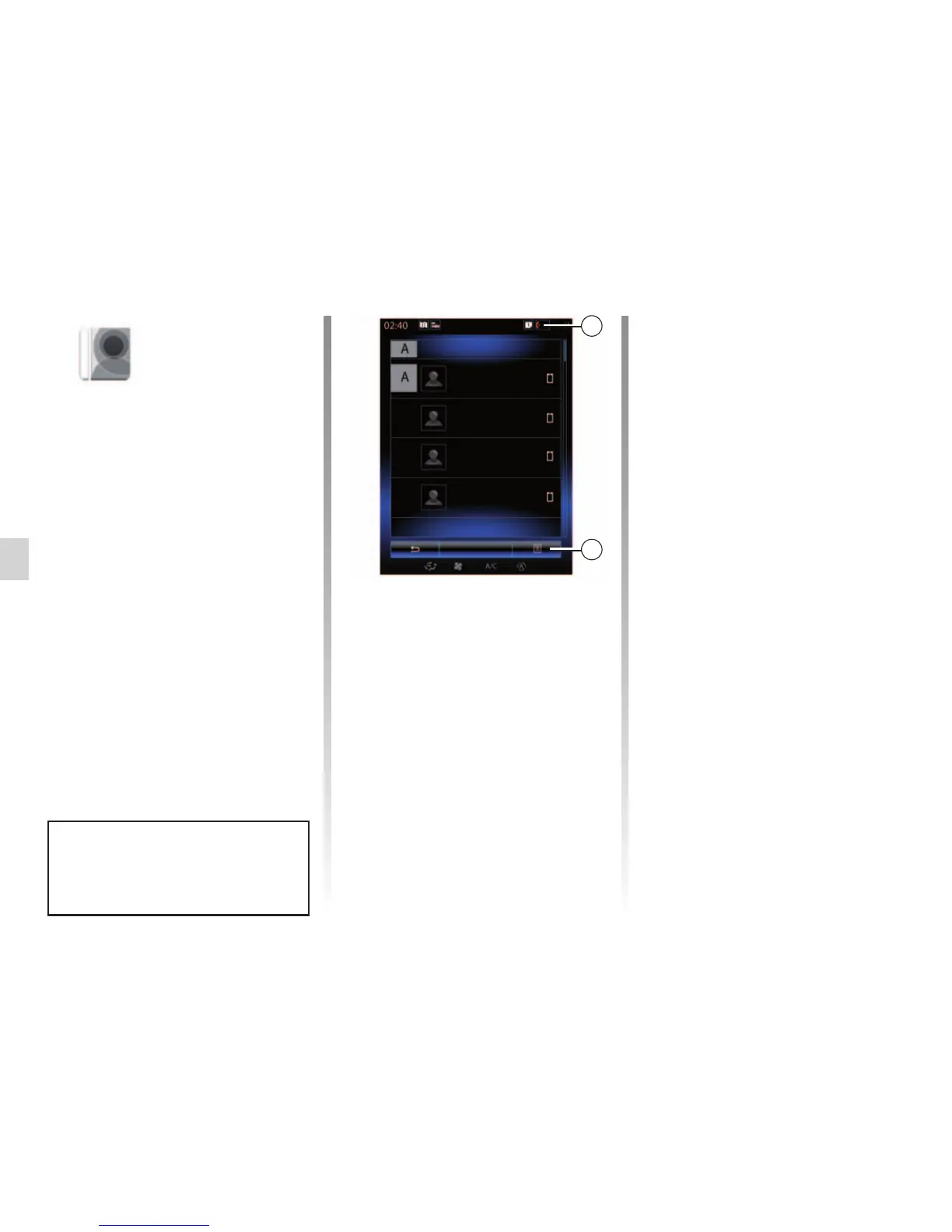
You can manually update your phone
contacts in the multimedia system
phonebook via Bluetooth®. Press
button 2 and then press “Update list”.
Phonebook
Search
Anthony
Aurore
2
Amélie
Aurélie
“Phonebook”
menu
From the main menu, press “Phone”
or press the 1 shortcut from any menu,
then “Phonebook” to access the phone-
book for your telephone from your mul-
timedia system.
You can browse through the list of
contacts in the phonebook using the
steering column control.
Downloading the phone
memory
By default, when pairing and connecting
a telephone, the contacts are synchro-
nised automatically if hands-free con-
nection is activated (Refer to “Manual
connection” in the “Connecting, discon-
necting a telephone” section).
1



 To Next Page