MY APPS
Organize applications
To organise your apps, press the
pop-up button, then “Organise apps”.
App reorganisation can be done di-
rectly by dragging-and-dropping them.
Applications can be deleted by press-
ing delete button “X”. If the app cannot
be deleted, the delete button is not dis-
played.
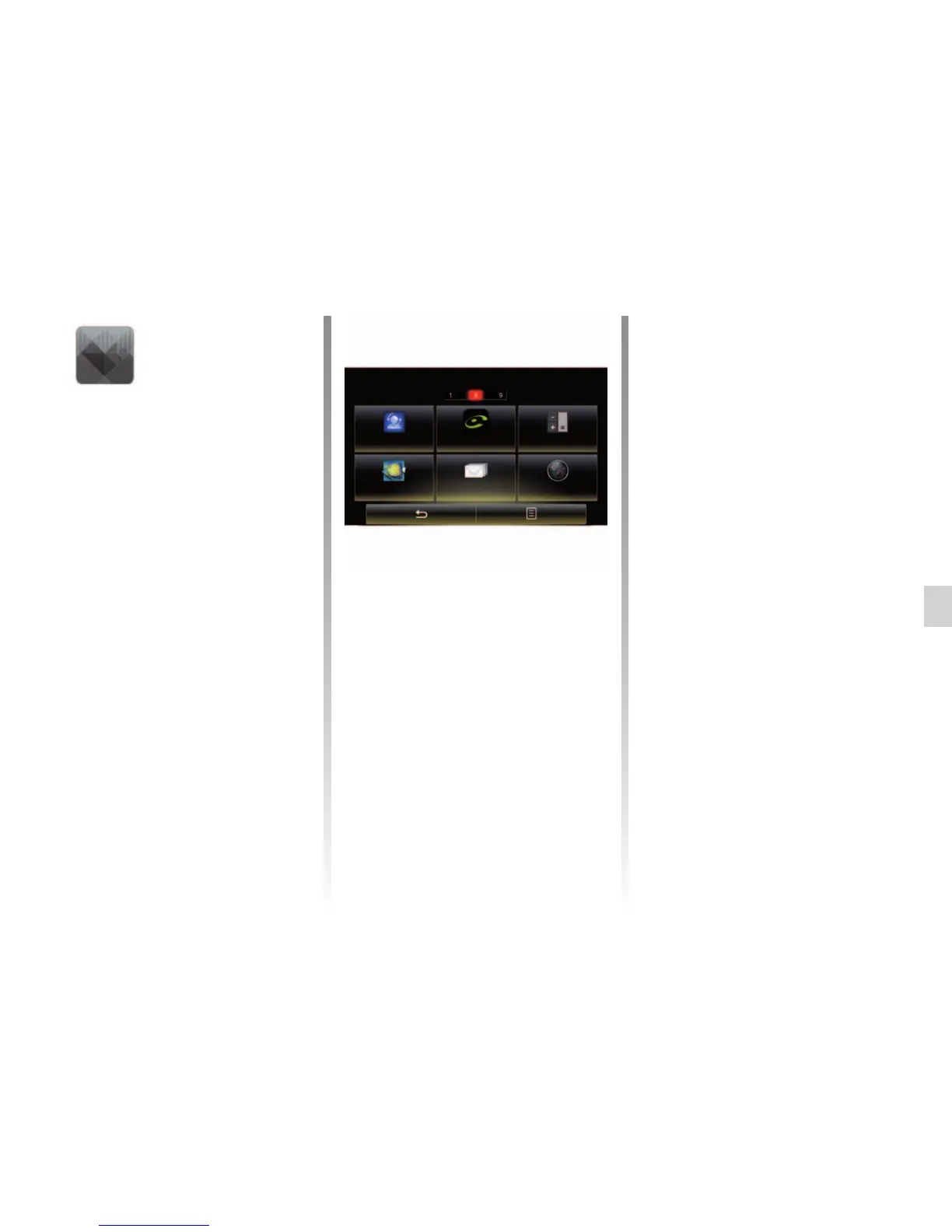
“My apps”
menu
From the home screen, press “Menu”,
“Apps” then “My apps” to access the
multimedia system applications.
The apps installed on your navigation
system will be displayed. Press the re-
quired app icon to launch the app.
Note: If the list of apps has more than
one page, swipe the screen to move to
the next or previous page.
Note: The “Organise apps” button is
disabled while driving.
My apps
Profiles used... Coyote Calculator
Aquarium E-mail Fuel prices



 To Next Page